AI Workflow Automation for Customer Service: Beyond Chatbots
AI workflow automation for customer service uses AI to classify, route, summarize, draft, escalate, and monitor support workflows. It is broader than chatbot deployment because it improves the operating process behind customer service, not only the front-end conversation.
Customer experience leaders, CTOs, support operations managers, and enterprise teams evaluating AI for customer service workflow automation need to separate workflow support from generic chatbot deployment. This article explains how AI can support support queues, knowledge retrieval, routing, response drafting, escalation, CRM updates, and quality review while keeping customer-impacting actions governed.
AI can improve customer service workflows when it is connected to ticketing systems, CRM data, knowledge sources, escalation rules, and human review. It should not be treated as a replacement for accountability. The best workflows use AI to reduce manual context gathering and make support work more consistent.
Customer service automation should be measured through workflow outcomes such as routing accuracy, backlog movement, response time, rework, escalation quality, and auditability. Unsupported claims about satisfaction, savings, or performance should wait for sourced evidence.
What AI Workflow Automation Means for Customer Service
AI workflow automation in customer service means using AI inside defined support processes. The AI system may read a message, classify intent, retrieve related account context, summarize previous interactions, recommend a queue, draft a response, or flag the case for escalation.
The workflow still needs structure. There should be a trigger, an owner, approved data sources, a permitted AI role, a review point, and a measurable outcome. If the AI can recommend a response, the business should define when a person must review it. If the AI can route a case, the business should know how to correct a bad route.
This makes customer service AI different from generic productivity assistance. It is not only an employee asking a model for help. It is a workflow system that needs to respect customer data, business rules, service commitments, and escalation paths.
Customer Service Workflows AI Can Support
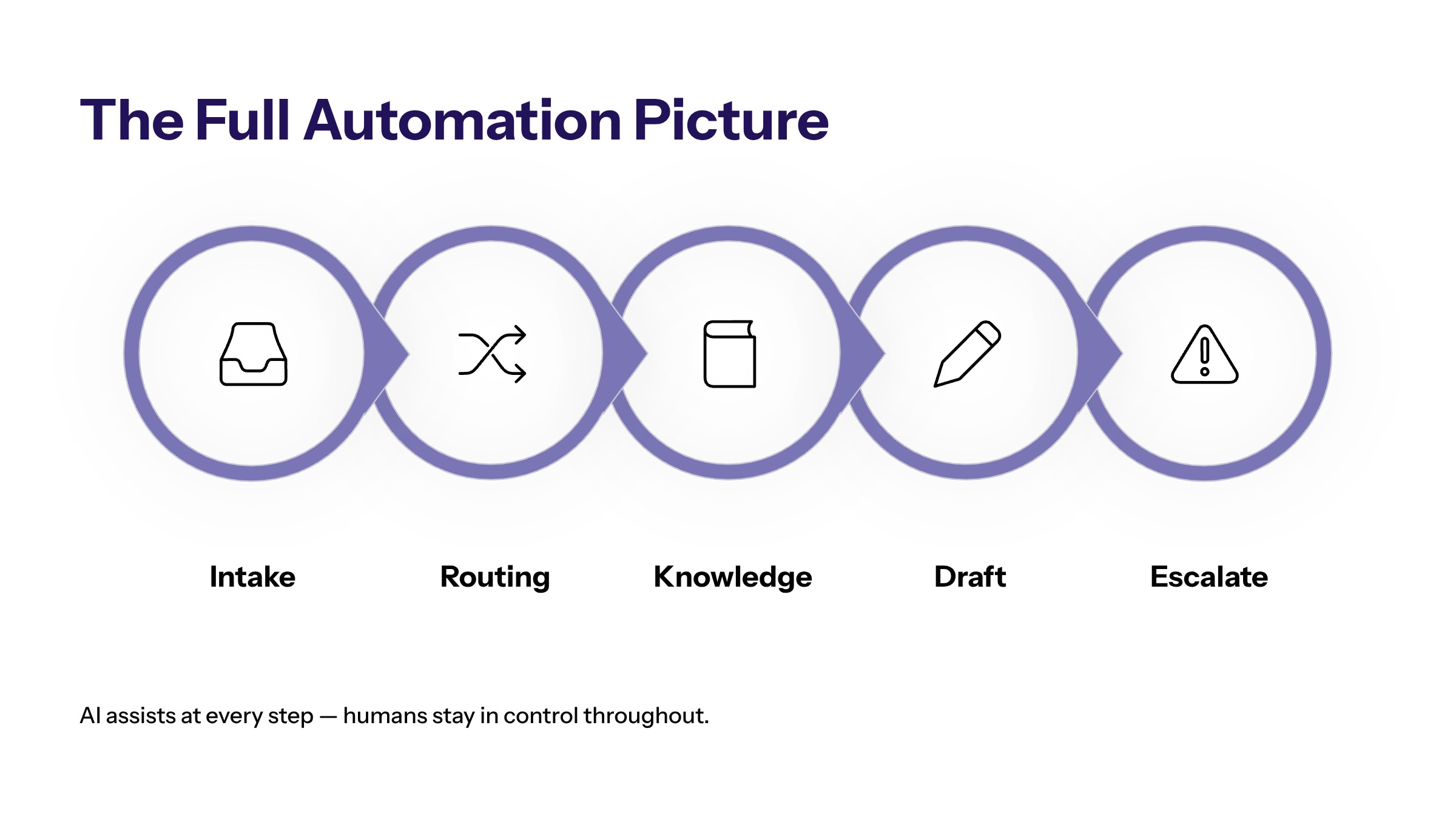
Support operations include many repeatable workflows that are not visible to the customer. AI can help at intake, triage, routing, knowledge retrieval, response drafting, escalation, and monitoring. These workflow steps often consume time before the agent even begins solving the issue.
Workflow Step | AI Role | Human Control | Metric |
|---|---|---|---|
Ticket intake | Classify request type, urgency, and missing information. | Review ambiguous or sensitive cases. | First-pass classification quality. |
Case routing | Recommend queue, owner, or priority. | Override path and escalation owner. | Routing accuracy and queue age. |
Knowledge retrieval | Find relevant policy, product, or account context. | Source review and approved knowledge base. | Rework and agent correction rate. |
Response drafting | Draft suggested replies or internal notes. | Human approval before customer send. | Review time and edit rate. |
Escalation | Flag cases requiring specialist or manager review. | Defined escalation rules. | Escalation quality and resolution time. |
The strongest customer service workflows usually combine AI support with deterministic rules. A rule may route a refund request above a certain threshold to a manager. AI may summarize the context and prepare the review note. Both roles are useful when the boundary is clear.
AI Agents, Support Agents, and Voice Agents in Service Operations
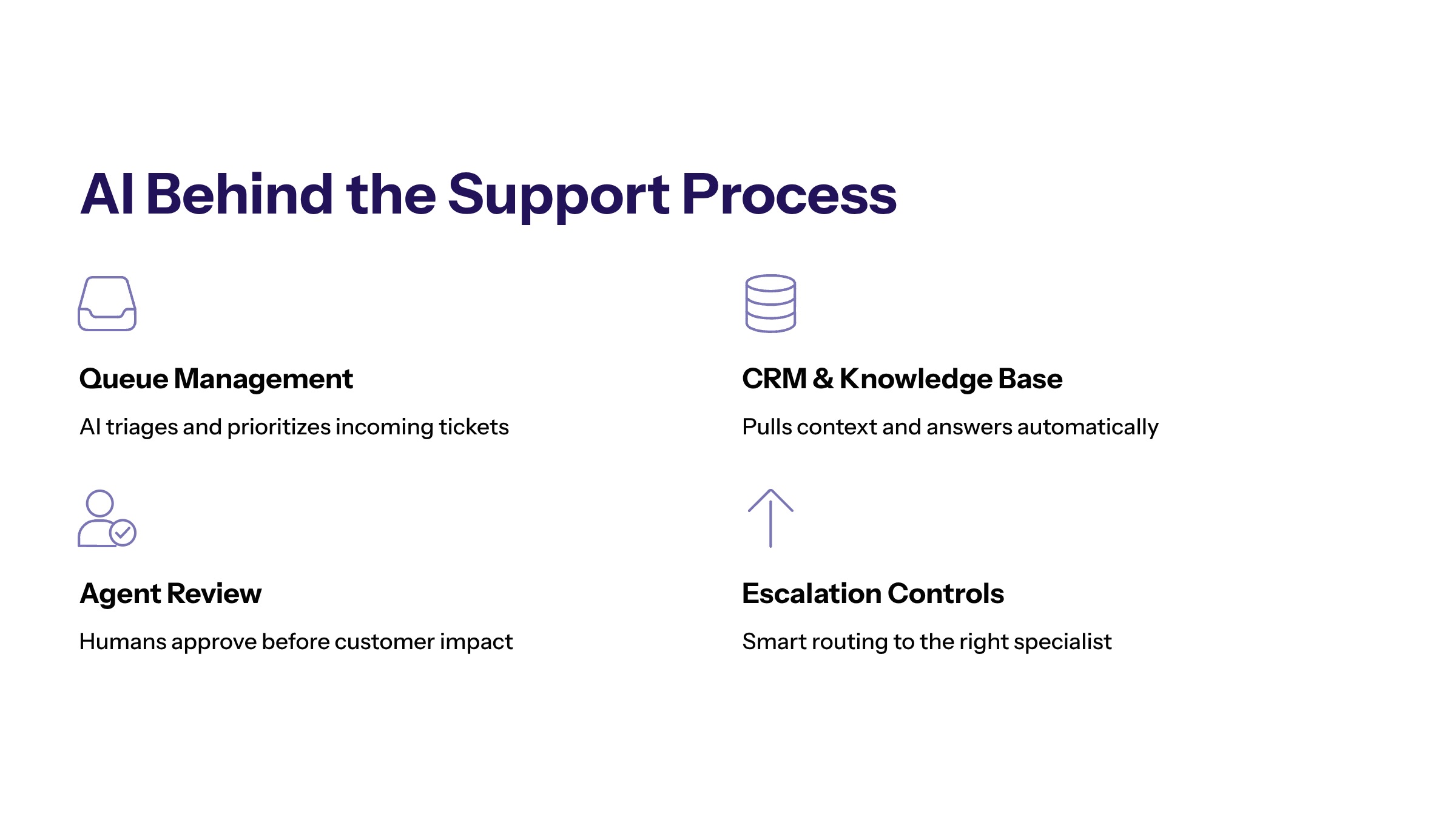
AI support agents for business processes can support service teams by handling defined workflow roles. They may classify cases, retrieve information, draft responses, update internal notes, or monitor queue health. The important question is not whether they are called agents. The question is what actions they can take and how those actions are controlled.
AI software development becomes relevant when service workflows need custom integration with CRM, ticketing, customer data, product systems, entitlement rules, or internal knowledge bases. Off-the-shelf tools may help with common tasks, but enterprise service workflows often require stronger fit with existing systems.
AI voice agents for business can also play a role, but voice workflows need careful design. Transcripts, intent detection, call summaries, and escalation notes can be useful. Customer-facing automation should include clear escalation, privacy controls, and human review for sensitive or uncertain situations.
For many organizations, the first practical step is not a fully autonomous agent. It is an agent-assisted workflow that prepares context for human support teams. This builds trust, creates measurable data, and reduces risk while the team learns where AI actually helps.
Data and Integration Requirements for Support Automation
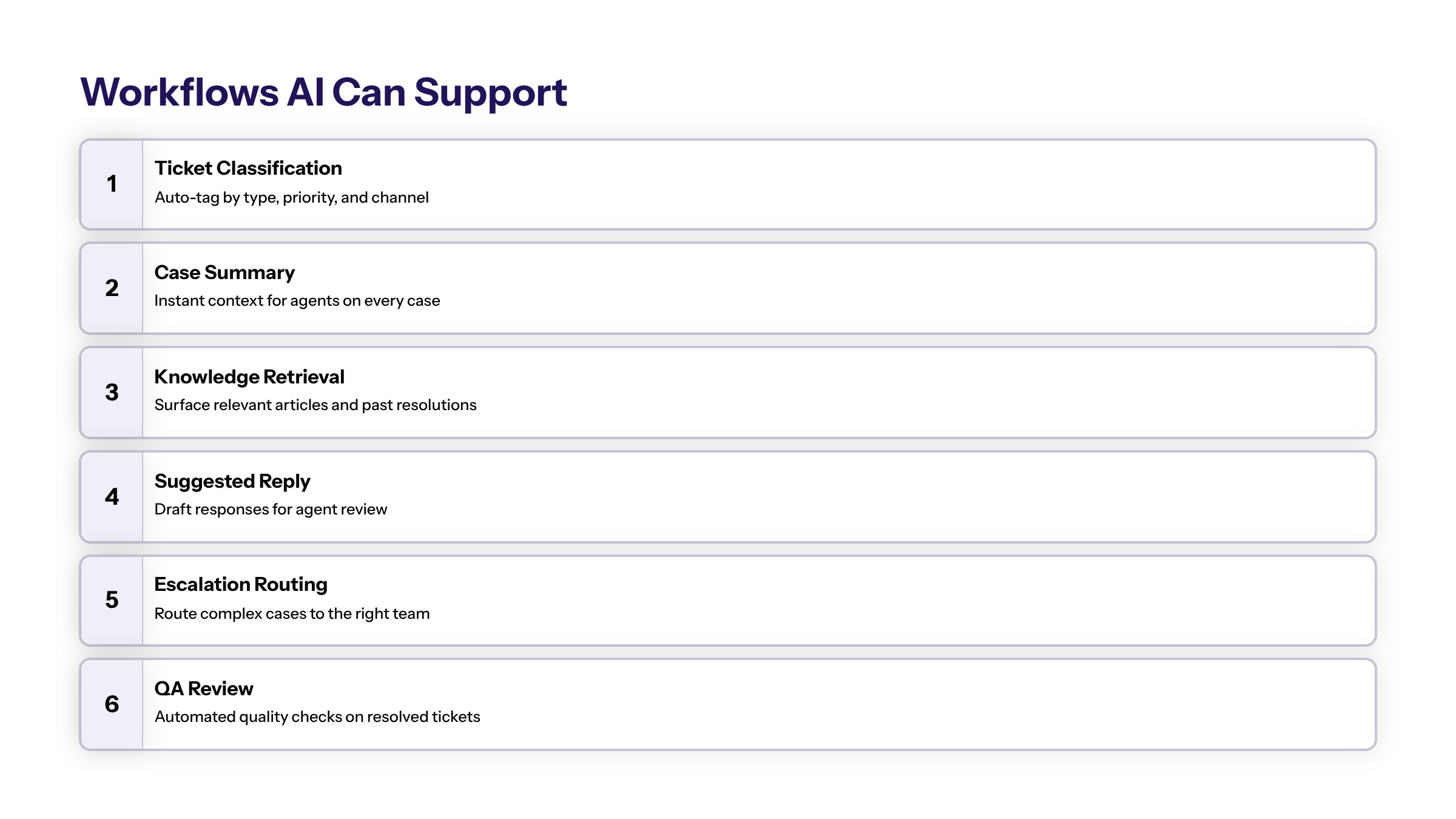
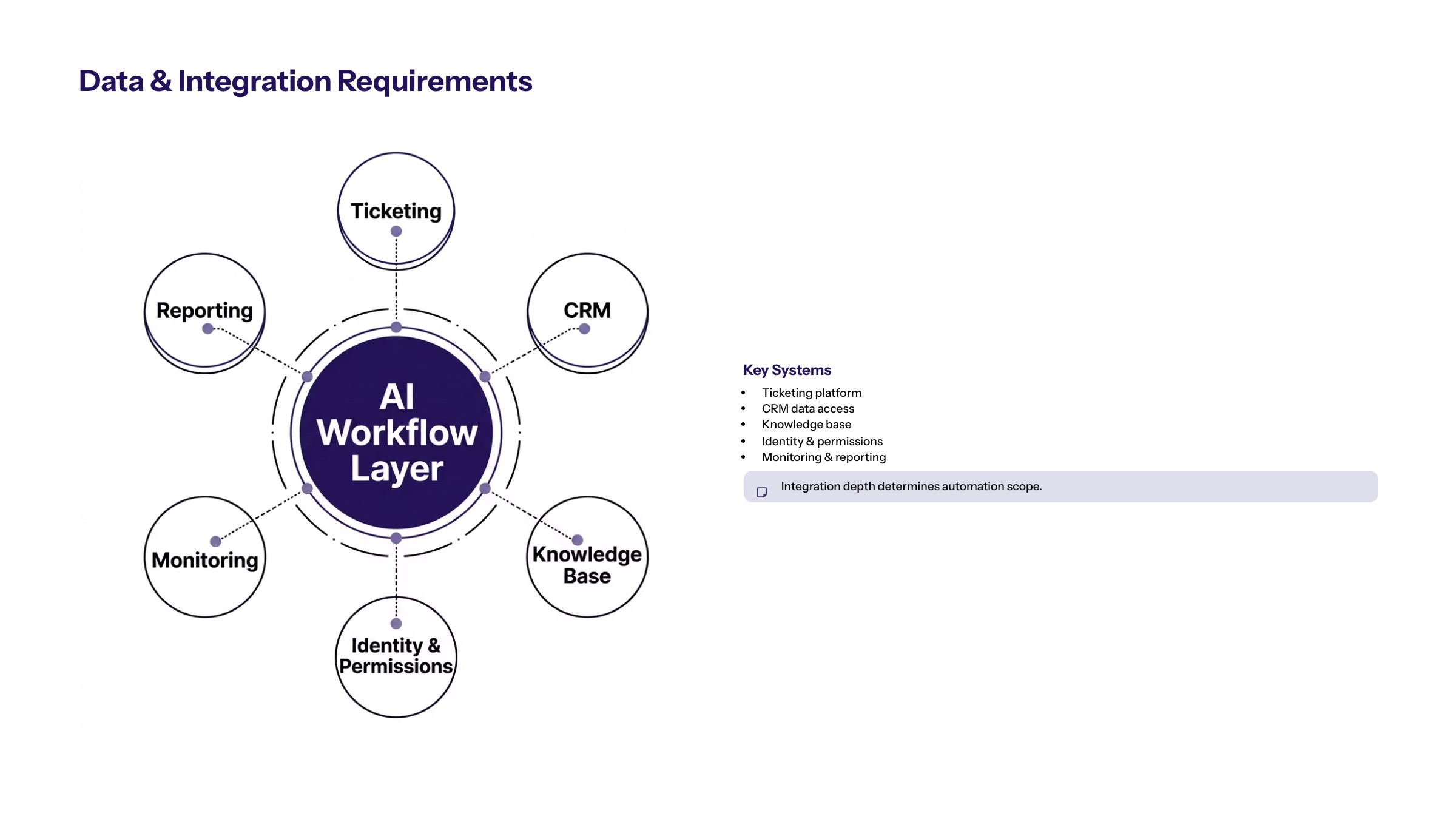
Customer service workflow automation depends on reliable data. AI may need access to tickets, account records, product information, knowledge articles, order status, service history, and internal policies. If those sources are incomplete or inconsistent, the AI workflow will produce inconsistent results.
Integration requirements often include CRM, ticketing platforms, knowledge bases, identity systems, communication channels, analytics tools, and internal applications. The workflow should define which systems are read-only, which systems can be updated, and which actions require human approval.
Data quality matters. Knowledge articles should be current, account records should be reliable, and escalation rules should be documented. If support teams rely on tribal knowledge, the first step may be workflow documentation and knowledge cleanup before automation.
Permissions should follow the minimum necessary access model. An AI workflow should not access all customer data because it is convenient. It should access only what the workflow needs, and the system should log what was used.
Human Escalation and Customer-Impact Controls
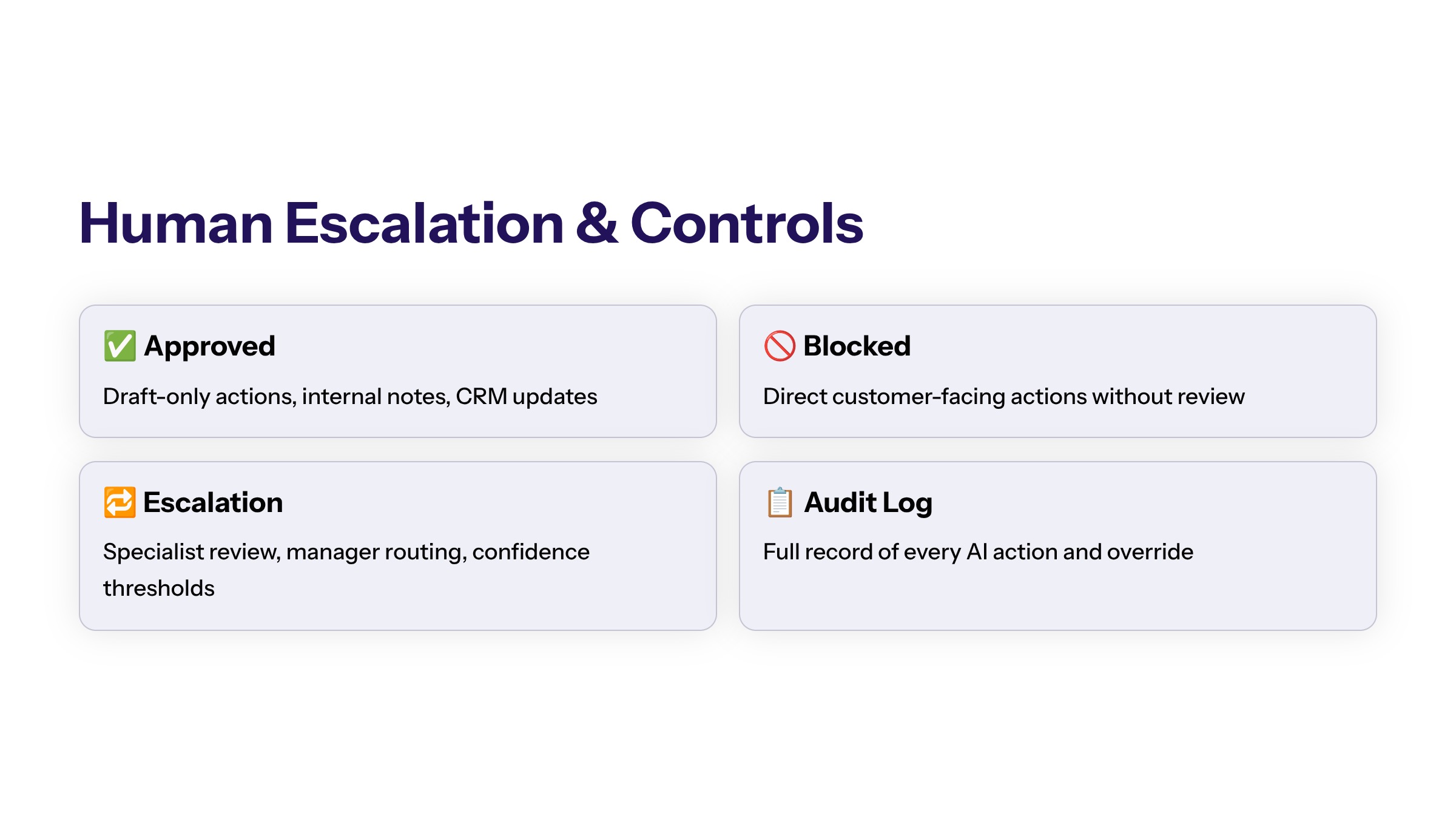
Customer-impacting automation requires controls. If an AI system drafts a message, routes a sensitive case, or recommends a resolution, the business should define when a human reviews the output. Review does not need to slow every case. It should focus on risk.
Secure development for customer service automation includes access controls, audit trails, input validation, output review, escalation paths, and incident handling. It also includes user experience design so support teams know when AI is assisting and when they remain responsible.
Escalation rules should be explicit. Cases involving sensitive data, unclear customer intent, policy exceptions, financial impact, complaints, or low-confidence outputs should move to a human owner. The workflow should show why the case was escalated and what information the AI used.
Tone and quality controls are also important. AI-generated drafts should follow approved service language and avoid overpromising. Support teams should be able to edit drafts and provide feedback so the workflow improves over time.
How to Measure Customer Service Workflow Automation
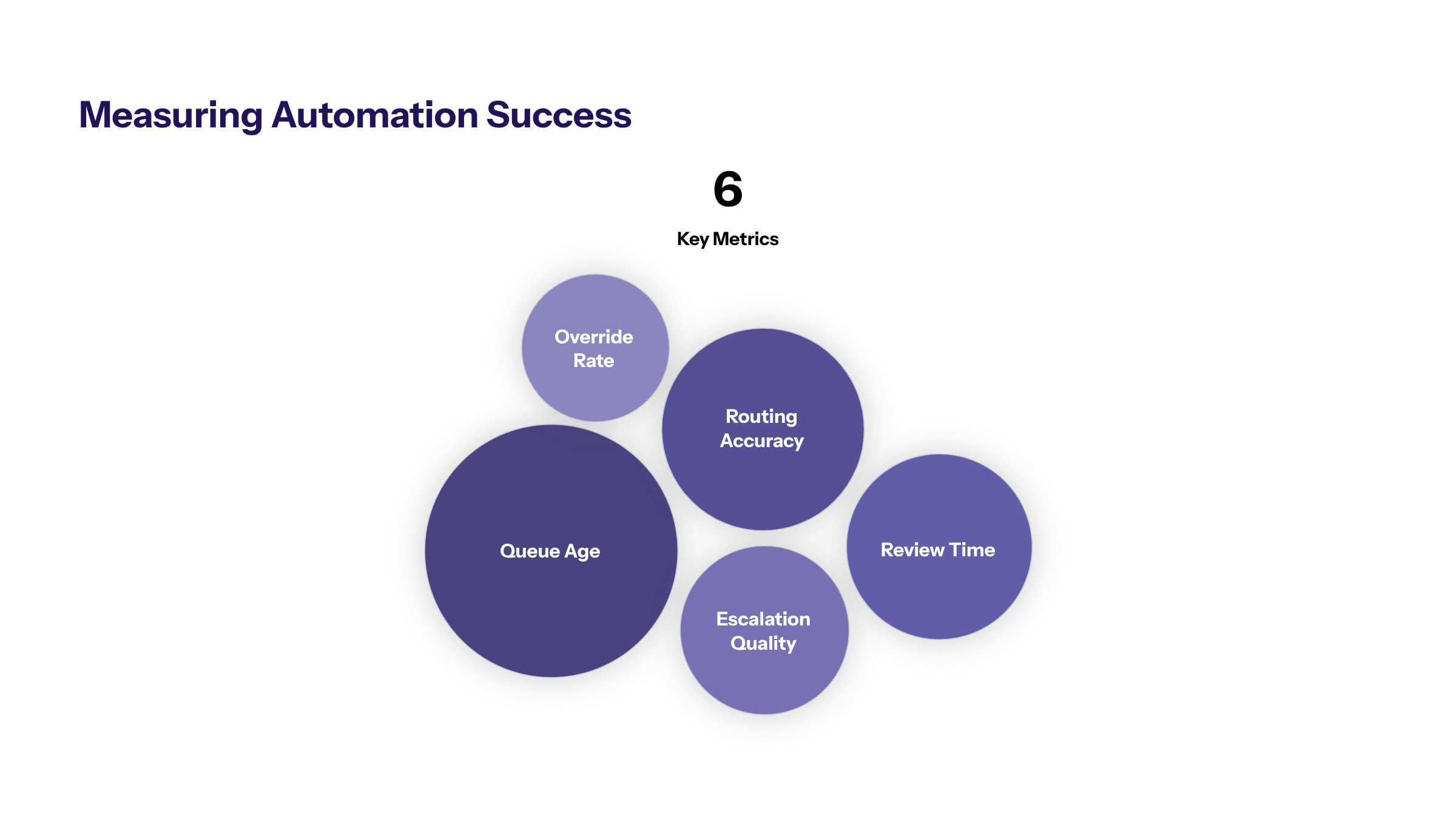
Customer service workflow automation should be measured by operational performance and control. Useful workflow metrics include queue age, first-response time, routing accuracy, escalation quality, rework, manual touches, backlog, and agent adoption. Useful control metrics include override rate, audit completeness, low-confidence outputs, and unresolved exceptions.
Teams should measure before and after the pilot. If the baseline is unknown, it is difficult to prove whether AI improved the workflow. A pilot should define success before launch and compare results against the current process.
Metrics should not focus only on speed. Faster responses are useful only if quality and control remain acceptable. A workflow that moves cases quickly but increases rework or customer-impact risk is not production-ready.
Measurement should also include support-team feedback. The people using the workflow know whether AI suggestions save time, create confusion, or miss important context. Their feedback should guide improvement before scale.
Implementation Roadmap for AI Customer Service Workflows
A practical implementation roadmap starts with one support workflow. Avoid starting with the entire customer service department. Choose a workflow with enough volume to measure and enough boundaries to govern.
Select the workflow. Choose intake triage, case routing, response drafting, escalation support, or queue monitoring.
Map the current process. Document channels, systems, owners, decision points, and exceptions.
Define AI role and limits. Decide whether AI classifies, retrieves, summarizes, drafts, routes, or monitors.
Connect approved data. Integrate only the sources needed for the workflow.
Set review thresholds. Define which outputs require human approval and why.
Pilot and improve. Measure workflow and control metrics before expanding.
Common Customer Service Automation Mistakes
A frequent customer-service mistake is treating chatbot deployment as the entire automation strategy. Chatbots can be useful, but support performance often depends on routing, knowledge quality, escalation, case summaries, and internal workflow visibility.
The second mistake is connecting AI to poor knowledge sources. If policies, product details, or service procedures are outdated, the AI workflow may amplify confusion. Knowledge readiness should be part of the implementation plan.
The third mistake is ignoring escalation. AI should know when to stop. Sensitive, complex, or low-confidence cases need a human path, and that path should be visible in the workflow.
The fourth mistake is measuring only deflection or speed. Customer service teams should also measure quality, rework, escalation accuracy, auditability, and agent adoption.
Operating Model for AI Support Workflows
Customer service AI needs an operating model after launch. The support team should know who owns knowledge articles, who approves workflow changes, who reviews escalations, who monitors quality, and who handles incidents when automation behaves unexpectedly.
The operating model should include regular review of support metrics and control metrics. If routing accuracy declines, if agents override AI outputs frequently, or if escalation queues grow, the workflow needs adjustment. This review should include support managers, technical owners, and the people using the workflow every day.
Change control is also important. Updating a prompt, changing a knowledge source, adding a CRM field, or changing escalation rules can affect customer experience. Production changes should be documented and tested according to risk.
Finally, support teams should keep a feedback loop. Agents should be able to mark suggestions as useful, incomplete, wrong, or unsafe. That feedback helps improve the workflow and gives leadership a more accurate view of adoption.
Customer Service Readiness Checklist
Before launching AI workflow automation for customer service, teams should confirm that the support workflow is documented, the knowledge base is current, CRM and ticketing access are permissioned, escalation paths are defined, and human review rules are understood. If the workflow depends on undocumented policy or inconsistent customer records, the first step should be cleanup and alignment.
The checklist should also cover customer-impact risk. Which replies can be drafted but not sent? Which cases require a specialist? Which customer data should never be exposed to the AI system? Which outputs should be logged for audit and coaching? Answering these questions before launch helps support leaders improve service workflows without turning AI into an unmanaged customer-facing layer.
Customer Service Scale Gates
Customer service automation should scale only after the pilot produces evidence. The team should know whether AI improved routing, reduced manual context gathering, kept escalation quality stable, and earned support-team trust. If the pilot creates more overrides or confusion, the workflow should be revised before expanding to more queues or channels.
A useful decision gate asks what changed for the customer and what changed for the support team. If customers get clearer responses and support agents spend less time searching for context, the workflow may be ready for the next stage. If speed improves but quality declines, the automation is not ready for broader release.
The decision should also consider maintainability. If the knowledge base, routing rules, or CRM fields require constant manual correction, the workflow needs operational cleanup before it expands. Otherwise, AI may reduce one visible queue while increasing hidden rework for support managers, quality reviewers, and technical owners who must repair the workflow after every exception.
How to Start Customer Service Automation Safely
AI for customer service workflow automation should begin with the support process, not the chatbot interface. Identify the workflow constraint, map the systems, define the AI role, and pilot with human review and measurement.
When AI supports the workflow behind service delivery, teams can improve consistency and visibility without removing accountability from customer-impacting decisions.
Frequently Asked Questions About AI Workflow Automation for Customer Service: Beyond Chatbots
No. A chatbot is one possible interface. Customer service workflow automation includes intake, routing, summarization, response drafting, escalation, monitoring, and system updates behind the support process. For related reading, see building AI agents.
Only when the business has defined safe boundaries. Many enterprise teams start with draft-only or recommendation-only workflows, then expand automation after testing, review, and controls are proven. For related reading, see AI agent architecture.
Start with a bounded, measurable workflow such as ticket classification, routing, case summaries, or escalation support. Avoid broad automation before knowledge sources and review rules are ready. For related reading, see AI agent use cases.
Customer complaints, refunds, legal issues, sensitive account changes, and low confidence responses should stay human reviewed. Automation can prepare context, but people should approve high impact outcomes. For related reading, see AI agent workflows.
Teams can measure routing accuracy, response preparation time, escalation quality, rework, customer impact, and agent adoption. Quality should include both speed and control. For related reading, see generative AI implementation.
Support automation should avoid unnecessary sensitive data, outdated records, unapproved knowledge sources, and information outside the workflow scope. Data minimization reduces privacy and trust risk. For related reading, see AI-first architecture.