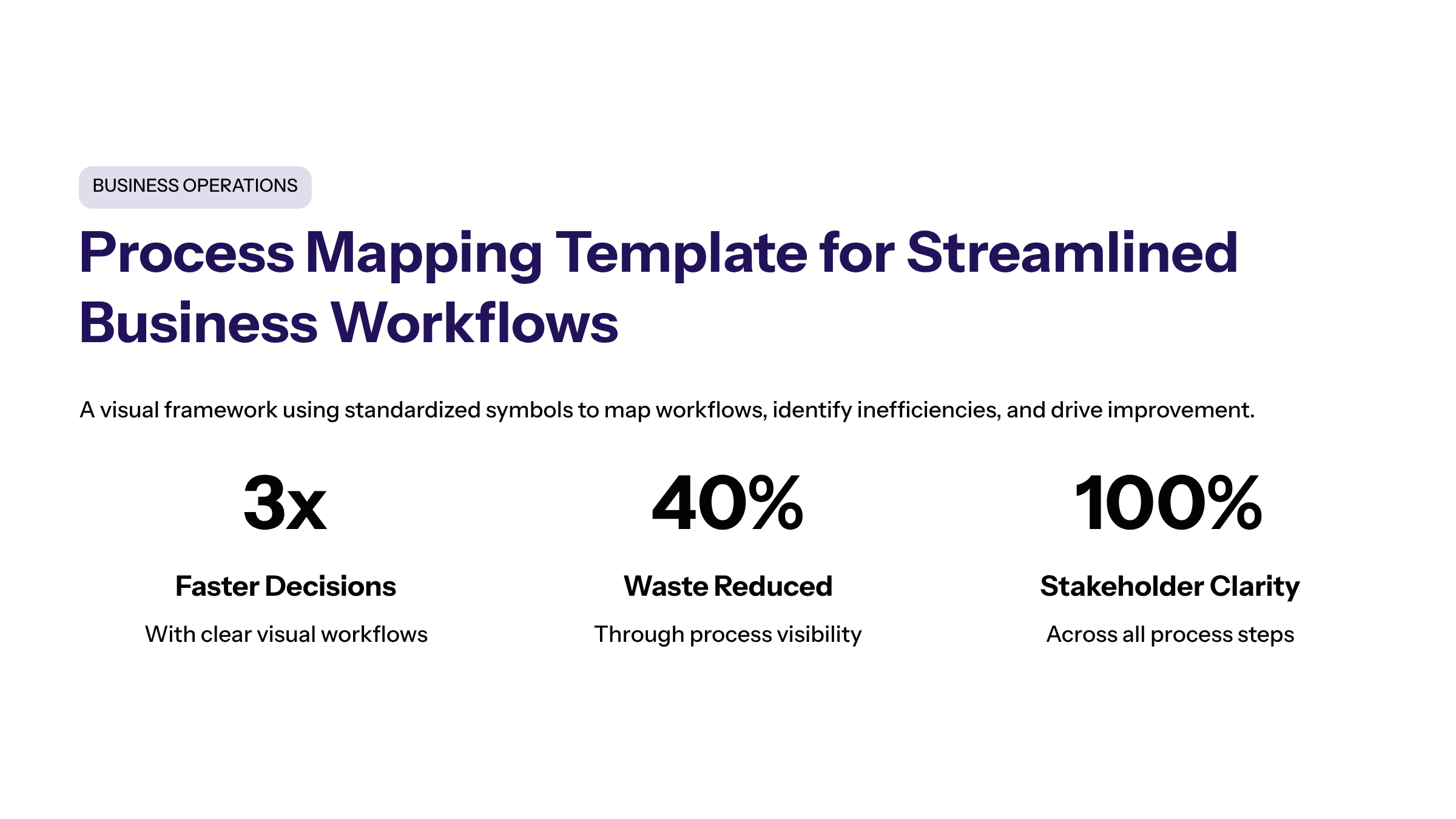
Process Mapping Template for Streamlined Business Workflows

Introduction to Business Process Mapping
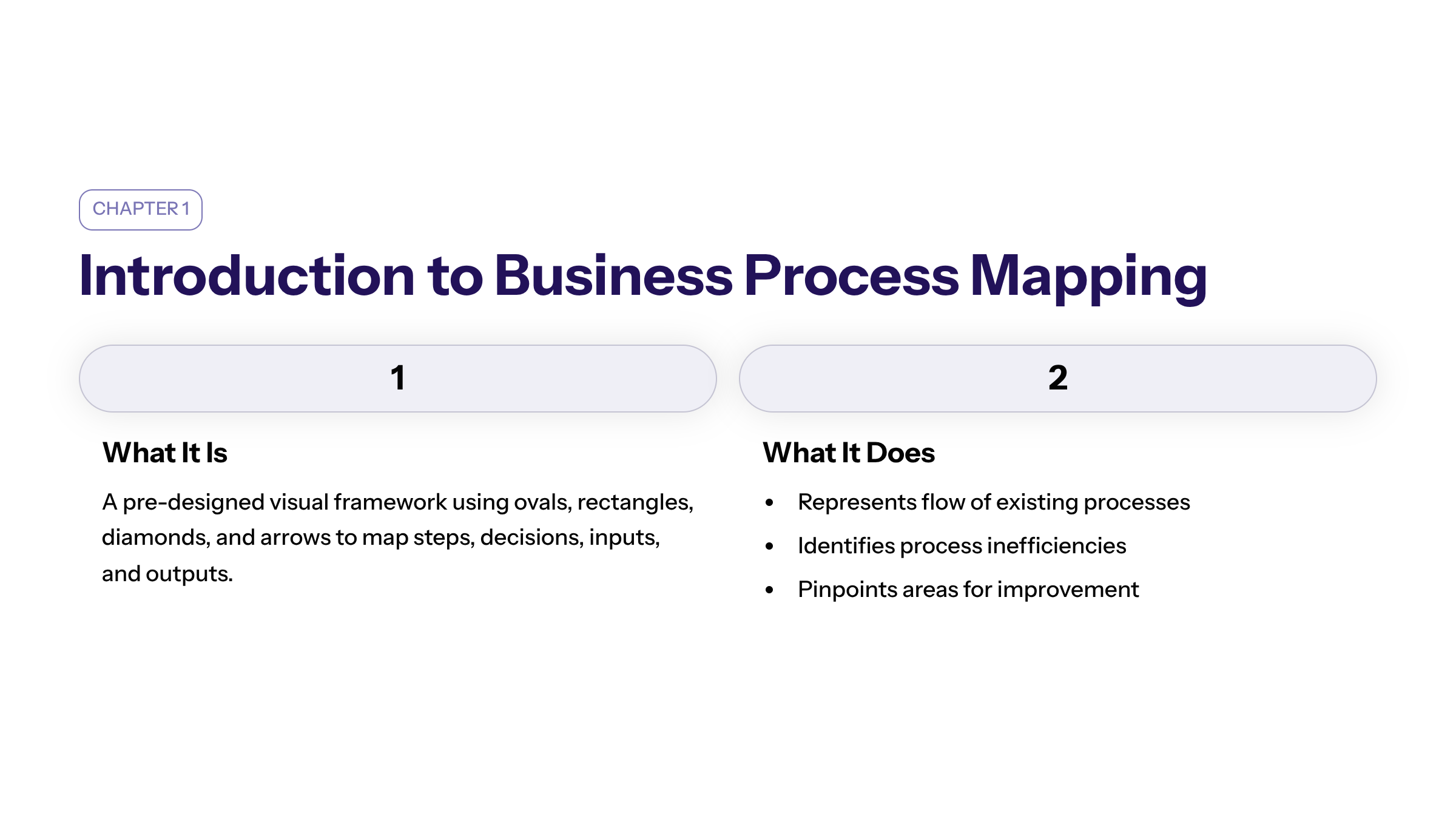
Business process mapping is a powerful visual tool used to create a process map that represents the flow of a company's existing processes. At its core, a process mapping template is a pre-designed visual framework that uses standardized symbols and shapes—such as ovals, rectangles, diamonds, and arrows—to map out a workflow's steps, decisions, inputs, and outputs. By visually mapping workflows, organizations can gain insight into how a process works, identify process inefficiencies, and pinpoint areas to improve processes. Using a business process mapping template, teams can create detailed process maps that include all the details involved in a specific process, ensuring consistency and clarity throughout the project lifecycle.
Benefits of Using a Process Mapping Template
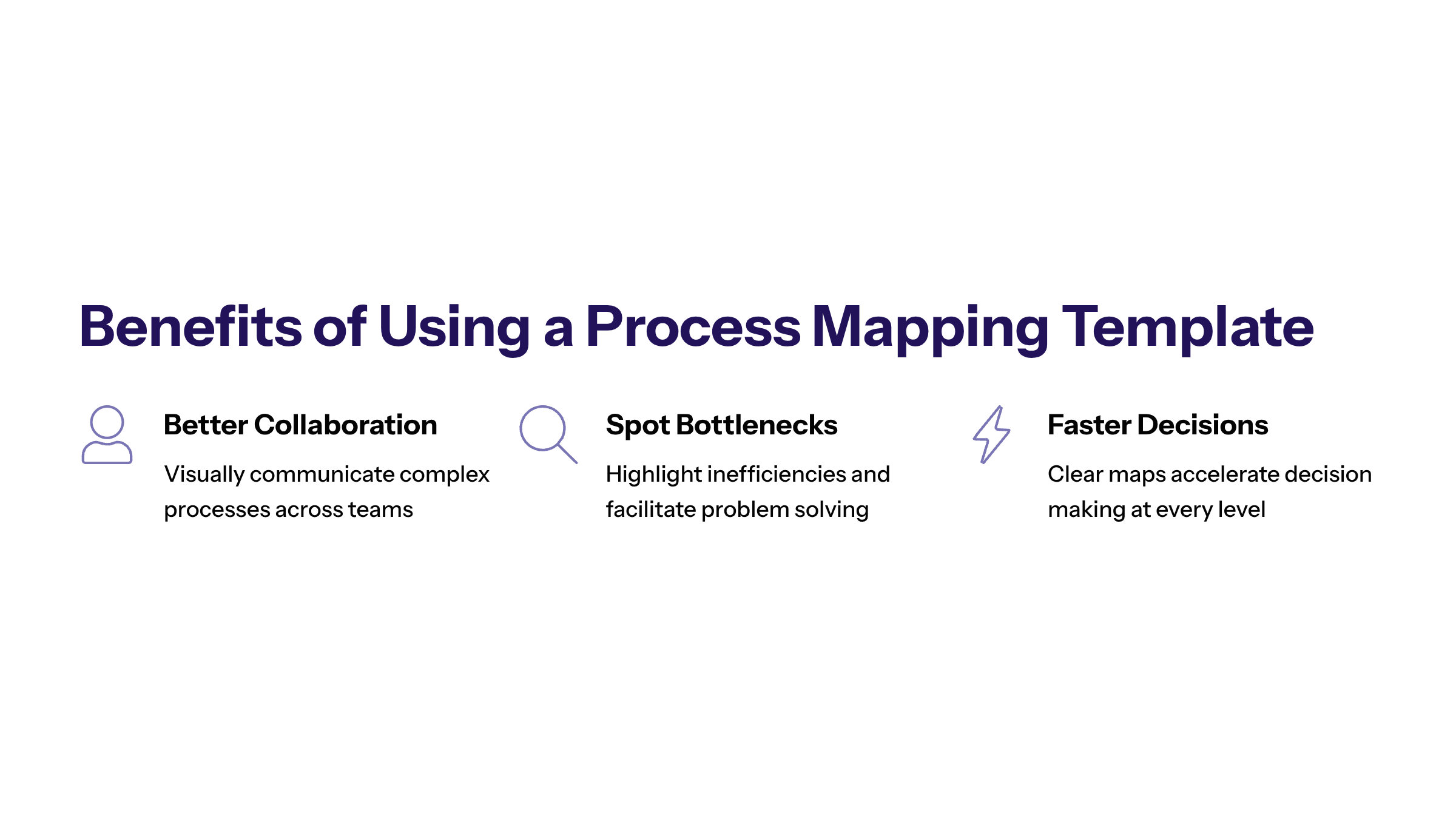
Using a process mapping template offers numerous benefits for any project. It helps teams visually communicate complex processes, enabling better communication and collaboration among people involved. Process maps highlight bottlenecks and inefficiencies, facilitating problem solving and decision making. Additionally, process maps serve as valuable training tools for new employees, ensuring everyone is on the same page and understands their role within the same process. Ultimately, process mapping enhances productivity by streamlining workflows and eliminating waste, which is essential for continuous improvement in all projects.
Moreover, process mapping templates can identify repetitions, delays, and bottlenecks while clearly defining process ownership, process boundaries, process metrics, and process responsibilities. This clarity is critical for teams across creative, sales, IT, and other departments to streamline their business processes effectively. By using actionable wording in mapping templates—typically in a verb-noun format like "Review Invoice"—teams ensure tasks are clear and easy to follow.
Creating a Process Map: Step-by-Step Guide
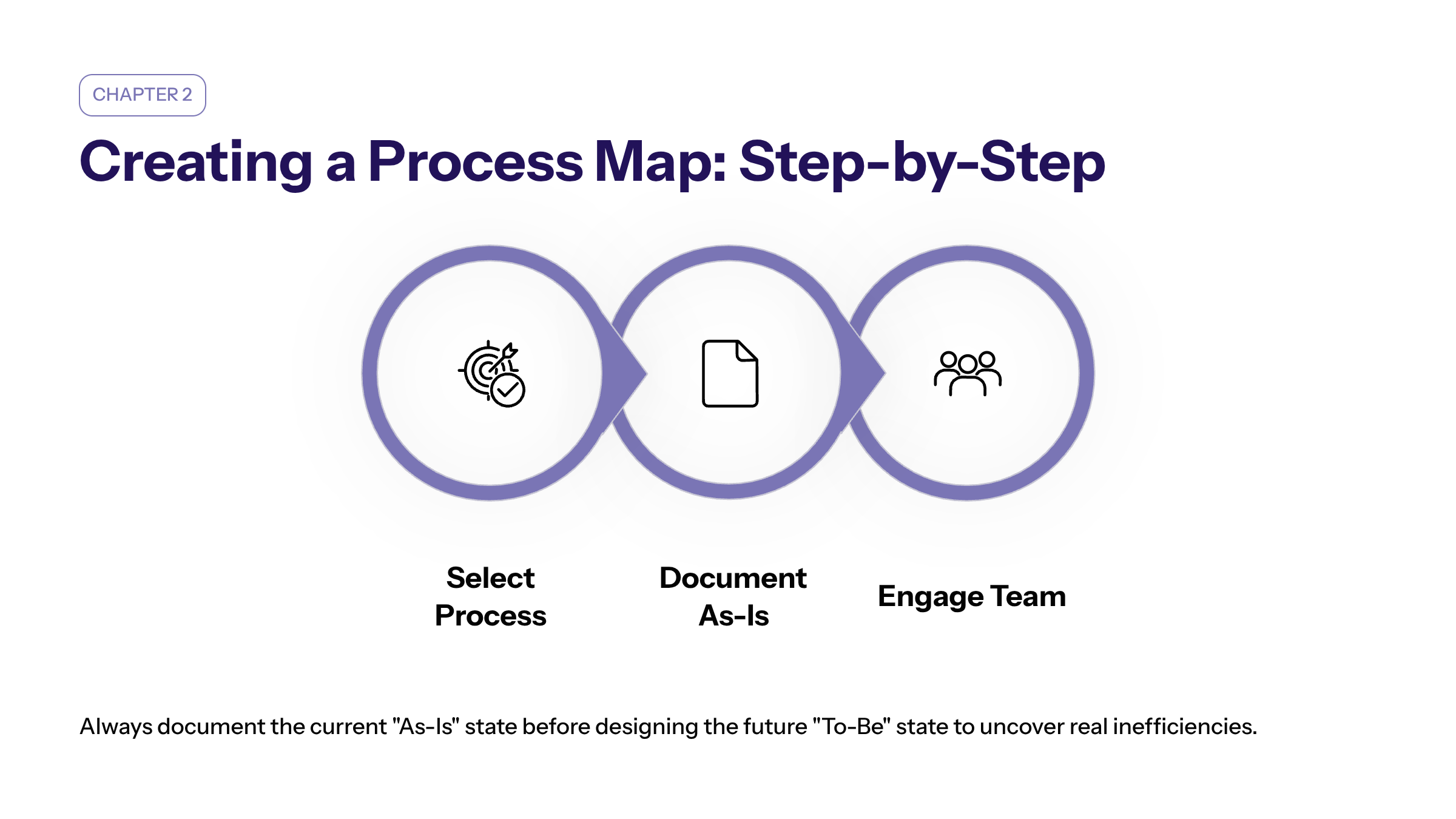
To create a process map for your project, start by selecting the specific process you want to visualize. It is important to document the 'As-Is' state of the process before designing the 'To-Be' future state to understand current inefficiencies and areas for improvement. Gather information by engaging with team members and observing the current process in action. Use a business process mapping template to visually communicate the process flow, ensuring you include all the steps, task dependencies, decision points (often indicated by diamond shapes), and raw materials involved. Rectangles represent specific actions or work steps, while ovals mark the absolute beginning and end of the process, defining its boundaries in the mapping template. Arrows connect these elements to show the logical order and direction of the workflow.
Organize the steps in the correct sequence to reflect the actual workflow accurately. This approach helps teams gain insight into the project’s progress and identify areas that need enhancement. Assigning a process owner is also essential; this person is accountable for the map’s accuracy, performance, and ongoing revisions, which should include a log of updates to maintain the process map as a 'living document.'
Detailed Process Map: Capturing All the Steps
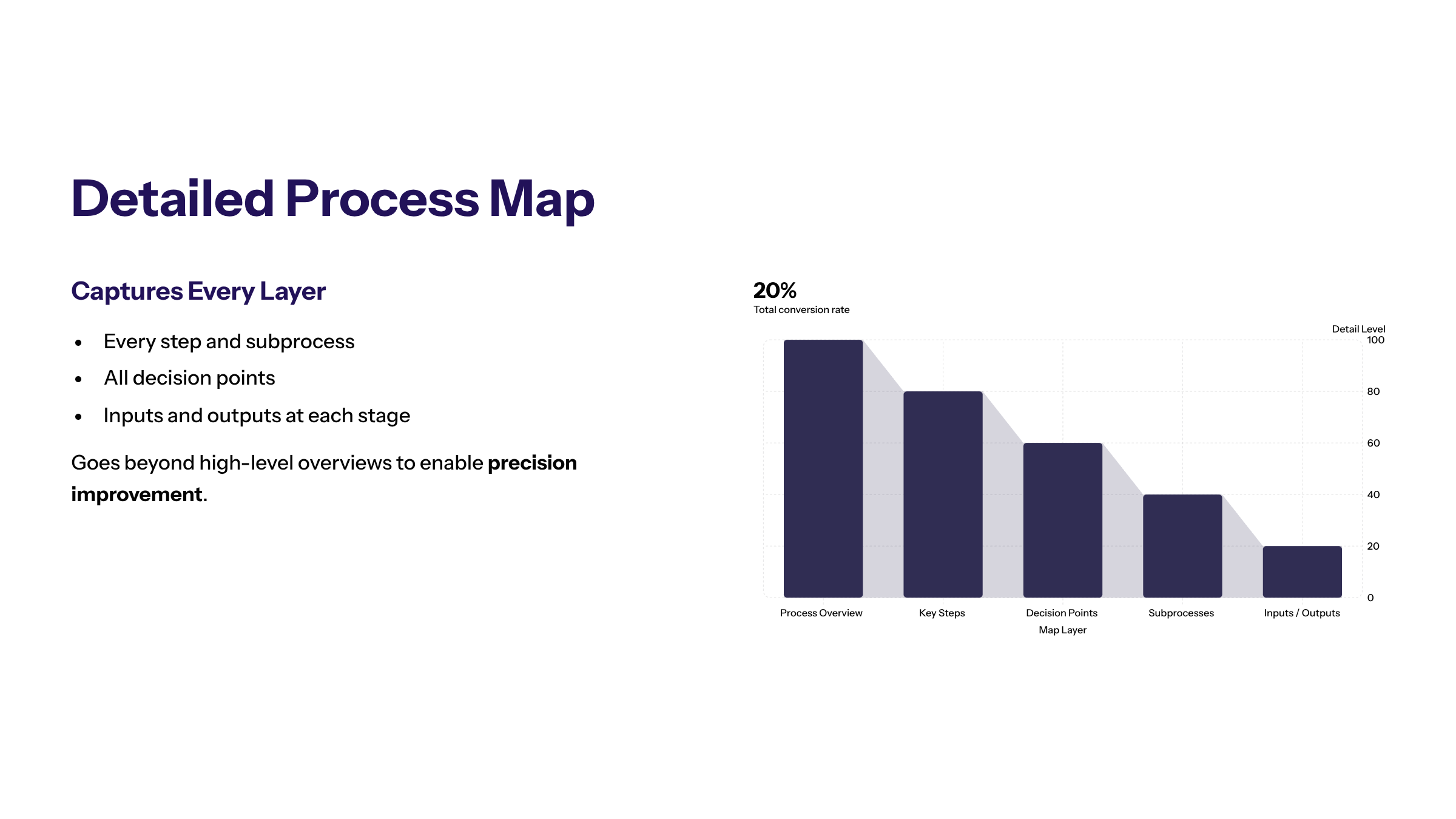
A detailed process map provides an in-depth visual representation of a complex process. Unlike a simple process map template that gives a high-level overview, a detailed process map captures every step, decision point, and subprocess involved. This comprehensive approach enables teams to identify inefficiencies and areas for improvement with precision. Detailed process maps are particularly useful in industries where understanding all the details is crucial for compliance, quality assurance, or process optimization, especially when implementing methodologies like the Six Sigma process to improve processes systematically.
These maps often include key performance indicators (KPIs) or time taken for steps to highlight bottlenecks. By visualizing manual steps, mapping templates can also pinpoint automation opportunities that improve efficiency. Creating such detailed maps helps delineate roles and responsibilities, preventing overlaps across teams or assignees.
Simple Process Map Template: For Quick Overviews
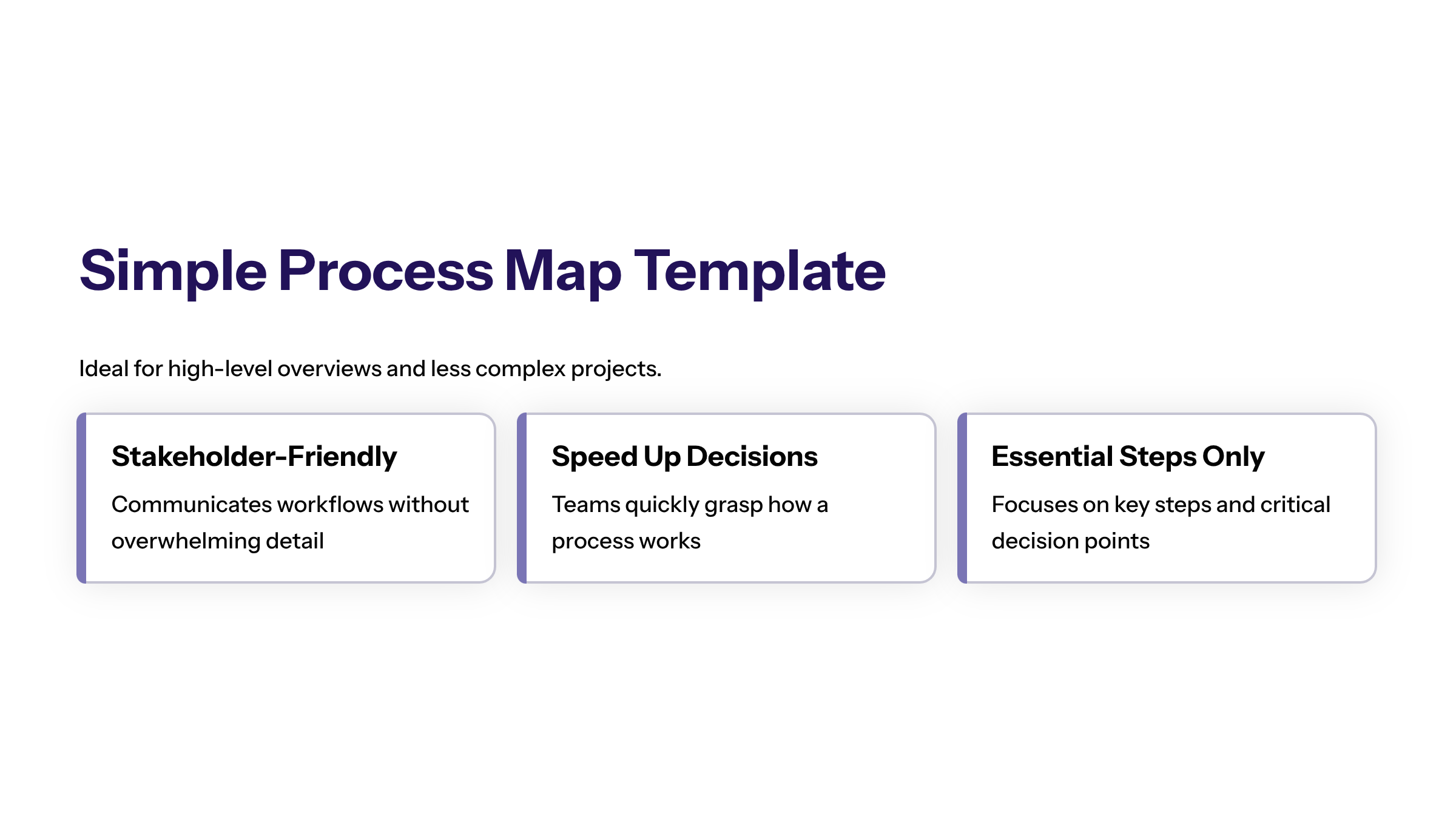
A simple process map template offers a straightforward way to visualize a process by focusing on the key steps and decision points without overwhelming detail. This type of map is ideal for communicating workflows to stakeholders who need a high-level understanding or for projects that are less complex. Using a simple process map template can speed up decision making and help teams quickly grasp how a process works, while still providing enough details related to the essential steps.
Basic flowcharts are best suited for these simple, linear sequences, making the process clear and easy to understand for all stakeholders. This clarity is especially useful for onboarding new team members or communicating across different departments.
SIPOC Process Map: Understanding Inputs and Outputs
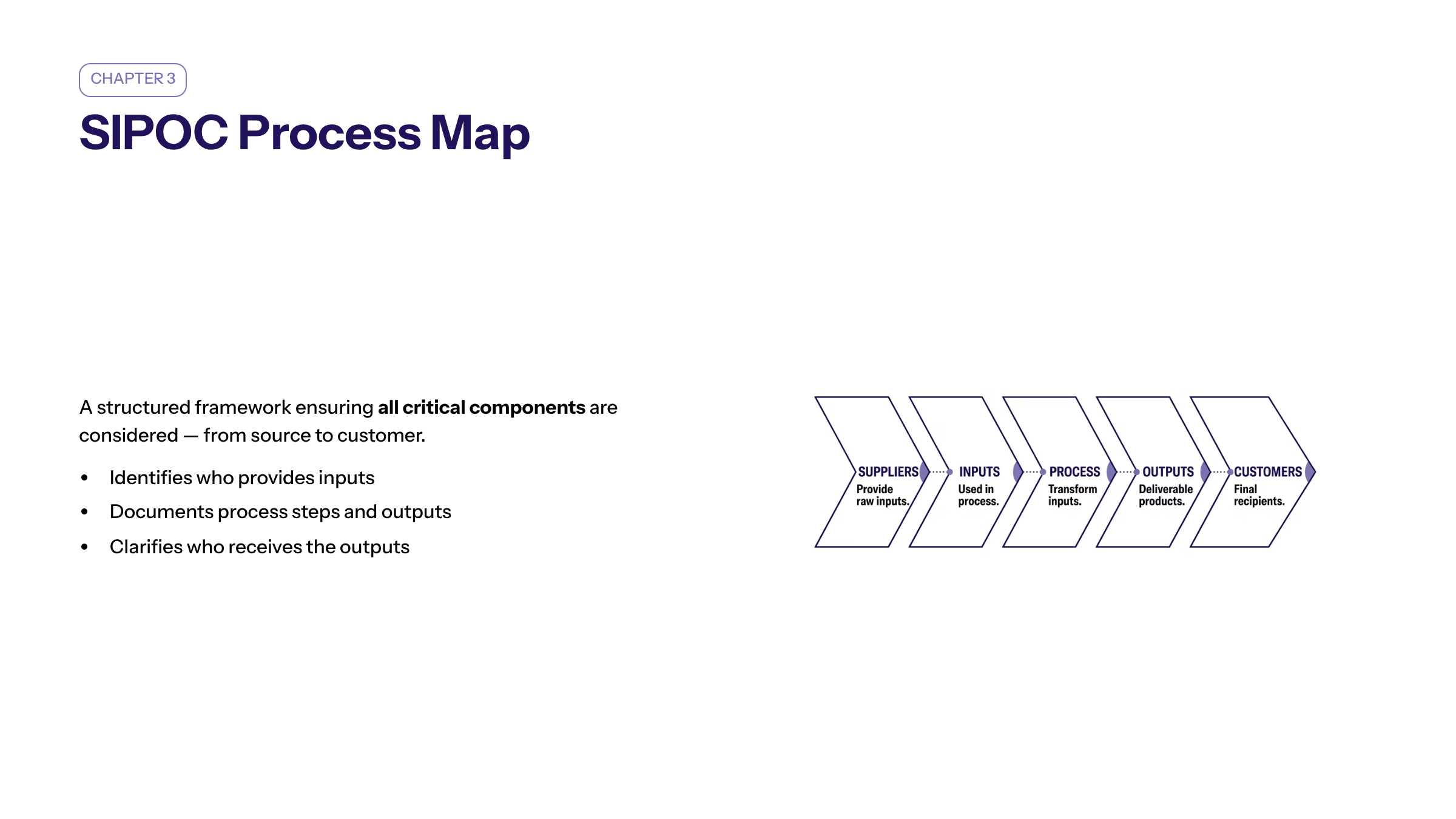
The SIPOC (Suppliers, Inputs, Process, Outputs, Customers) process map is a valuable tool for categorizing and visualizing the key elements of a process. It identifies who provides the inputs, what the inputs are, the process steps, the outputs produced, and the customers who receive those outputs. This format helps ensure all critical components are considered, making it easier to identify inefficiencies and improve the entire process flow. SIPOC maps are especially useful in projects aiming to improve processes by gaining insight into the relationships between suppliers and customers.
Free Process Map Templates: Accessible Tools for Everyone
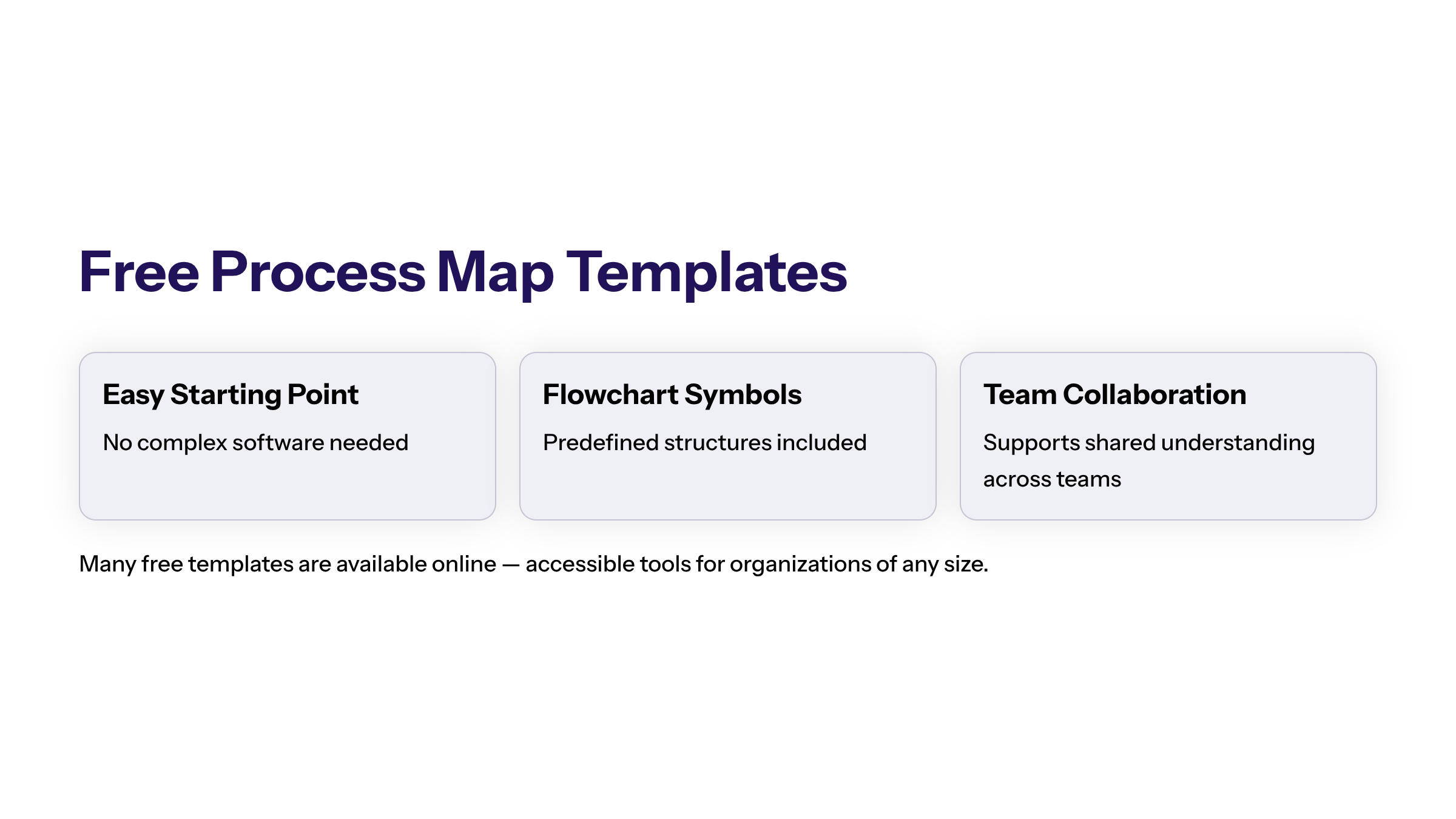
Many organizations benefit from using free process map templates available online. These templates provide an easy starting point for teams looking to visualize workflows without investing in complex software. Free process map templates often include flowchart symbols and predefined structures that help users create clear and effective process maps, supporting better understanding and collaboration across teams. They also allow project managers to maintain a high-level process overview while drilling down into all the details as needed.
Using Process Maps to Improve Supply Chain Management
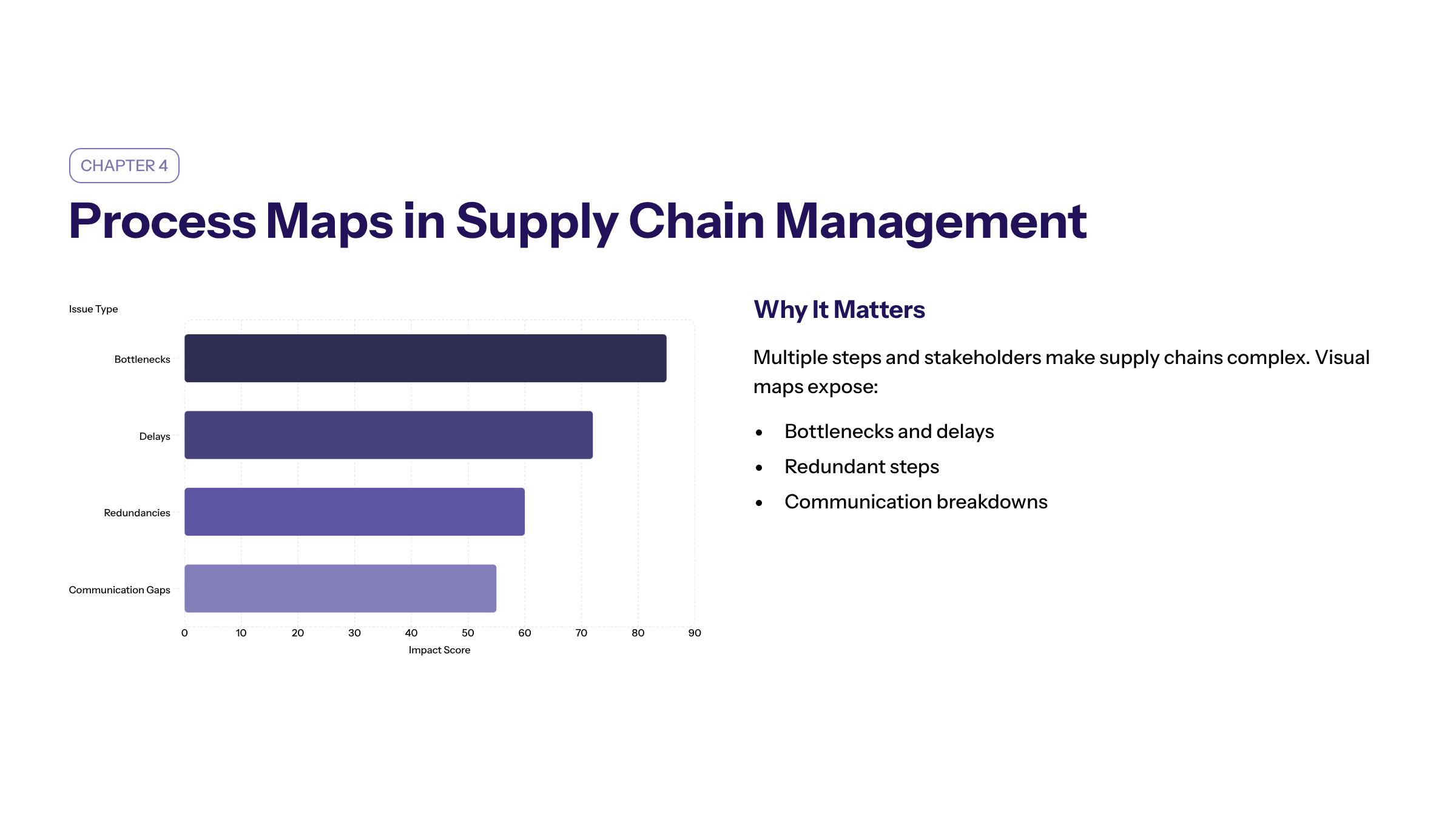
Process maps are especially useful in supply chain management, where multiple steps and stakeholders are involved. By visually mapping the flow of raw materials, information, and products, teams can identify bottlenecks, delays, and redundancies. This clarity enables targeted process improvements, better communication among supply chain partners, and enhanced overall performance. A value stream map, a type of detailed process map, can be used in supply chain projects to document cycle times and identify areas where delays occur.
Visual Representation of Complex Processes
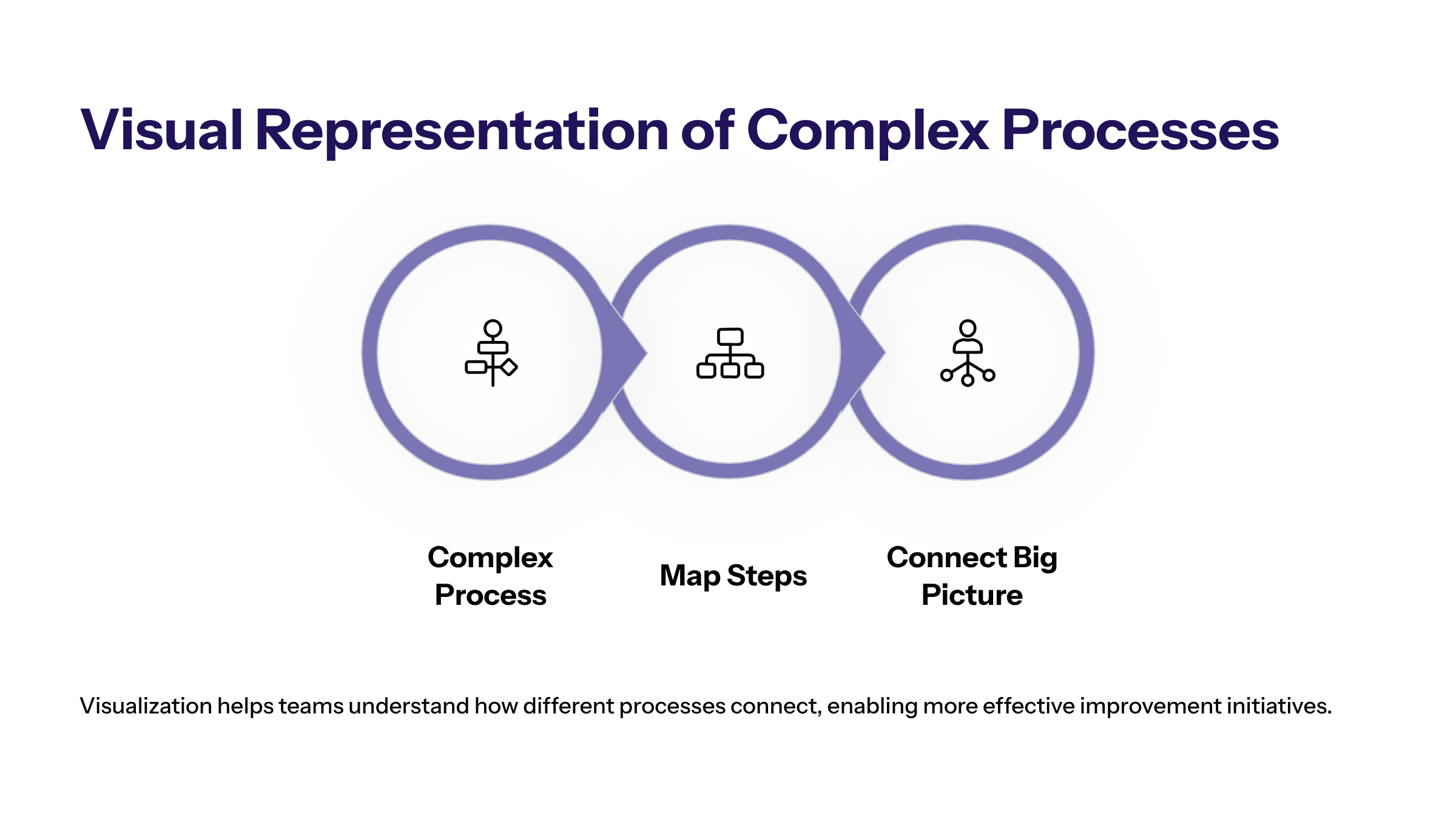
Complex processes can be difficult to understand without a clear visual representation. Process maps break down these processes into manageable steps, highlighting start and end points, decision points, and task dependencies. This visualization helps teams see the big picture and understand how different processes connect, facilitating more effective process improvement initiatives. Visualizing workflows at both a high-level process and detailed level allows project teams to gain insight into how existing processes interact with other processes within the organization.
Value Stream Maps for Business Process Improvement
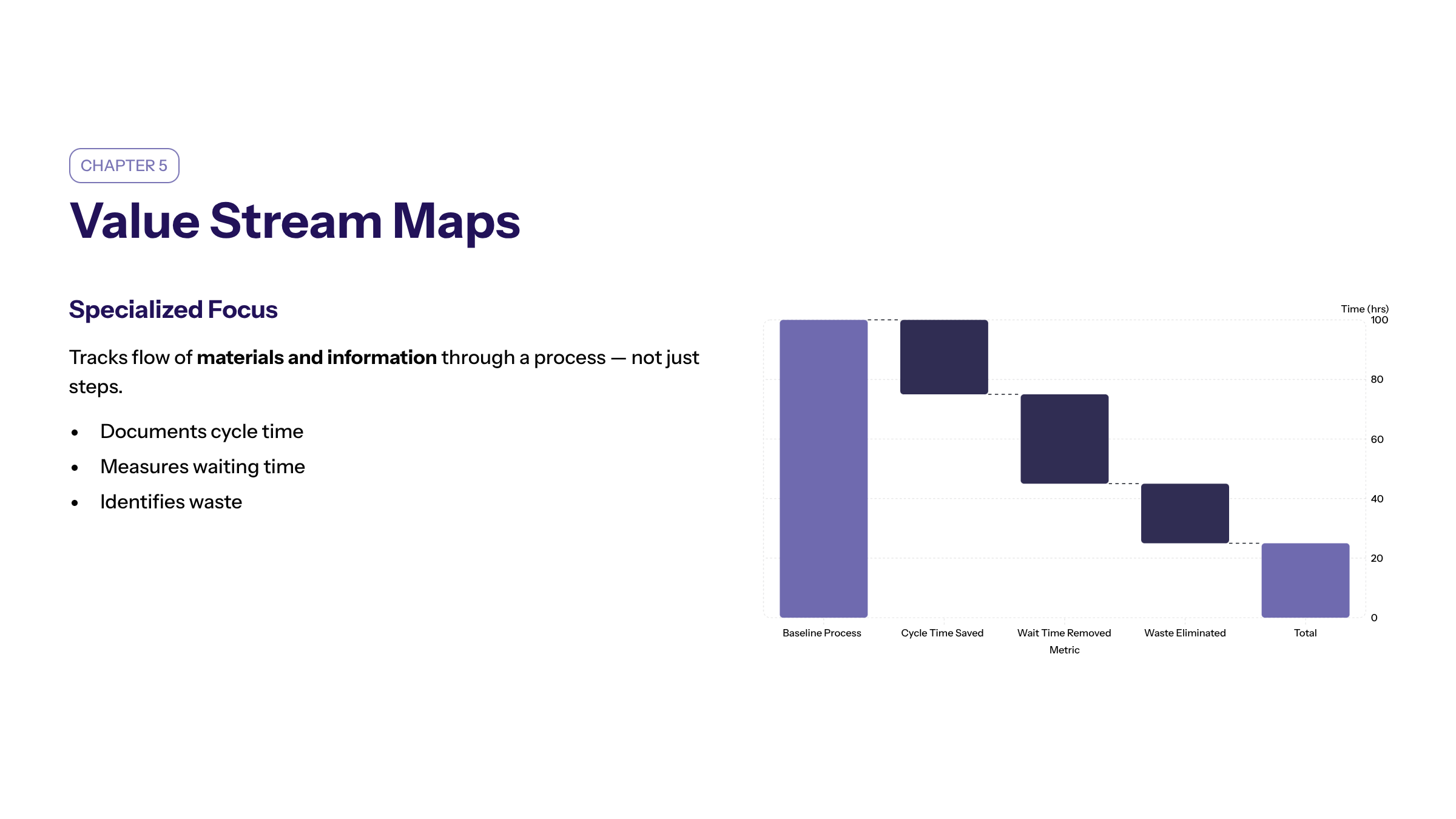
A value stream map is a specialized type of process map that focuses on the flow of materials and information through a process. It identifies waste and inefficiencies by documenting cycle time, waiting time, and other metrics. Using a value stream map helps teams visualize workflows and implement changes that enhance efficiency and reduce costs. This tool is often employed in Six Sigma process projects to improve processes by eliminating non-value-added activities.
Best Practices for Process Mapping
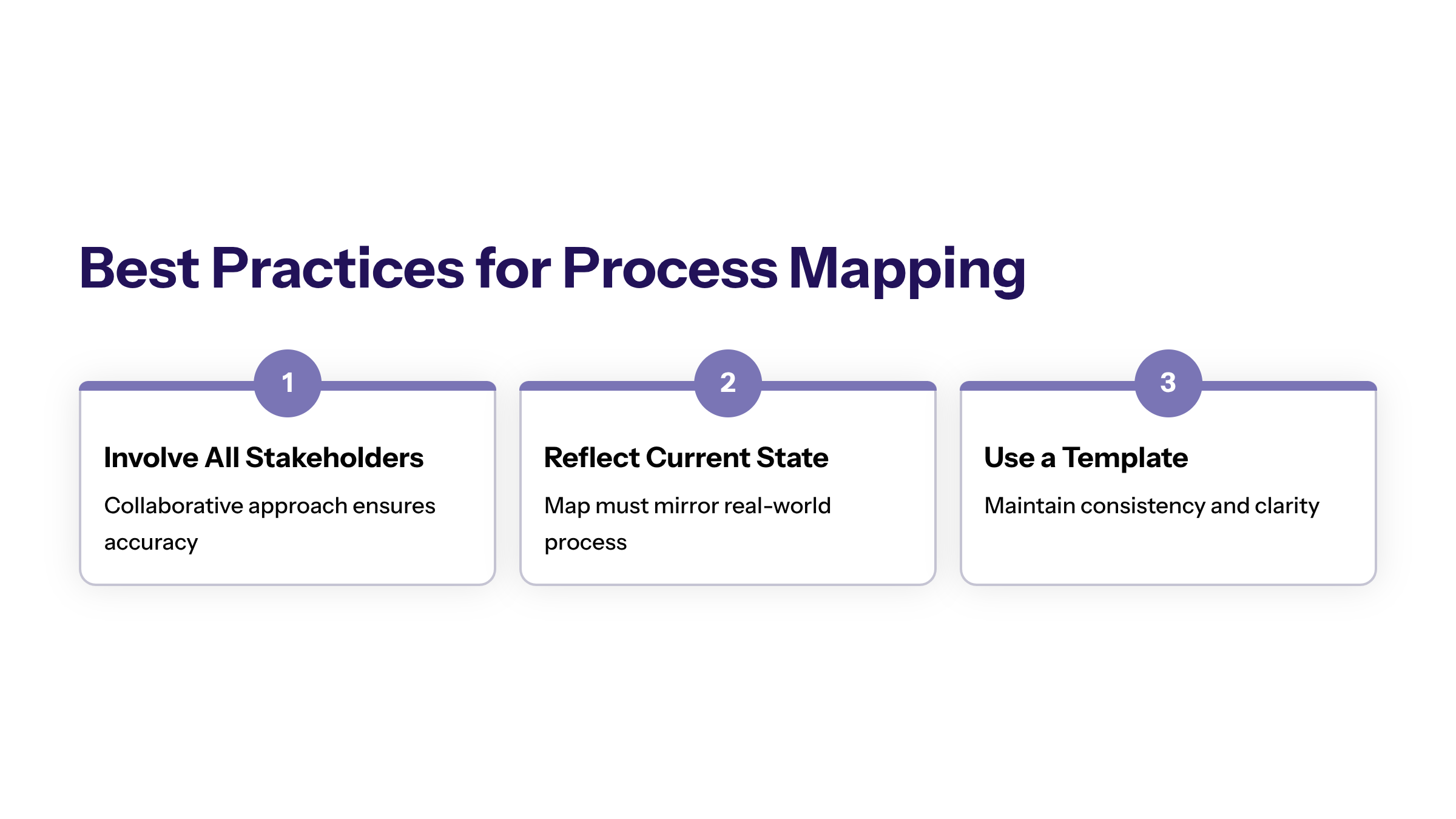
Successful process mapping relies on a collaborative approach involving all stakeholders. Engage team members and people involved in the process to gather accurate information and ensure the process map reflects the current state. Use a business process mapping template to maintain consistency and clarity. Regularly update the process map to keep it accurate and relevant. Including all the details related to each step in the process ensures the map remains a useful resource throughout the project.
Using consistent notation in process mapping is critical to avoid confusion and miscommunication. Standardized symbols ensure universal understanding, making the process map future-proof and effective for documentation, onboarding, and training. Reviewing the process map with your team and stakeholders is essential for accuracy and clarity.
Tools for Creating Effective Process Maps
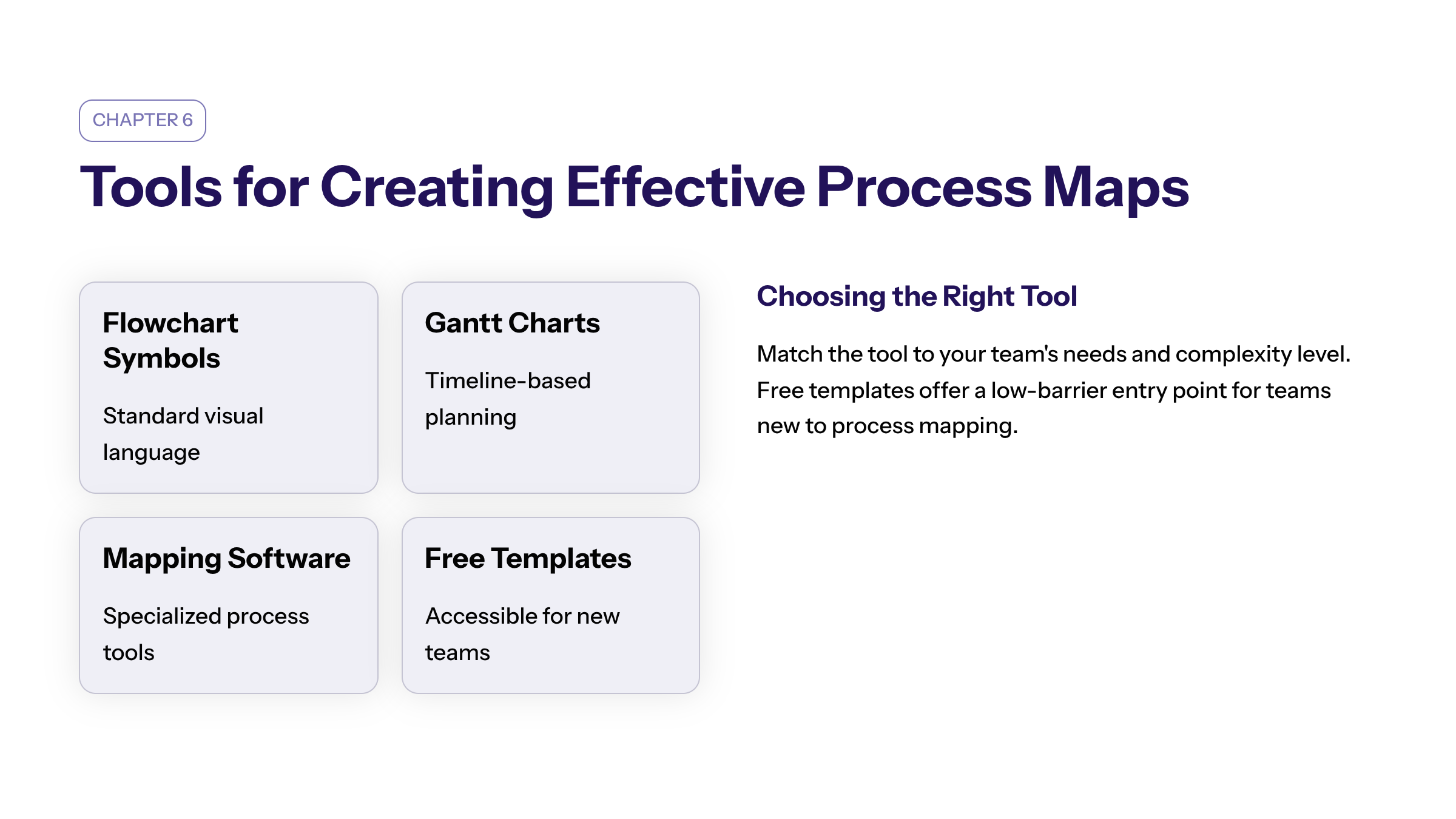
Various tools are available for creating process maps, ranging from flowchart symbols and Gantt charts to specialized process mapping software. Choose a tool that fits your team's needs and allows you to visually communicate the process clearly. Many free process map templates are also available, providing accessible options for teams new to process mapping. These tools help project managers maintain a high-level process overview while also capturing all the details necessary for process improvement.
Digital process map templates build on static process map drawings by integrating them into digital work management tools. These digital templates enhance collaboration and allow for real-time updates, making process mapping more dynamic and accessible to distributed teams.
Examples of Process Maps Across Industries
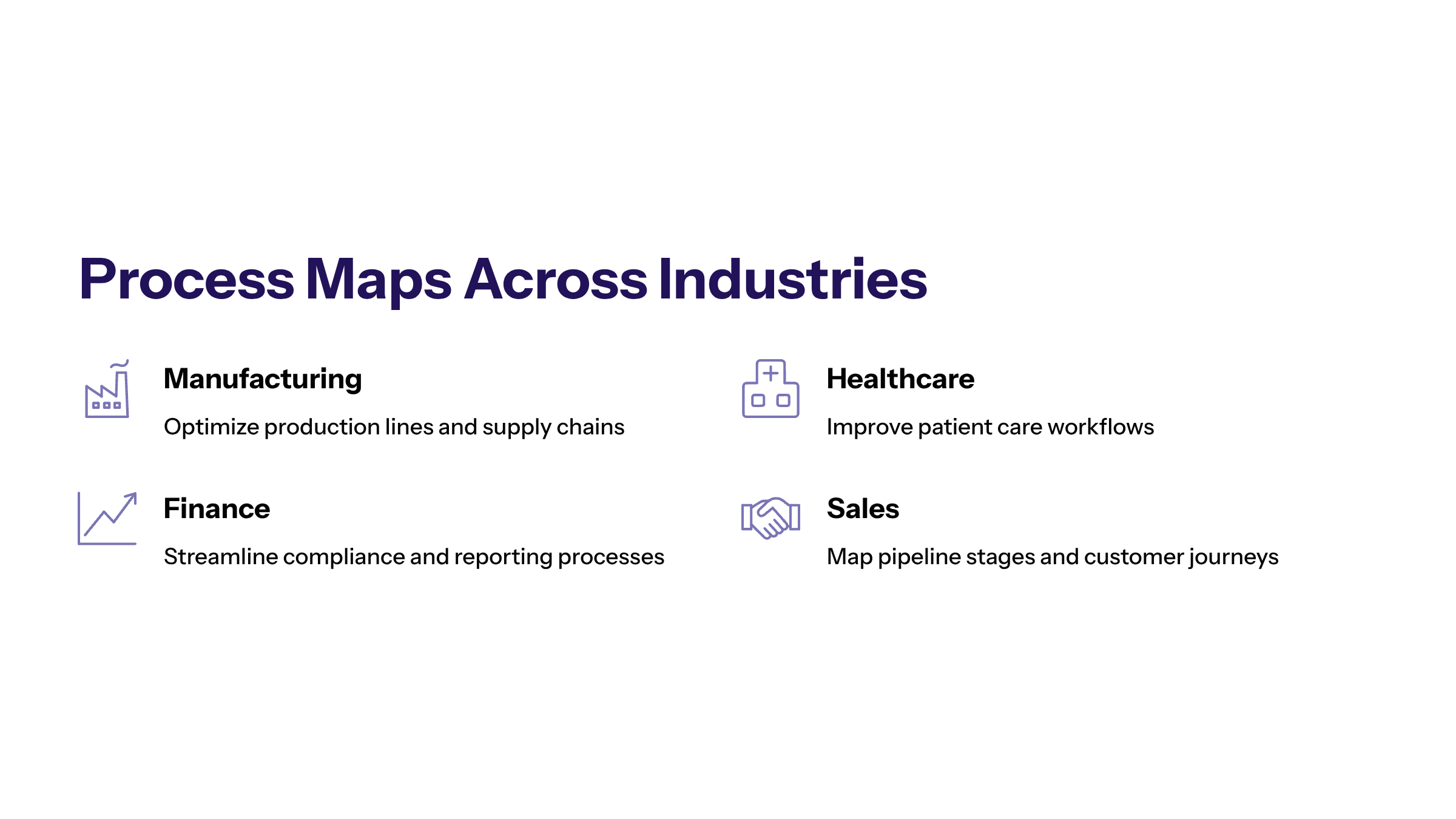
Process maps are widely used across industries such as manufacturing, healthcare, finance, and sales. In manufacturing, process maps help optimize production lines and supply chains. Healthcare organizations use them to improve patient care workflows. Finance teams leverage process maps to streamline approval processes, increase transparency, and enhance accountability by identifying responsible teams for each step. Sales departments use process maps to guide teams from the early stages of a sale until the closing of a deal. Human resources departments benefit from process maps for job applications, onboarding, payroll processes, and offboarding.
Many of these projects incorporate Six Sigma process methodologies to systematically improve processes and gain insight into performance metrics.
Implementing and Monitoring Process Maps
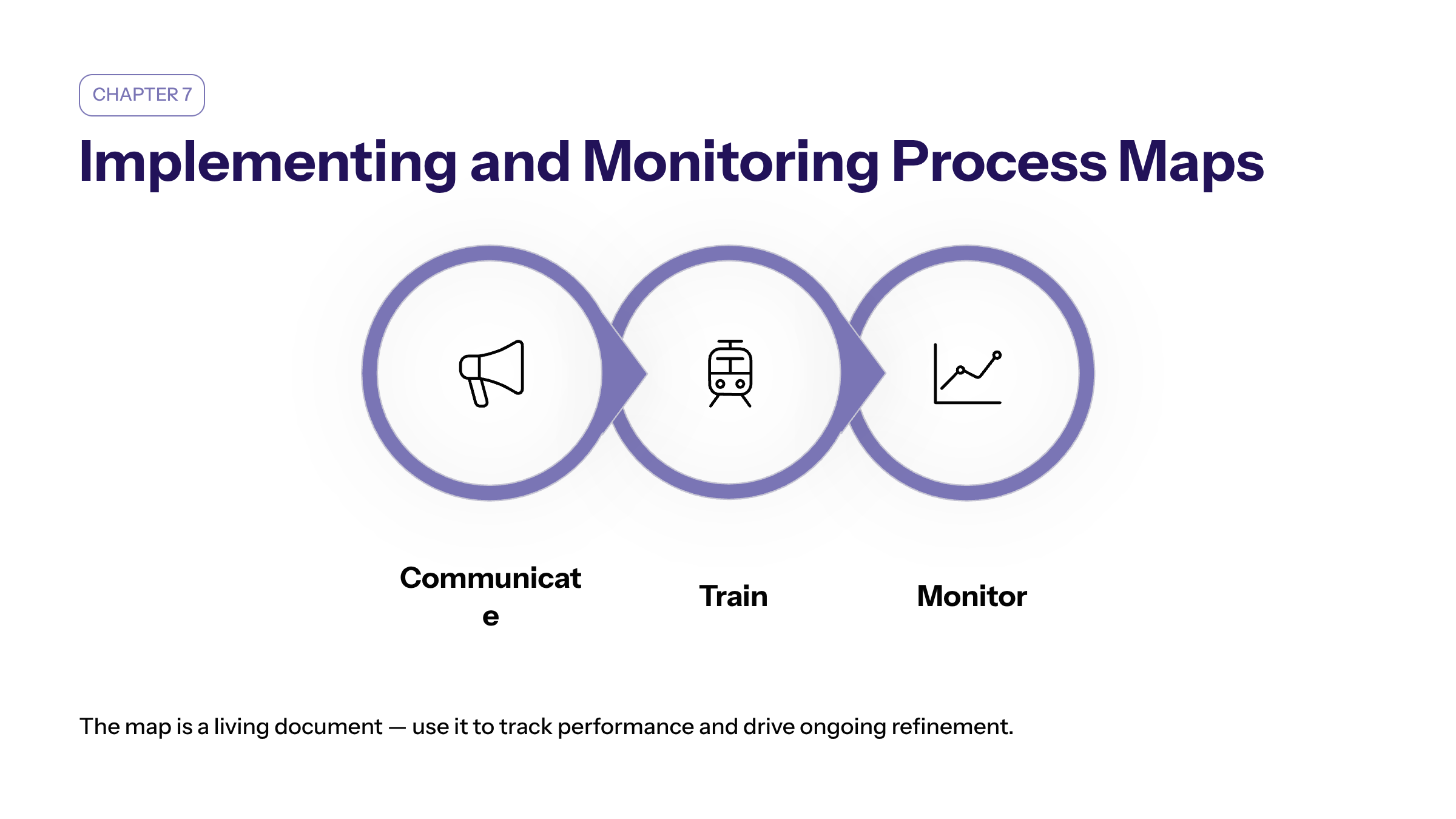
After creating a process map, communicate the changes and new workflows to the team. Provide training to ensure everyone understands their role and responsibilities. Use the process map to monitor performance, identify bottlenecks, and implement continuous improvements. Tracking metrics like cycle time and throughput helps measure the success of process improvements. Project managers can use these insights to identify areas where further improvements are needed and adjust the process accordingly.
Avoiding Common Mistakes in Process Mapping
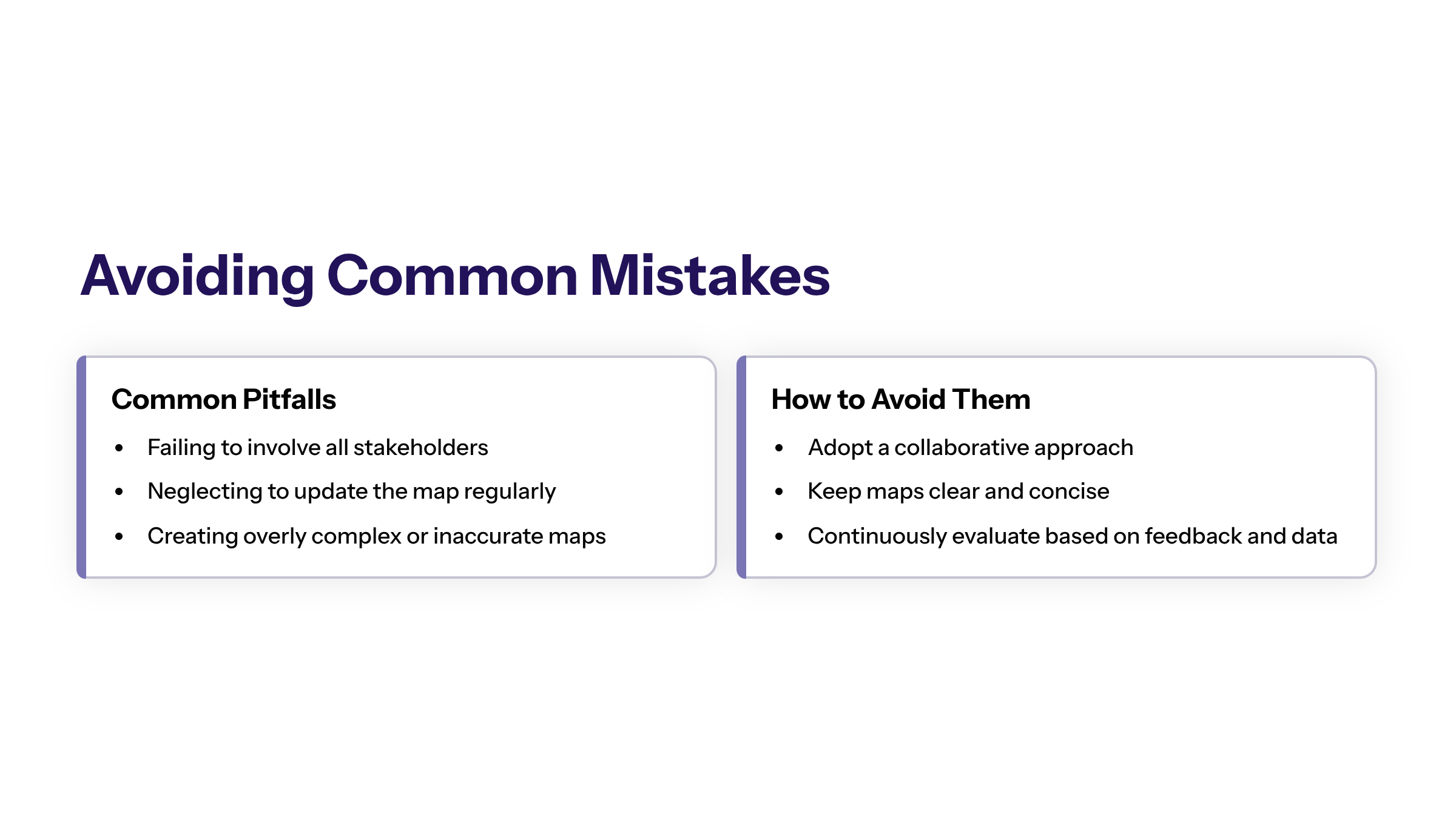
Common pitfalls in process mapping include failing to involve all stakeholders, neglecting to update the map regularly, and creating overly complex or inaccurate maps. To avoid these mistakes, adopt a collaborative approach, keep the process map clear and concise, and continuously evaluate and refine the process based on feedback and performance data. Ensuring the map captures all the details related to the process helps prevent misunderstandings and supports successful project outcomes.
The Future of Process Mapping: AI and Cloud-Based Tools
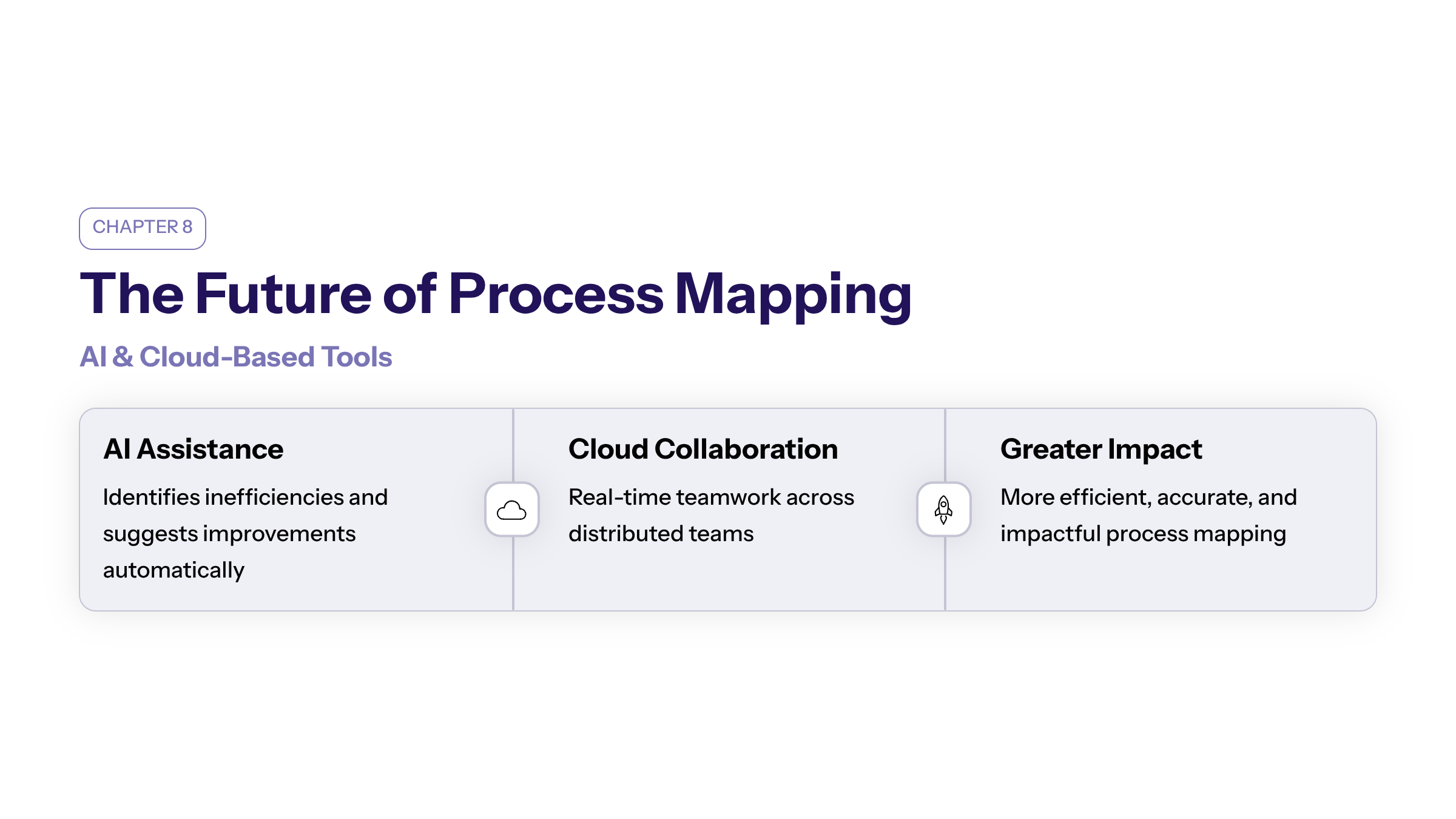
The future of process mapping is shaped by emerging technologies such as artificial intelligence and cloud-based collaboration tools. AI can assist in identifying process inefficiencies and suggesting improvements, while cloud-based software enhances real-time collaboration among distributed teams.
These innovations promise to make process mapping more efficient, accurate, and impactful, enabling organizations to gain deeper insight into their existing processes and improve processes across projects more effectively.
Conclusion
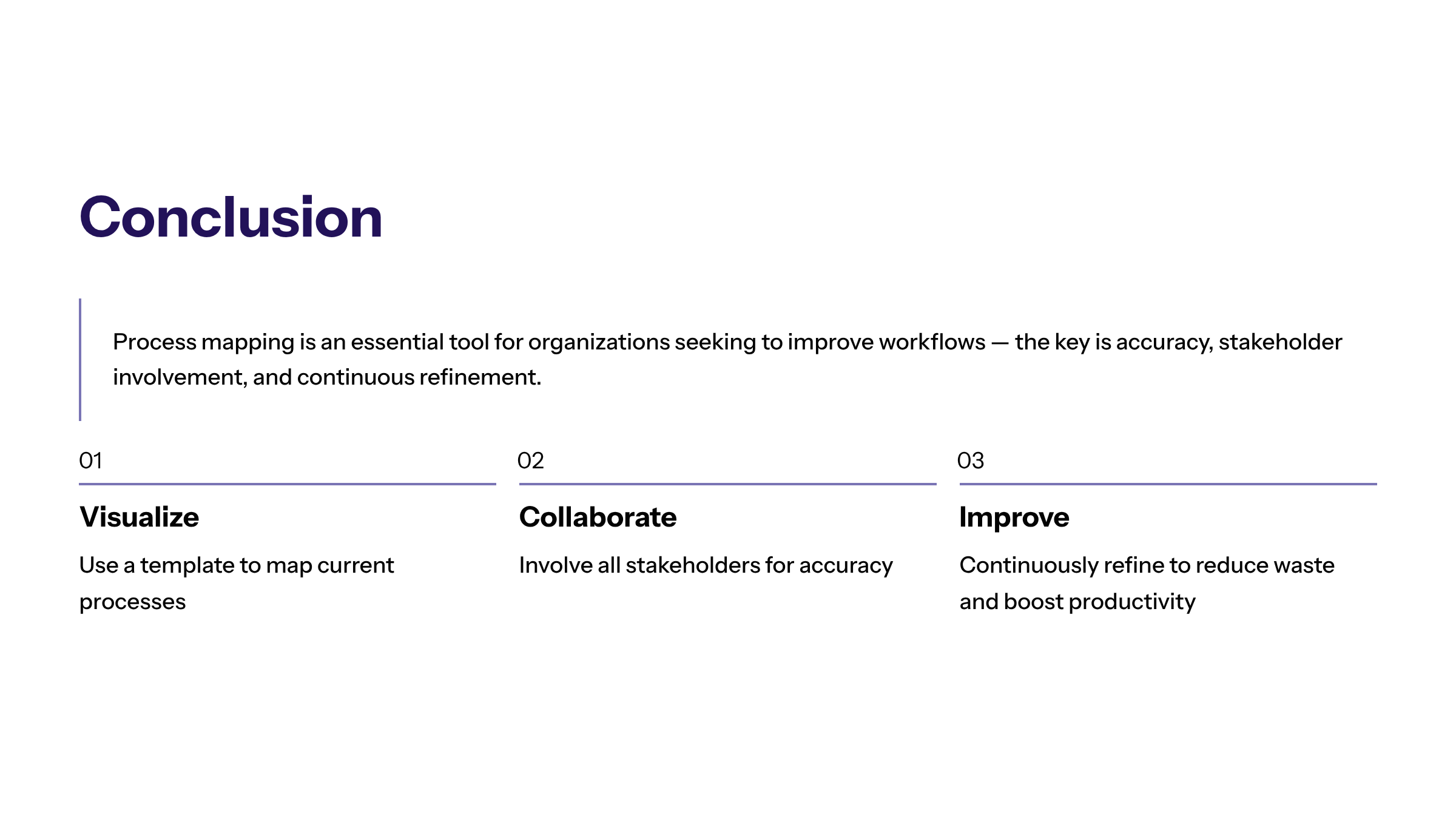
In conclusion, process mapping is an essential tool for organizations seeking to improve their workflows and business processes. By visually mapping processes using a business process mapping template, teams gain better understanding, improve communication, and identify opportunities for process improvement.
Whether using a simple process map template or a detailed process map, the key is to maintain accuracy, involve stakeholders, and continuously refine the process to enhance productivity and reduce waste.
Incorporating methodologies like the Six Sigma process within your projects can further help to gain insight and improve processes systematically, ensuring sustainable success across all business areas.