

How to Run an LLM Locally with LM Studio or Ollama
Choose one setup, run a small model on your own computer, and check whether its answer is useful.
To run an LLM locally, install a compatible application, download a model that fits your available memory, load it, and send a prompt. Use LM Studio for a graphical interface or Ollama for a terminal-based workflow. You do not need to train a model or configure a production server to get started.
The goal here is a first working local chat on Windows, macOS, or Linux. Both routes use a small instruction-tuned model and finish with the same practical exercise: extract actions from meeting notes without inventing missing details. Once that works, you can judge whether a larger model is worth the additional memory and setup.
Choose a local LLM setup that fits your computer
A model is the collection of learned weights you download. A runtime loads those weights and generates responses. The chat interface is how you send instructions to that runtime. Keeping these roles separate helps when a model downloads successfully but will not load, or loads correctly but gives a poor answer.
Check compatibility before downloading weights. LM Studio currently requires Apple Silicon and macOS 14 or newer on Mac; Intel Macs are not supported. Its documentation recommends at least 16 GB of RAM on Mac and Windows, while allowing smaller models and modest contexts on some 8 GB Macs. Windows x64 requires AVX2 support. Linux and ARM users should check the platform-specific LM Studio system requirements rather than assuming every installer fits every machine.
| Resource | What it affects | First-run decision |
|---|---|---|
| RAM and GPU memory | The model needs working memory, not just space on disk. GPU memory and system RAM are not interchangeable pools on every computer. | Close memory-heavy applications and begin with a small model. Check the runtime's estimate before loading. |
| Storage | Each downloaded model occupies disk space even when it is not loaded. | Download one variant first. Avoid collecting several large models before testing one. |
| Context length | The conversation and supplied material also consume memory; increasing context raises memory demand. | Use a short prompt and a modest context for the initial test. |
| GPU support | Acceleration depends on the runtime, model and hardware. | A dedicated GPU is not a universal prerequisite. Confirm the actual CPU/GPU allocation before buying hardware. |
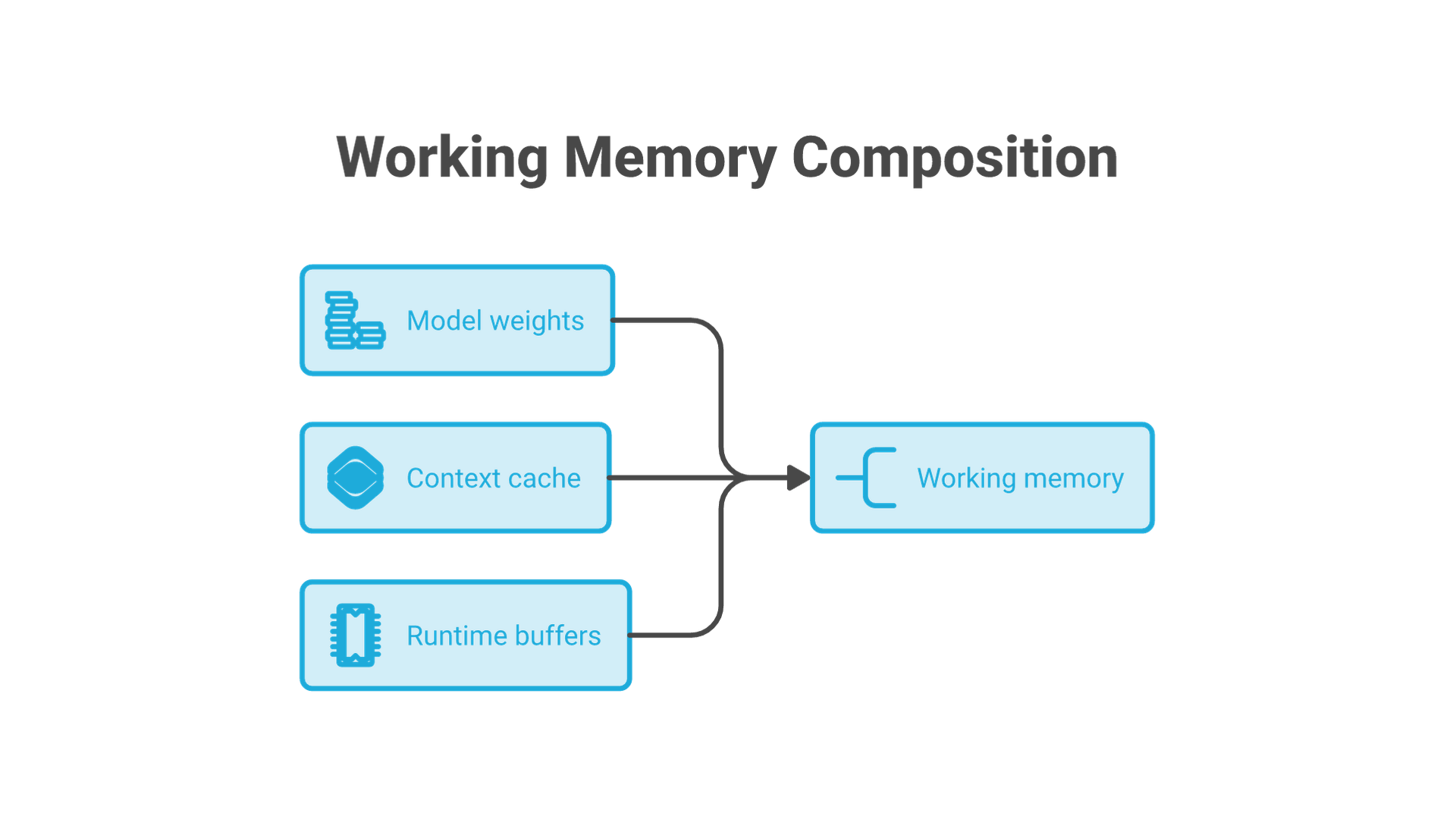
Do not treat a download labeled 1 GB as a promise that the model runs in 1 GB of memory. The downloaded weights are only part of the working allocation. Ollama's context-length documentation explains the extra memory cost of longer contexts and how to inspect allocation.
Choose one route. LM Studio makes model discovery, downloading and chat accessible through a desktop interface. Ollama provides a CLI and a local API; this tutorial uses only its CLI. You do not need both applications, and installing more interfaces will not improve the model's answers.
For the first run, use Qwen2.5-1.5B-Instruct in a 4-bit variant. This is a small reference model for learning the workflow, not a claim that an older 1.5B model is the best current choice for coding or complex analysis. The two routes use different packaging: the Ollama tag qwen2.5:1.5b and the publisher's Qwen instruction-tuned GGUF repository. Check the named artifact and license, not just the family name.
Run a local LLM with LM Studio
- Install the application. Get the installer from the official LM Studio getting-started page and select the build for your operating system and processor.
- Find the model in Discover. Search for
Qwen/Qwen2.5-1.5B-Instruct-GGUF. LM Studio accepts repository identifiers and full Hugging Face URLs in its model search. - Select the file, then download it. In the publisher's GGUF file listing, the variant used here is
qwen2.5-1.5b-instruct-q4_k_m.gguf. Quantization reduces the storage requirement with a possible quality tradeoff. Do not select a much larger variant just because its name looks similar. - Load it in Chat. Open the model loader, select the downloaded model, and review the load settings. Start with a context of 2,048 tokens for this short exercise when that setting is available. Wait for loading to finish before sending a message.
- Send the exercise below. Confirm that the selected local model is the one answering, then inspect the response against the supplied notes.
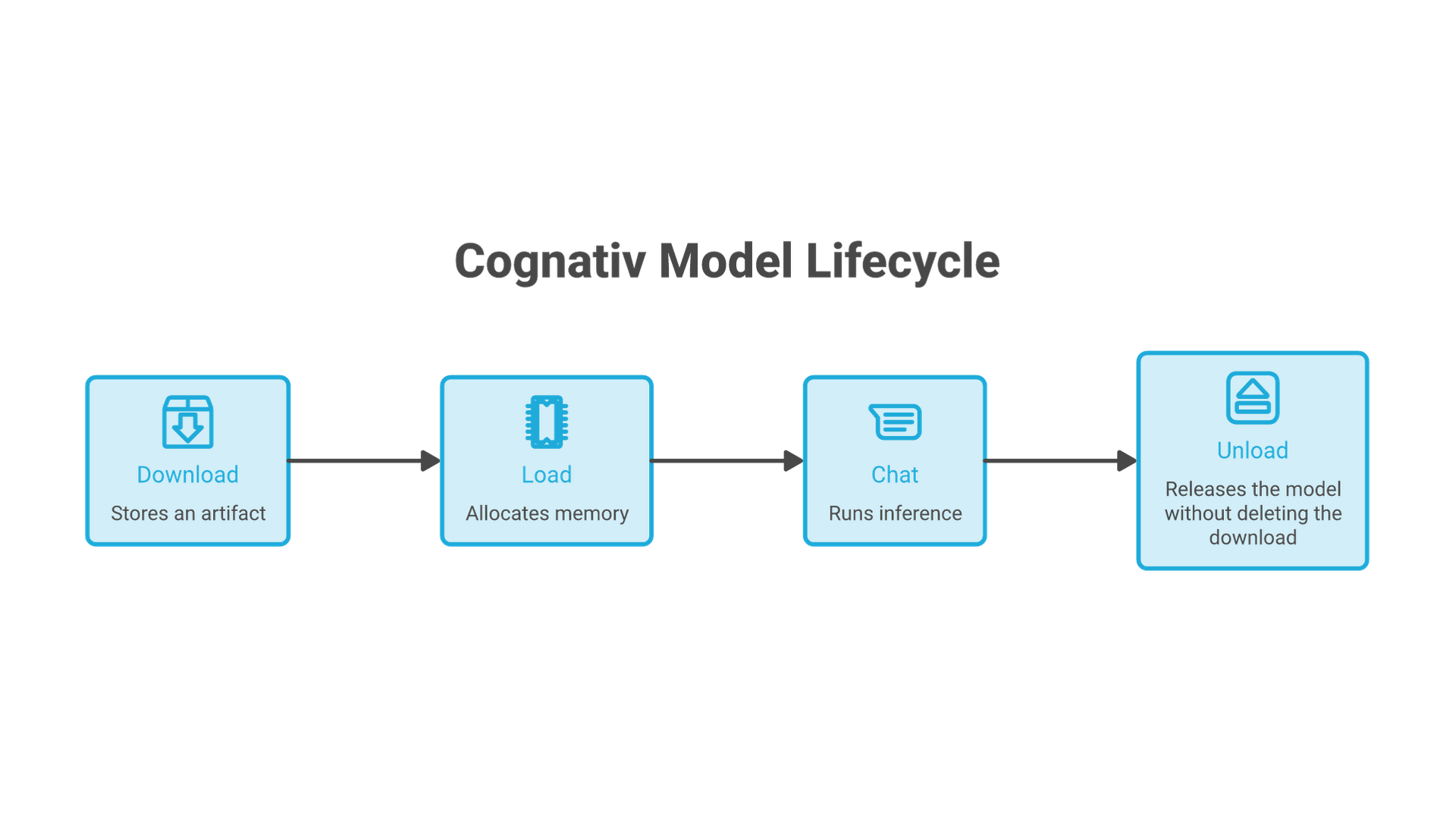
Downloading and loading are separate steps: the file can exist on disk without being active in memory. If the model appears in your downloads but chat cannot begin, check the loader and any compatibility message before downloading it again.
After the model and required runtime components are installed, LM Studio's downloaded-model chat can work offline. Model search, new downloads and updates need connectivity. For an offline check, use the local model without web tools or remote integrations; an application's name alone does not establish where every connected feature sends data.
Run a local LLM with Ollama
Install the appropriate version through the official Ollama quickstart. Open a terminal after installation. If the command is not recognized, restart the terminal before diagnosing the model. If Ollama reports that its service is unavailable, start the installed application or use ollama serve when a service is not already running.
Download the model, then start a chat:
ollama pull qwen2.5:1.5b
ollama run qwen2.5:1.5b
The local tag above does not require an API key. Avoid switching to a cloud model while checking local execution. When the interactive prompt opens, set a modest context for this exercise:
/set parameter num_ctx 2048The Ollama FAQ documents this setting and CPU/GPU allocation. The 2,048-token value is a deliberate starting point for a short prompt, not a universal default or a recommendation for long documents.
Paste the exercise from the next section. For multiline input, surround it with triple quotes as shown in the Ollama CLI reference. After receiving an answer, exit the chat with /bye. In the terminal, inspect the loaded model and release it:
ollama ps
ollama stop qwen2.5:1.5b
ollama ps
Before stopping it, inspect the PROCESSOR field to see whether the model uses CPU, GPU or a split. After stopping, the named model should no longer appear in the loaded-model list. This unloads its weights; it does not uninstall the download or terminate every Ollama background process.
Check the answer, not just the installation
A returned response proves the setup generated text. It does not prove that the model understood the task. Use these synthetic notes so you can check the result without supplying client documents:
"""
Extract the actions from these meeting notes.
Return a table with Owner, Action and Deadline.
Write "not specified" for missing information.
Then state whether a budget has been approved.

Notes:
Maya will send the migration estimate by October 30.
Leo will review access permissions; no deadline was agreed.
Nobody was assigned to approve the budget.
"""
In LM Studio, paste the text inside the triple quotes as one chat message. In Ollama's interactive CLI, include the opening and closing triple quotes. This keeps the task identical across the two routes.
| Check | What a faithful answer preserves |
|---|---|
| Maya | Send the migration estimate; deadline October 30. |
| Leo | Review access permissions; deadline not specified. |
| Budget | No approver was assigned. The notes do not establish that a budget was approved. |
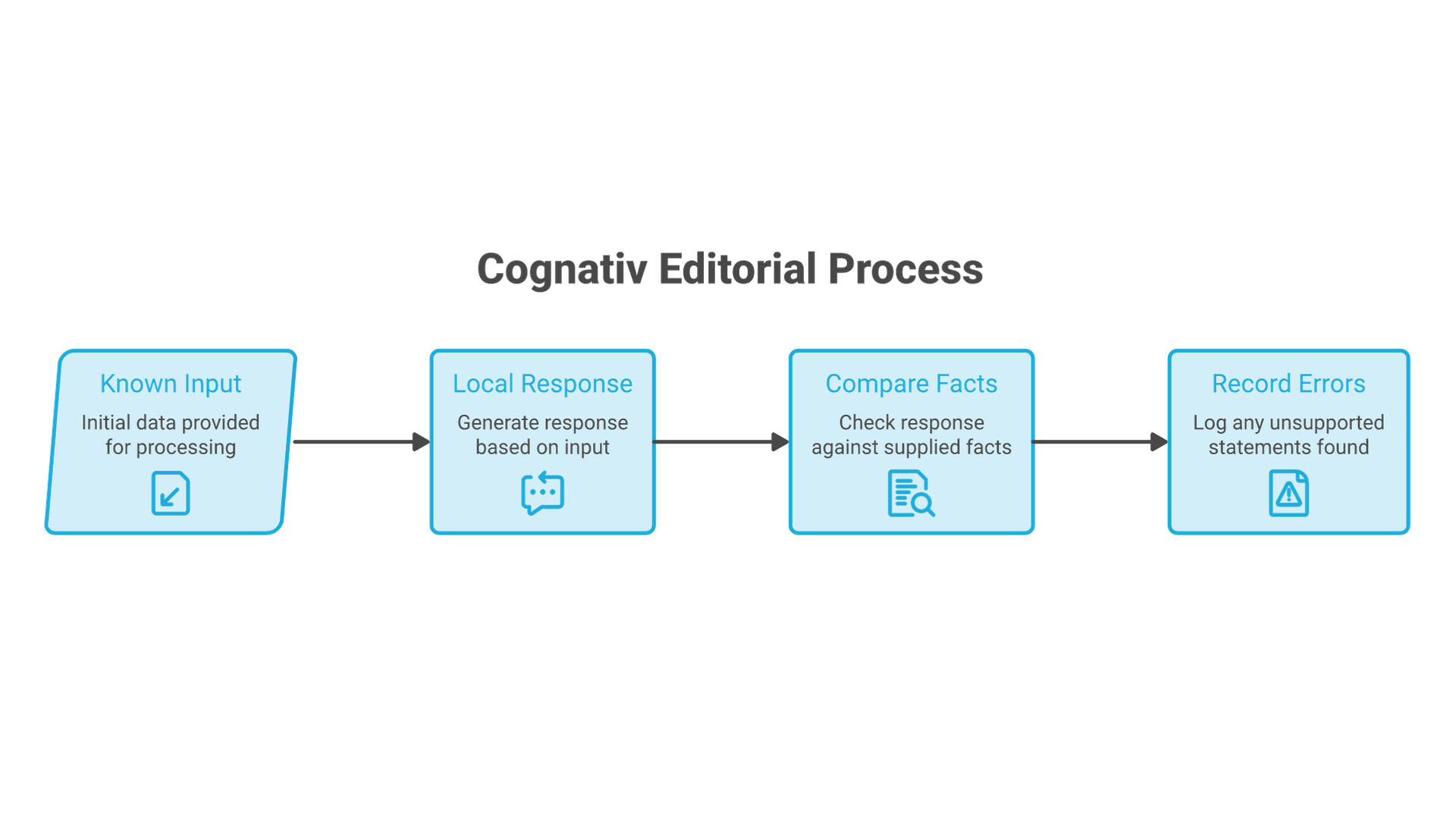
If the answer invents a date for Leo or claims the budget was approved, record that as a task failure even if the table looks polished. Repeat the same test after changing a model or setting. Change one thing at a time so you can identify what improved the result.
Keep a short run record: model tag or filename, application version, context setting, available hardware, prompt and observed answer. Record measured speed only if you actually measure it. Those details make a later comparison useful; a screenshot of a fluent response alone does not.
Fix common local LLM problems
| Symptom | First check | Next action |
|---|---|---|
| Application will not start | Operating system, processor architecture and application requirements. | Use the supported installer. A different model cannot fix an incompatible application. |
| Model downloaded but will not load | Exact artifact, supported format and free memory. | Read the error; close other large workloads, reduce context or choose a smaller compatible model. |
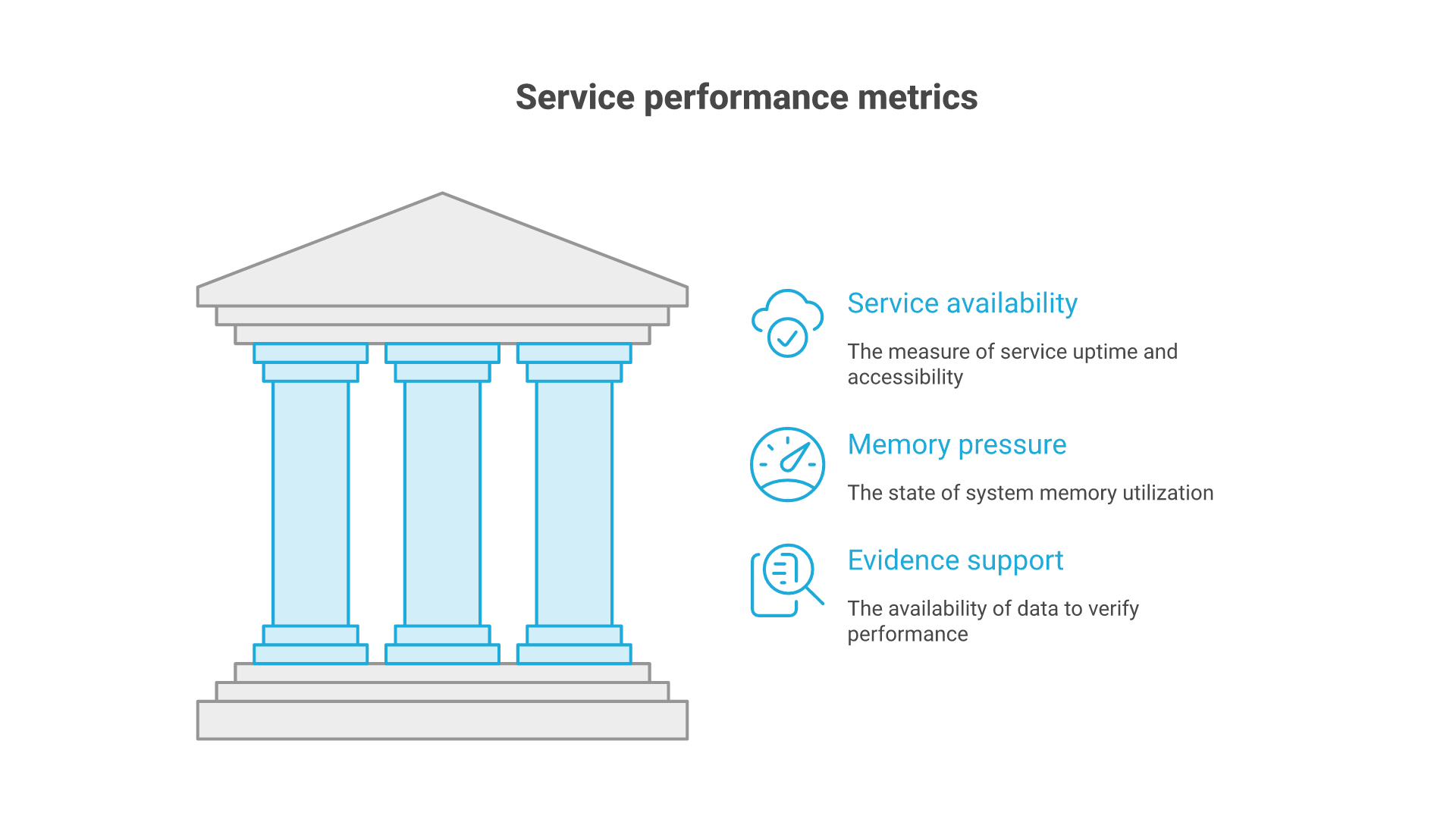
| Generation is too slow | CPU/GPU allocation and memory pressure. | Test a shorter prompt and smaller model before treating hardware replacement as the answer. |
| Ollama cannot connect | Whether the installed app or service is running. | Start it once. Do not expose the service to the internet to solve a local connection problem. |
| Answer ignores or invents details | The source notes, instructions and context length. | Shorten the task and compare with the reference checklist. Evaluate another model if the same failure persists. |
| Offline chat fails | Whether the model and runtime were fully downloaded and a local model is selected. | Complete setup while connected, then repeat without remote tools. |
Keep troubleshooting and model selection separate. A memory error is a setup problem; a fabricated fact is an answer-quality problem. Both matter, but they require different corrections.
Decide what to test next
Your first successful local run should leave you with a working setup, a named model, a checked answer and a clear way to unload it. Next, try a small set of representative tasks using synthetic or approved data. Compare correctness, latency and resource use before increasing model size.
For a business workflow, the next decision is broader than the runtime. Cognativ's AI and automation consulting covers use-case assessment and implementation. If the prototype needs to connect to an existing application, software engineering and integration adds the surrounding delivery work. A working personal chat is the starting point, not evidence that a shared service is ready for production.