

15 Examples of Software as a Service (SaaS) for Business
A useful SaaS comparison starts with the work you need to complete: managing a sales opportunity, coordinating a project, answering a customer or taking an order. The delivery model alone does not tell you which product fits.
Salesforce, Slack and Shopify are examples of software as a service, but they solve very different problems. A useful SaaS comparison starts with the work you need to complete: managing a sales opportunity, coordinating a project, answering a customer or taking an order. The delivery model alone does not tell you which product fits.
The 15 examples below cover CRM, collaboration, project management, analytics, customer support and ecommerce. Each pairs a documented capability with a practical workflow to test. This is a documentation-based comparison, not a hands-on ranking: confirm features and packaging for the edition you are considering.
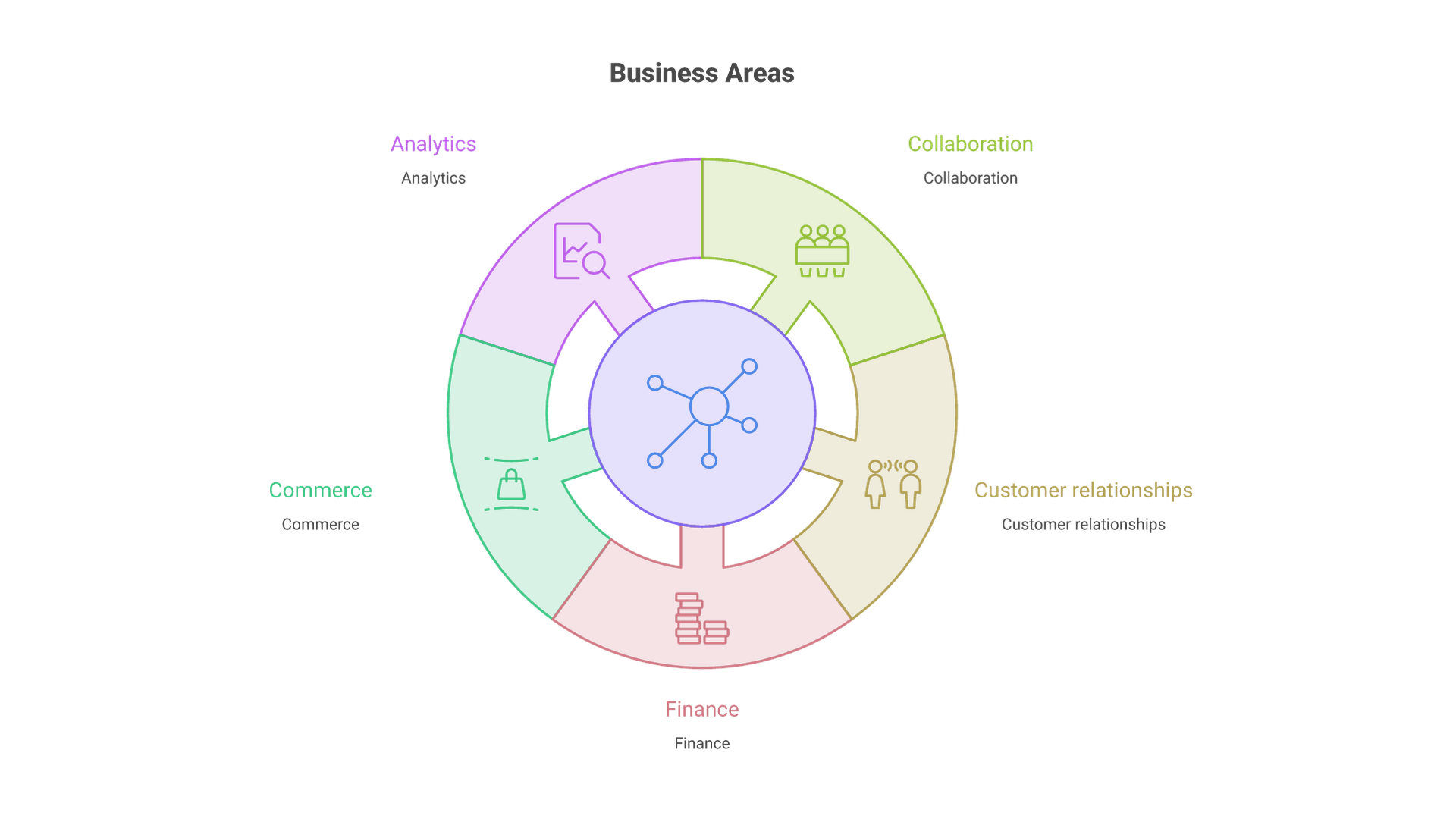
| Job | Examples in this guide | Useful comparison test |
|---|---|---|
| Customer and sales records | Salesforce, HubSpot | Opportunity or lead handoff, identity and permitted access. |
| Communication and documents | Slack, Zoom, Google Workspace | External participation, durable decisions and offboarding. |
| Content production | Adobe Express | Approved brand asset, channel export and usage rights. |
| Project coordination | ClickUp, Asana, Trello | Blocked work, dependency change and clear acceptance. |
| Analytics | Tableau Cloud, Databox | Reproduce a known measure and trace a corrected source record. |
| Customer support | Zendesk, Intercom | Escalation beyond approved knowledge with context preserved. |
| Ecommerce | Shopify, BigCommerce | Variant order, fulfillment, refund and integration reconciliation. |
Key Takeaways
- SaaS gives you access to a provider-operated application. A desktop or mobile client can still be part of that service.
- Reduced infrastructure work does not eliminate implementation, integration, administration or exit costs.
- Compare tools within the same job category and test a complete workflow, including permissions, exceptions and data export.
What Is Software as a Service?
Software as a service is a way of delivering applications over a network while the provider operates the underlying service. Users normally access it through a browser, application or API. Subscriptions are common, but pricing can also include usage, transactions or feature-based tiers. SaaS is not defined simply by paying a monthly bill.
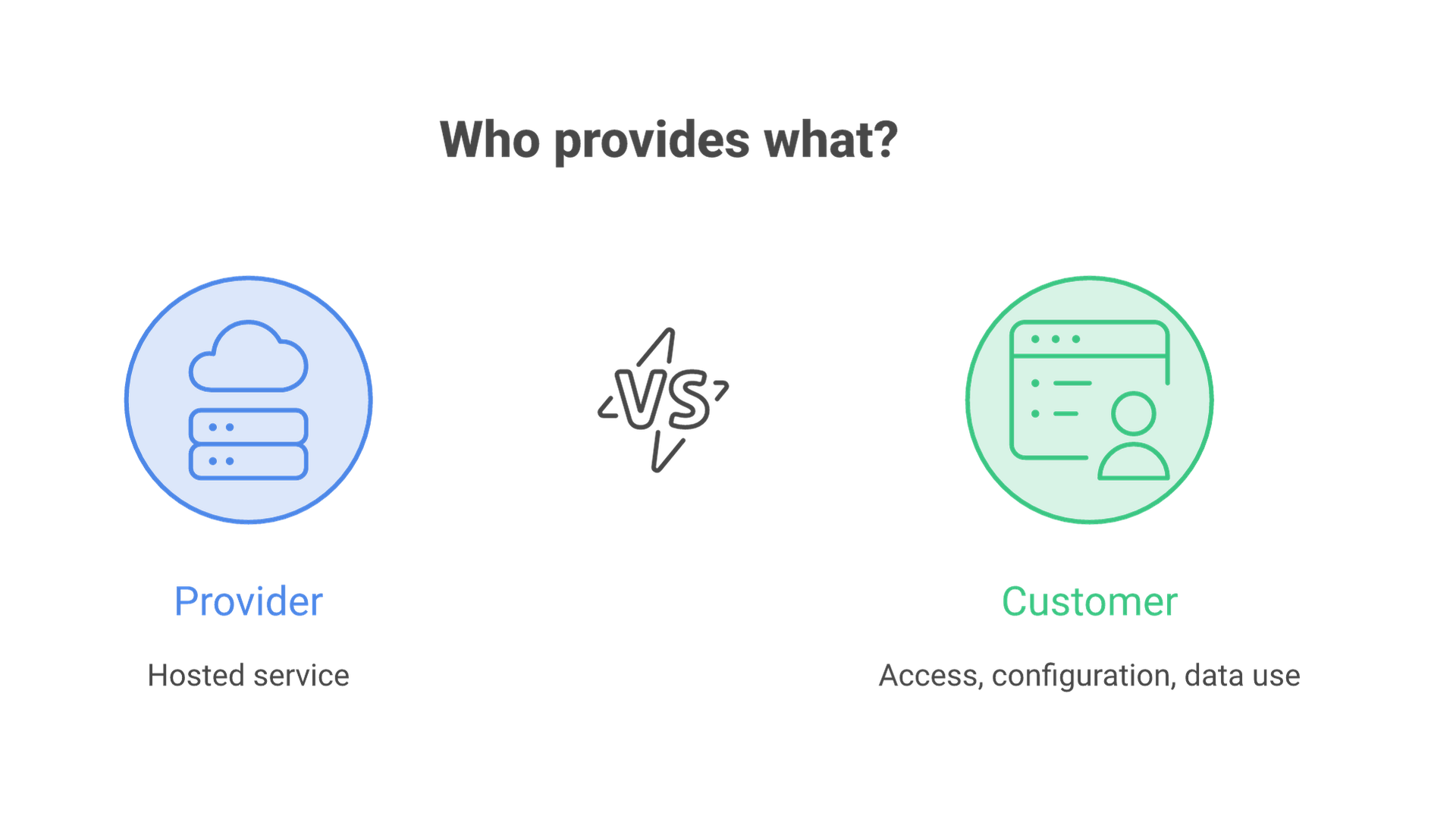
Microsoft's SaaS overview describes the provider-managed application model. The practical consequence is a division of responsibility: the provider manages the service platform while your organization must still manage its users, configuration, data and business process. A cloud application does not know who should be allowed to export your customer list unless you configure that boundary.
Distinguish SaaS from infrastructure as a service, where you operate more of the application stack yourself, and platform as a service, where you deploy your own application onto a managed platform. Also distinguish a hosted product from its self-managed edition. Tableau Cloud, for example, is the SaaS example here; that does not mean every Tableau deployment has the same operating model.
15 SaaS Examples by Business Function
The descriptions below identify documented product capabilities. The proposed tests are evaluation exercises, not reported customer results. Several products overlap; selecting one product per row is not a recommended purchasing plan.
1. Salesforce: Sales and Customer Records
Salesforce Sales Cloud supports sales processes around customer and opportunity information. It is relevant when teams need a shared view of accounts, pipeline and sales activity rather than separate spreadsheets.
Evaluate it with an opportunity that moves between two account owners. Check record visibility, required fields, duplicate handling and reporting after the handoff. Decide which system owns the customer identity before connecting marketing and billing. A broad platform can support complex processes, but it also requires configuration discipline; adding fields is not the same as creating a usable sales process.
2. HubSpot: Connected Marketing, Sales and Service
HubSpot's customer platform brings marketing, sales and customer service products around CRM data. It is a useful example of a suite where several teams can act on related customer information.
Test the journey from a form submission to an assigned sales task and a later support interaction. Confirm consent handling, duplicate contacts, team permissions and which paid products are required. Compare the complete workflow cost, not the entry-level CRM price alone. For an existing CRM, determine whether HubSpot would replace it or create a second source of customer records.
3. Slack: Team Communication
Slack organizes communication through channels and messaging, with collaboration features and integrations. Its role is different from an authoritative task or customer database: a conversation may explain a decision without becoming the durable record of that decision.
Use a sample incident or client project to test channel organization, external participants and search. Ask where a final decision is stored and what happens when a participant leaves. Review retention and export options for the intended plan. More messages are not a productivity measure; look for fewer missed handoffs and easier retrieval of decisions.
4. Zoom: Online Meetings
Zoom Meetings provides online meeting capabilities, including video collaboration and screen sharing. Desktop and mobile clients illustrate why SaaS does not always mean that nothing is installed locally.
Run a meeting with an external participant and someone joining from a constrained connection. Test admission, captions, screen-sharing permissions and the handling of recordings or transcripts. If a webinar is required, confirm the appropriate product and license rather than assuming the normal meeting plan includes the event format. Operational suitability includes participant access and information handling, not just video quality.
5. Google Workspace: Documents, Email and Shared Work
Google Workspace combines services such as Gmail, Drive, Docs, Sheets and Meet. It is an example of SaaS supporting everyday communication and collaborative documents rather than a single specialist workflow.
For a trial, create a shared project document, restrict an external collaborator and then remove that access. Check ownership when the original employee leaves. Also test exporting a document with the formatting your recipients need. Shared editing is useful, but unmanaged sharing links and personal ownership can make an apparently simple suite difficult to govern.
6. Adobe Express: Business Content Creation
Adobe Express provides design, photo and video tools for creating content. Its role in this comparison is producing business assets for distribution, rather than managing the campaign's customer records or performance data.
Evaluate it with an actual approved brand asset and the channel formats your team publishes. Check typography, export quality, collaboration and access to the required assets. Review the rights for stock or generated material separately from the ability to export a file. A fast design workflow is not sufficient if the output cannot be approved or used in its intended channel.
SaaS and Project Management Tools
Project tools make assignments, deadlines and dependencies visible. The selection problem is usually not whether a tool can store tasks; it is whether your team can keep the information accurate without maintaining parallel systems.
7. ClickUp
ClickUp combines task management with documents, views and reporting. Its breadth is useful to evaluate when work currently spans several disconnected tools.
Model one recurring project with an owner, due dates and a dependency. Test how a blocked task changes the team's view and whether a completed task leaves an understandable record. Agree on a small set of statuses before adding custom fields and automations. A highly configurable workspace can become harder to scan if every team invents its own incompatible structure.
8. Asana
Asana supports task and project coordination with multiple views, including timelines and boards. It is relevant when work needs to be organized across people and deadlines.
Test a launch plan in which a prerequisite changes. Verify that the affected owner notices, that the dependency is visible and that the status report reflects the change. Distinguish access to a project from access to a private task or attached material. The practical question is whether the tool makes responsibility and exceptions clear, not whether the timeline looks impressive in a demonstration.
9. Trello
Trello organizes work around boards and cards, with automation and integrations. It offers a different starting point for a team whose work is naturally represented as a visible flow.
Use a real intake-to-completion process and define what each list means. Test a card that is blocked, reassigned or returned for correction. Decide when a card is finished and which details must remain available afterward. If the workflow needs complex cross-project planning, test that requirement explicitly rather than assuming a simple board or an added integration will cover it.
SaaS in Data Management and Analytics
An analytics platform does not fix inconsistent business definitions by itself. Before comparing dashboards, decide what counts as a lead, customer, order or conversion and which system supplies the authoritative record.
10. Tableau Cloud
Tableau Cloud is Tableau's hosted analytics offering. It supports sharing and managing analytics without operating the same deployment as a self-managed Tableau Server environment.
Connect an approved sample dataset and reproduce one report whose numbers your team already understands. Verify refresh timing, filters, row-level access requirements and the effect of corrected source data. Check the authoring and viewer roles needed for your users. An attractive visualization with a different revenue definition from finance is still an unresolved data problem.
11. Databox
Databox combines connected data, metrics, dashboards and reporting. It is a relevant example for teams assembling performance views from multiple business systems.
Test a recurring report with one paid-media source and one customer or sales source. Reconcile date ranges, time zones, attribution and delayed updates before sharing it. Check whether the connector supplies the exact field and historical window you need. The existence of an integration is not proof that two systems calculate the same metric.
SaaS for Customer Support and Engagement
Customer-service platforms bring conversations, knowledge and work queues together. A useful evaluation follows an unresolved request through escalation and closure, not just the first automated reply.
12. Zendesk
Zendesk provides customer-service software that connects support channels, knowledge and workflows. It is relevant when a business needs to coordinate customer requests across agents and channels.
Create a request that needs a second team and verify that its history survives the transfer. Test routing, access to customer information and how the team records a resolution. Evaluate automation using cases that should be escalated as well as routine cases. Do not equate a closed ticket or generated answer with a customer whose problem was actually resolved.
13. Intercom
Intercom combines customer-service capabilities such as an inbox, tickets, a help center and AI-assisted service. It is an example of a platform where conversational support and knowledge delivery are closely connected.
Test a customer who changes channels or asks something outside the approved knowledge base. Check human handoff, preservation of context and how incorrect answers can be reviewed. Confirm data access and charging rules for the specific configuration. Evaluation should include failure handling and customer visibility, not only the number of conversations an automation can process.
SaaS in Ecommerce
Commerce platforms provide the operational foundation for an online store. A store that accepts a payment still needs accurate product data, fulfillment, refunds and customer communication.
14. Shopify
Shopify supports online stores using themes or a headless storefront approach. It is a useful SaaS example because the business builds its commerce workflow around a provider-operated platform.
Test a product with variants through checkout, fulfillment and a partial refund. Include shipping rules, inventory updates and the apps your workflow depends on. Compare the recurring costs of the full configuration. A quick storefront setup is not evidence that catalog migration, financial reconciliation or a warehouse integration is complete.
15. BigCommerce
BigCommerce offers an ecommerce platform with storefront and integration capabilities. As with Shopify, its suitability depends on the selling model and operating requirements rather than the SaaS label.
Use your hardest pricing, catalog or integration case in the evaluation. Confirm what the standard platform handles, what needs an application and what requires custom development. Check export and migration options before committing. A feature marked available can still have plan, region, API or implementation constraints that matter to your business.
Benefits of SaaS Solutions, With the Tradeoffs Included
SaaS can reduce infrastructure work and make shared applications easier to access. Evaluate the work your team can stop doing alongside the configuration, data and operating responsibilities it retains.
Lower initial infrastructure effort: you may avoid procuring and operating an application server. You still need to clean data, configure roles, connect systems and train users. Account creation can take minutes while a reliable migration takes much longer.
Flexible capacity: adding users or capabilities can be simpler than rebuilding infrastructure. Check minimum commitments, annual billing, consumption limits and downgrade conditions. A tool that is inexpensive for five users can have a different cost profile once advanced controls or a large contact database are required.
Provider-managed updates: you do not normally schedule every backend patch yourself. Changes can still affect integrations, user training and existing workflows. Keep an owner who reviews release information and tests critical connections.
Distributed access: colleagues can work against shared records rather than emailing separate copies. This helps only if record ownership, naming and permissions are clear. Duplicate work can migrate into a new platform just as easily as useful work can.
Emerging SaaS Capabilities: Evaluate the Workflow, Not the Label
AI features, industry-focused products and automation remain important areas to evaluate. The provider pages above show AI appearing across sales, work management, analytics and support. Availability is not evidence of accuracy or business value.
For an AI feature, identify what data it reads, whether it only suggests or can act, who reviews its output and how errors are corrected. Test an incomplete record and an instruction that should not be followed. For industry-specific software, check whether it supports the actual process and reporting obligations rather than relying on sector branding. For automation, confirm ownership when a connection fails or the employee who configured it leaves.
Security and Compliance in SaaS
Provider security documentation is an input to your assessment, not a blanket guarantee for your deployment. Ask which service, region and controls the documentation covers and whether the relevant evidence is current. A security certification or report does not make every customer configuration compliant.
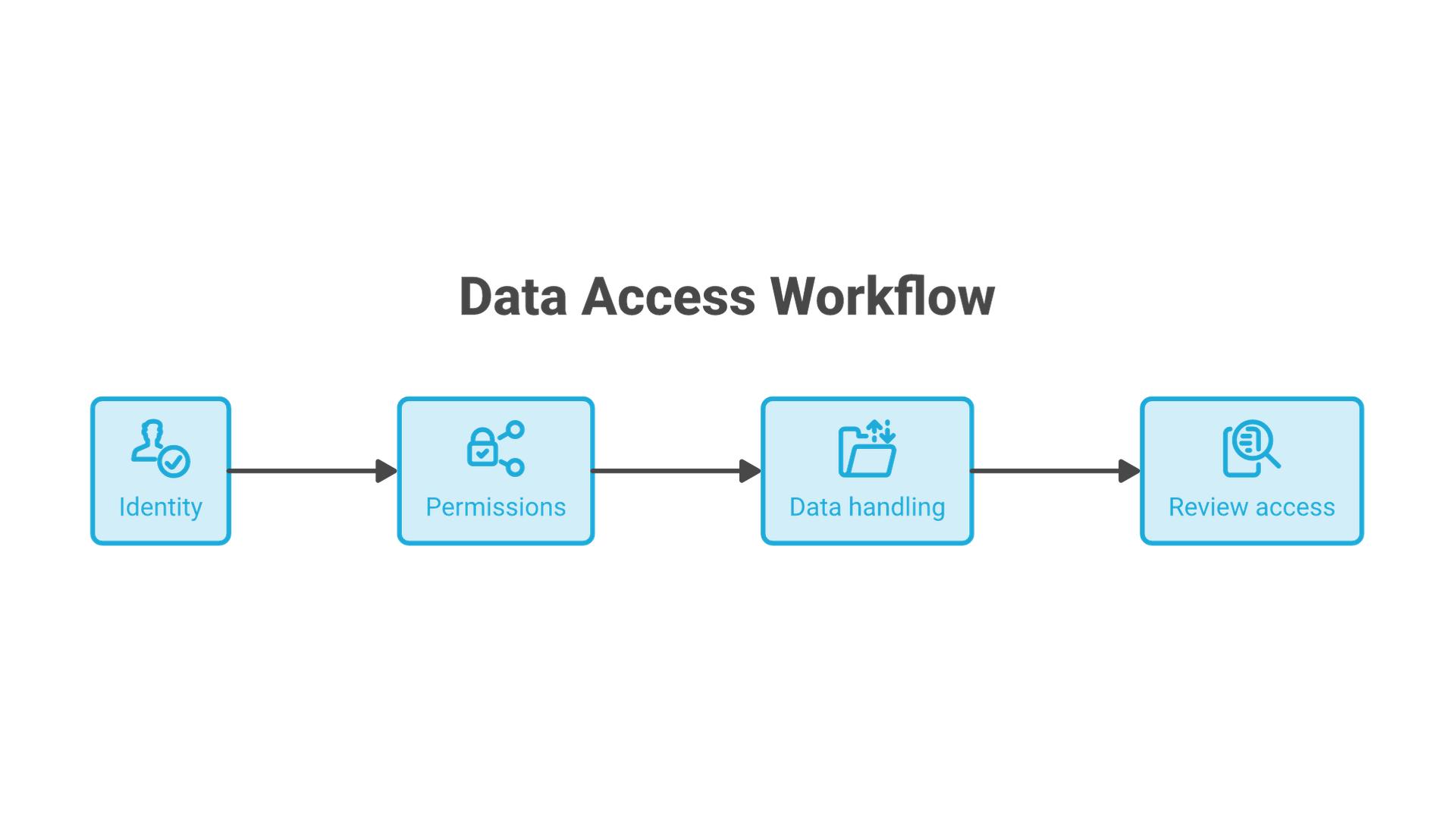
Define who can invite users, administer integrations, export records and change automation. Review single sign-on, multifactor authentication, offboarding and audit information for the selected plan. Determine where data is stored, how long it is retained, how it can be restored and what deletion means across backups and connected tools.
For regulated or sensitive workloads, have the responsible security and legal owners review the specific data flows, contract and obligations. This guide does not establish GDPR, HIPAA, PCI DSS or other compliance for any provider or customer. Use test data until the intended processing has been approved.
Choosing the Right SaaS Solution for Your Business
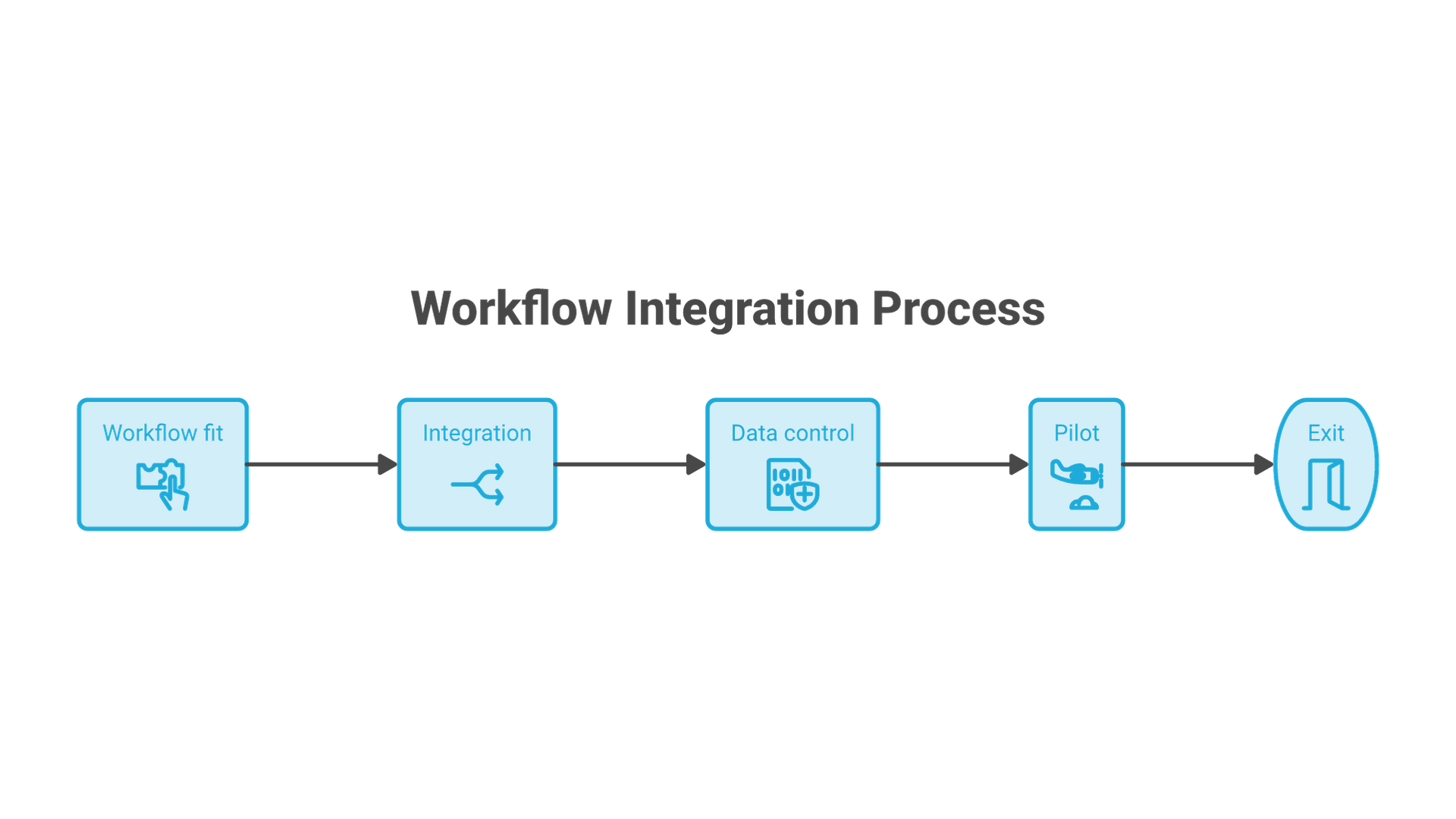
- Define the job. Write a concrete outcome and the exceptions that matter. “Manage sales” is too broad; “handoff a qualified opportunity without losing ownership or consent history” can be tested.
- Inventory what already exists. Identify overlapping applications, authoritative records and contracts. A new subscription should not accidentally duplicate the same operating role.
- Build a total-cost view. Include seats, usage, required editions, add-ons, migration, integration, training, administration and exit work. Model a plausible growth scenario as well as today's usage.
- Run a representative trial. Use ordinary users, a difficult case and an exception. Record what works, what needs customization and what cannot be done within the intended plan.
- Test departure. Export sample records and attachments, remove a user and disconnect an integration. Confirm what remains readable outside the platform.
- Assign ownership. Name a business owner and a technical owner. Set a review date based on adoption and process results, not only renewal timing.
For a simple illustrative cost comparison, 20 seats at $30 per month equal $7,200 per year before add-ons, taxes and implementation. These are hypothetical inputs, not vendor prices. A $10 difference per seat is $2,400 annually at that scale; a difficult migration or manual reconciliation burden may outweigh it. Keep recurring and one-time costs separate.
When the main gap is between systems rather than within one application, Cognativ's software engineering services provide a relevant route for discussing integration requirements. Do not default to custom development where a supported configuration already solves the problem.
Frequently Asked Questions
Is SaaS Always Browser-Only?
No. A provider-operated application can also offer desktop and mobile clients. The delivery and management model matters more than whether a local application is installed.
Does SaaS Always Cost Less?
No. It can reduce infrastructure work, but total cost depends on users, usage, required editions and operating effort. Compare a complete configuration against a realistic alternative.
What Are Common Examples?
Salesforce and HubSpot illustrate CRM-related workflows; Slack and Zoom support communication; Asana and Trello organize work; Shopify and BigCommerce support commerce. They are examples of different categories, not interchangeable competitors.
Who Is Responsible for Security?
Both provider and customer have responsibilities. Confirm the provider's controls, then configure users, data access and integrations appropriately. Do not infer compliance from a product label.
How Should a Small Business Choose?
Start with its most important workflow, shortlist appropriate products and run the same trial in each. Include one failure case and a data export before deciding.
Summary
The strongest SaaS choice is the product your team can operate reliably for a clearly defined job. Understand the delivery model, test the workflow, calculate the complete cost and retain control of your data and decisions. A successful trial should leave you with evidence for the purchase, not just a longer feature list.