

DIY Local AI Server: Hardware Planning, Assembly Checks and Validation
Build a DIY local AI server around a workload and a verified component combination, not a list of large numbers. The model must fit its runtime, the GPU must fit the chassis and power supply, and the resulting system must meet a useful acceptance test.
Build a DIY local AI server around a workload and a verified component combination, not a list of large numbers. The model must fit its runtime, the GPU must fit the chassis and power supply, and the resulting system must meet a useful acceptance test.
This is a build-planning and validation guide, not a report of a machine assembled or benchmarked by Cognativ. The reference envelope below is deliberately a single-GPU workstation. It avoids treating a multi-GPU research build as the default starting point for local inference.
Specify the Workload Before the Bill of Materials
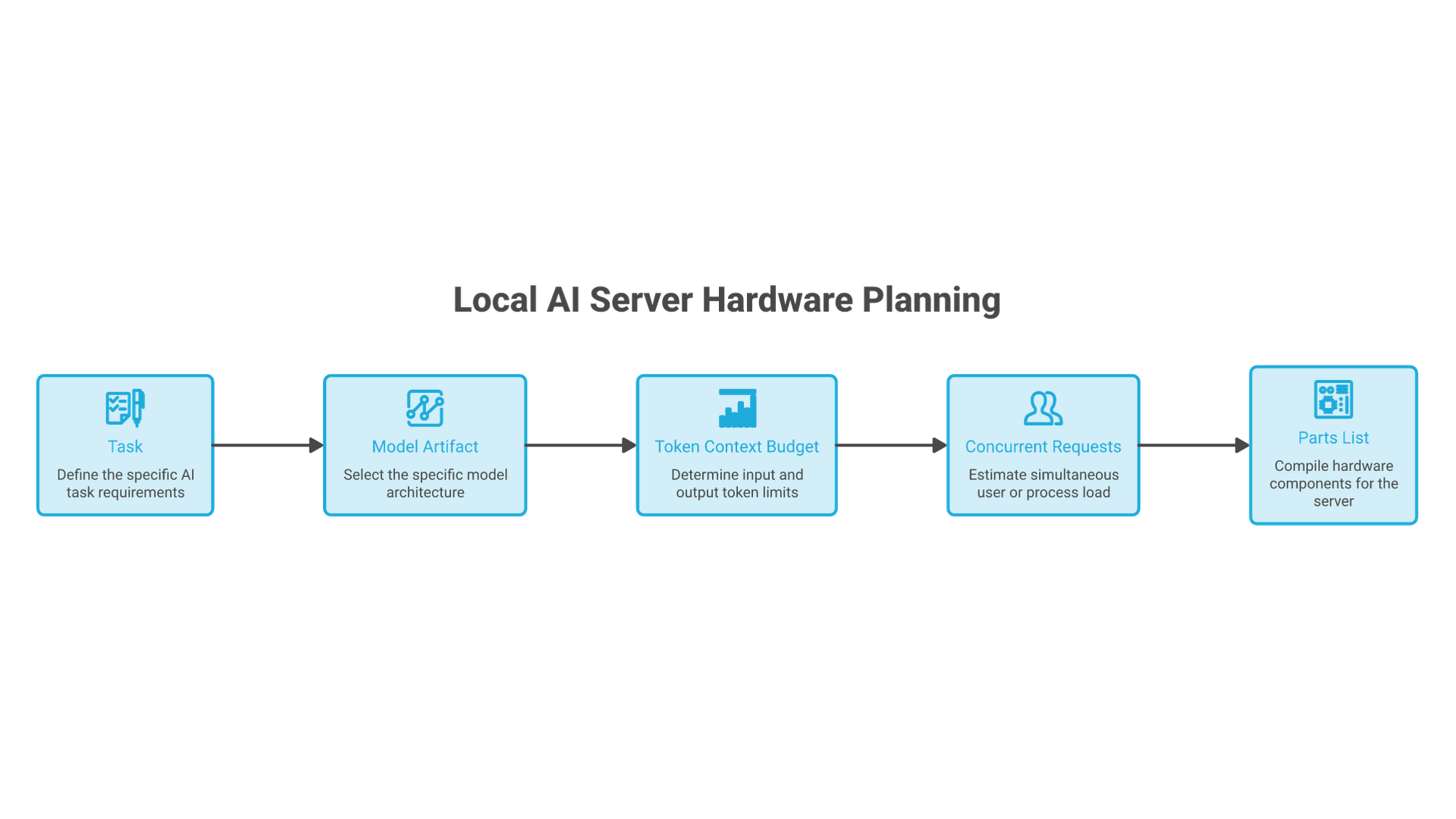
Write down the model artifact, quantization, context length, expected concurrent requests and task. “Run a 7B coding model for one developer” is a different requirement from “serve a 120B model to ten people.” A model's active parameter count is not a substitute for the memory needed to store its weights.
| Component | Planning choice | Compatibility evidence required |
|---|---|---|
| GPU | One supported card with sufficient VRAM for the selected artifact and workload. | Runtime support, driver, physical dimensions and measured headroom. |
| CPU and board | A compatible mainstream platform with the required GPU slot and storage connections. | CPU support list, BIOS version, lane-sharing diagram and cooler clearance. |
| System memory | 64 GB as an illustrative starting allocation, not a universal requirement. | Board memory support and capacity for the OS, loading and other services. |
| Storage | 1 TB SSD as an example budget for OS, selected artifacts and temporary files. | Actual model sizes, free space, slot compatibility and recovery needs. |
| Power and chassis | Selected after the exact GPU, CPU and peripherals. | Manufacturer power guidance, connectors, cable clearance, airflow and mains limits. |
A spare compatible machine may be the best first test platform. Establish whether the workload is useful before purchasing a dedicated server. Do not interpret the example memory or storage allocation as a guarantee that a particular model will run well.
Check the Physical Constraints Together
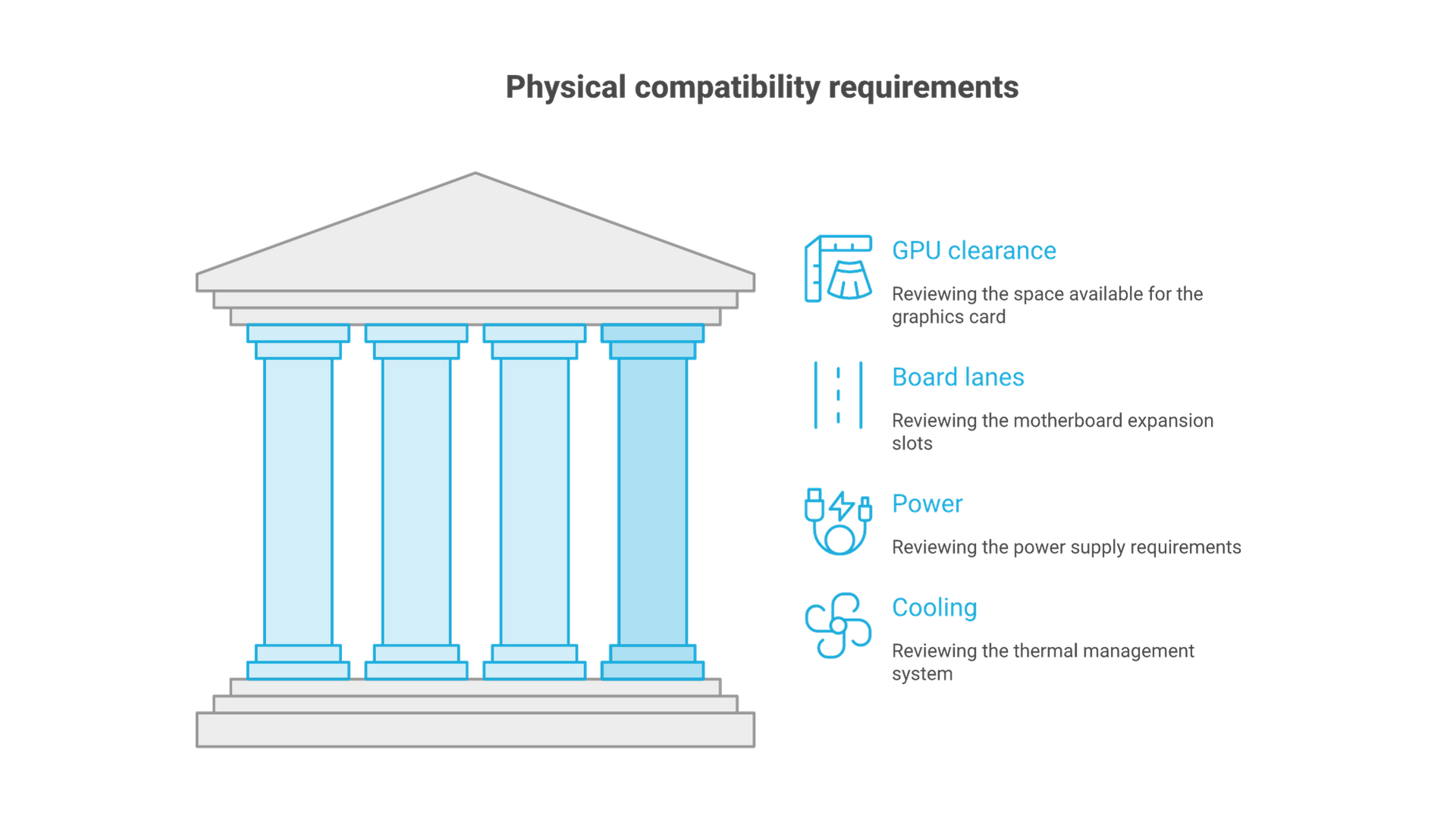
As a concrete specification example, NVIDIA lists the RTX 5090 reference card with 32 GB memory, 575 W total graphics power and a 1,000 W system-power recommendation under its stated reference conditions. Its Founders Edition dimensions are 304 by 137 mm and two slots. Partner cards and complete systems can differ; these figures are not a whole-build compatibility approval.
Check the exact card's connector requirements and clearance for the cable, not just its length. Follow the card and power-supply manufacturers' installation instructions. Do not mix modular PSU cables from unrelated models or improvise connector modifications. If electrical capacity or installation is uncertain, use a qualified technician.
Read the motherboard lane-sharing table. A second long slot may not provide the electrical lanes its appearance suggests, and installing storage can change available lanes. Multi-GPU support also depends on the runtime's model partitioning and interconnect behavior; two cards do not automatically act like one larger memory pool.
Allow airflow around intake and exhaust. Check cooler height, card sag support and access for maintenance. A system that boots with the side panel open has not demonstrated acceptable temperatures in its intended location.
Verify the Runtime and Driver Before Purchasing
The Ollama hardware-support page lists supported GPU families and driver requirements. Check the exact card and operating system against current documentation. Support for one GPU family does not imply every board, driver and operating-system combination is supported.
Record the intended runtime version and model format. CUDA, ROCm, Metal and other backends are not interchangeable labels. A model distributed for one inference stack may require conversion or a different artifact for another. Confirm the model license and intended commercial use separately from runtime availability.
Keep the first installation narrow: one OS, one supported driver path, one runtime and one small local model. Adding several inference stacks before establishing a baseline makes failures harder to isolate. Do not use compatibility overrides as the default recommendation for a new purchase.
Assemble in Verifiable Stages
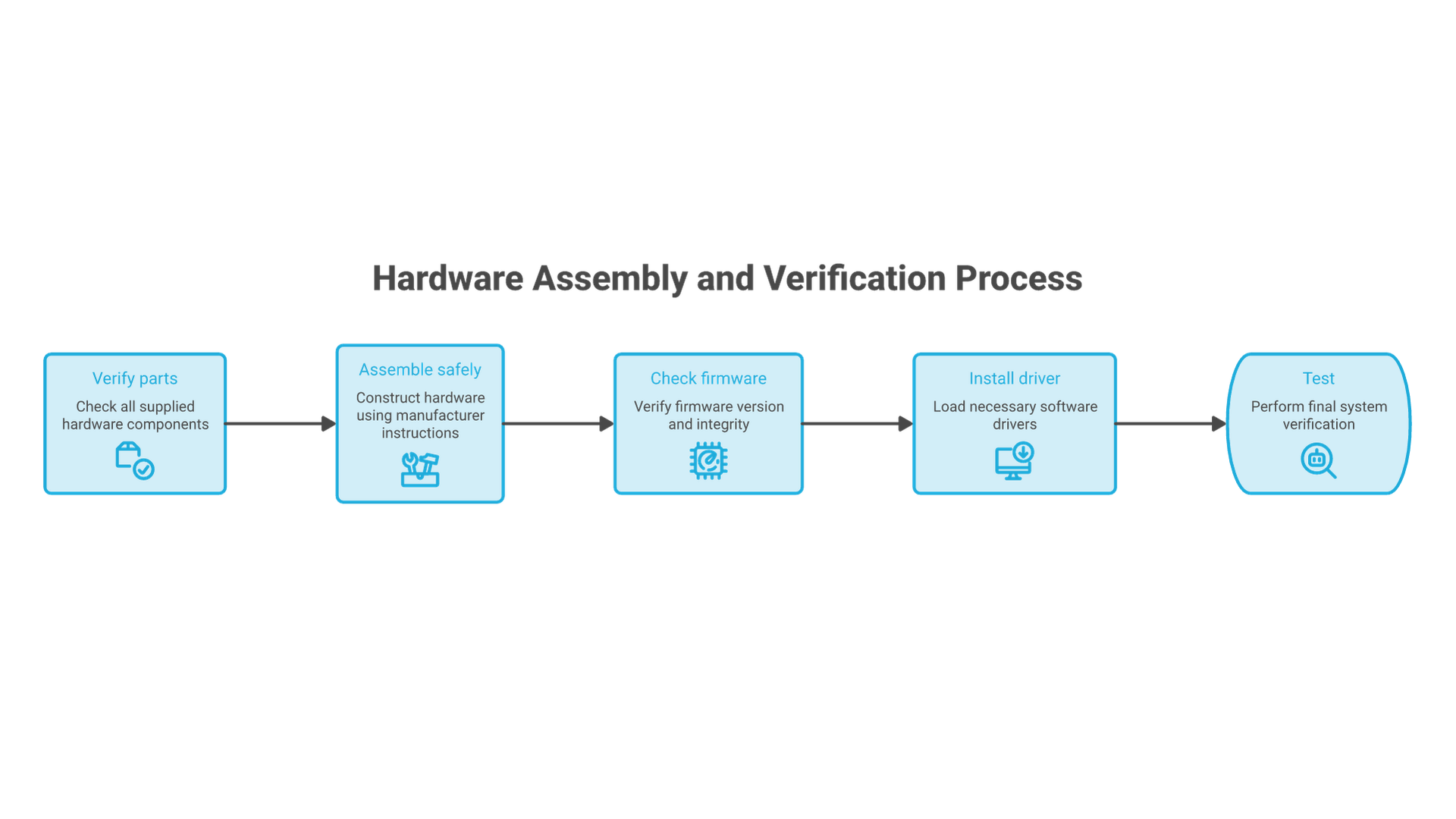
- Confirm the parts list against the exact manuals, including BIOS and memory support.
- Follow manufacturer procedures for CPU, cooler, memory, storage, power and GPU installation with the system disconnected from power.
- Boot to firmware and verify that expected memory, storage and devices are recognized.
- Install the supported OS and driver, then confirm the GPU is detected using the vendor's diagnostic tools.
- Check temperatures, fans and stability under a bounded hardware test before adding the inference workload.
- Install the runtime from its official distribution and retain the configuration and version record.
This sequence is not a substitute for a motherboard assembly manual. Stop when a connector, firmware requirement or error is unclear. Repeated forced boots or speculative driver changes are not a reliable troubleshooting method.
Validate the Server with a Repeatable Workload
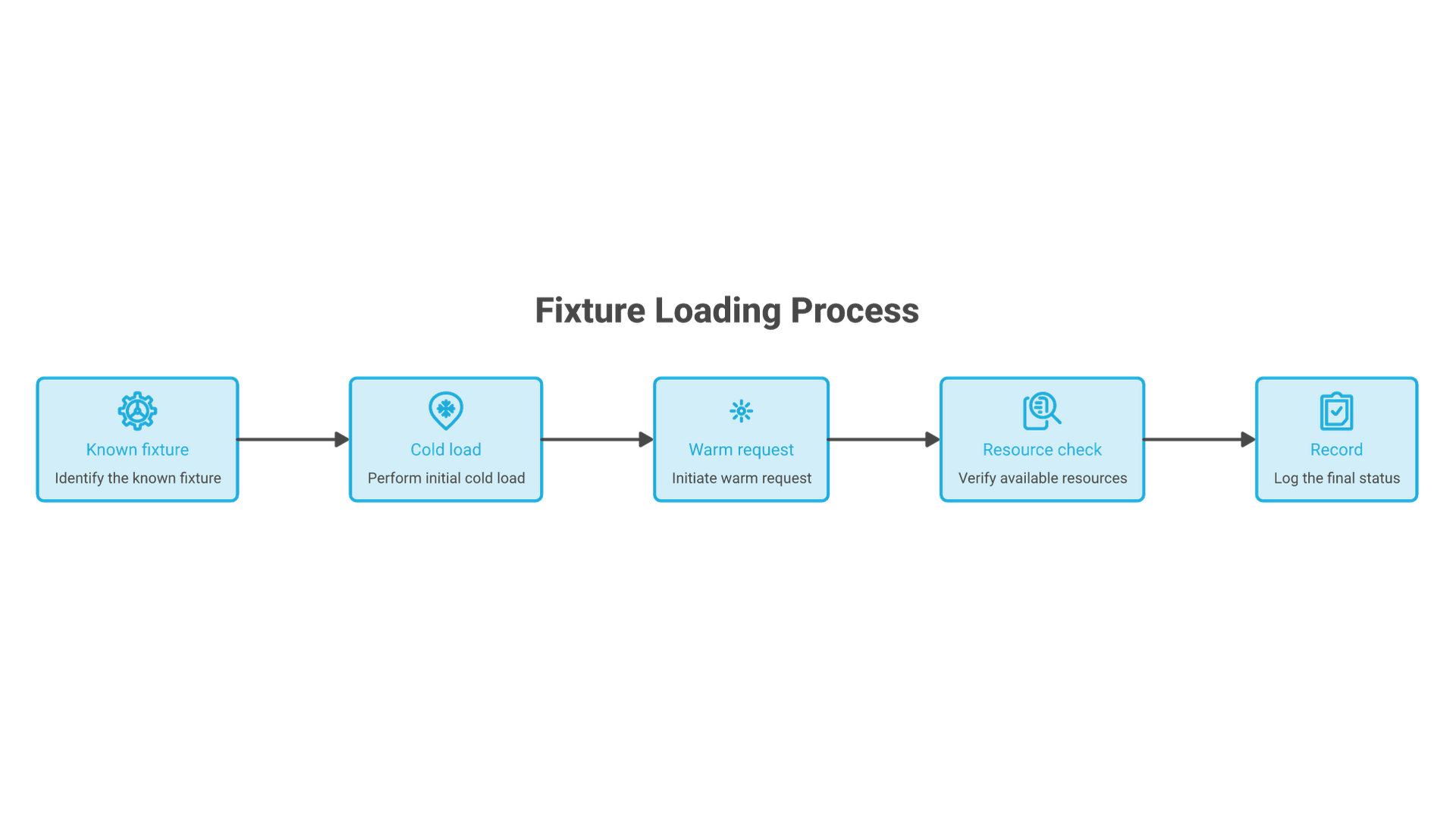
Begin with a nonsensitive fixture whose expected facts are known. Record the model identifier, artifact digest where available, context setting, runtime/driver versions and machine configuration. Capture cold-load time separately from warm response time.
Then test realistic input lengths and the intended concurrency. Track memory, elapsed time, thermal behavior, failed requests and answer acceptance. Do not report only the fastest successful response. A system that produces plausible but incorrect code has passed an execution test, not a coding-quality test.
| Question | Evidence |
|---|---|
| Does the artifact load? | Successful load plus observed memory placement. |
| Does the task work? | Expected facts or tests checked against the returned answer. |
| Does it stay stable? | Repeated representative runs with errors and temperatures retained. |
| Can it be recovered? | Documented restart, configuration restoration and model identification. |
| Is access bounded? | Endpoint exposure and authentication reviewed before team use. |
Compare Operating Cost Before Expanding
For an illustrative electricity calculation, a measured average draw of 0.4 kW over 160 hours uses 64 kWh. At an assumed $0.20 per kWh, that is $12.80. This excludes idle hours, cooling, hardware depreciation, support and electricity-price variation. GPU rated power is not a measured whole-system draw.
Expand only after identifying the limiting factor. More VRAM may solve model placement but not queueing, retrieval quality or an unsuitable task. The valuable output of the first build is a reproducible operating envelope, not merely a machine that can load a large model.