

GPT OSS: Hardware Requirements and Deployment Planning
A model that fits in memory may still miss the required response time, fail under concurrent requests or consume too much capacity at long context. This guide separates published model facts from the measurements needed to choose hardware.
Planning a local gpt-oss deployment starts with the exact checkpoint, runtime and workload. A model that fits in memory may still miss the required response time, fail under concurrent requests or consume too much capacity at long context. This guide separates published model facts from the measurements needed to choose hardware.
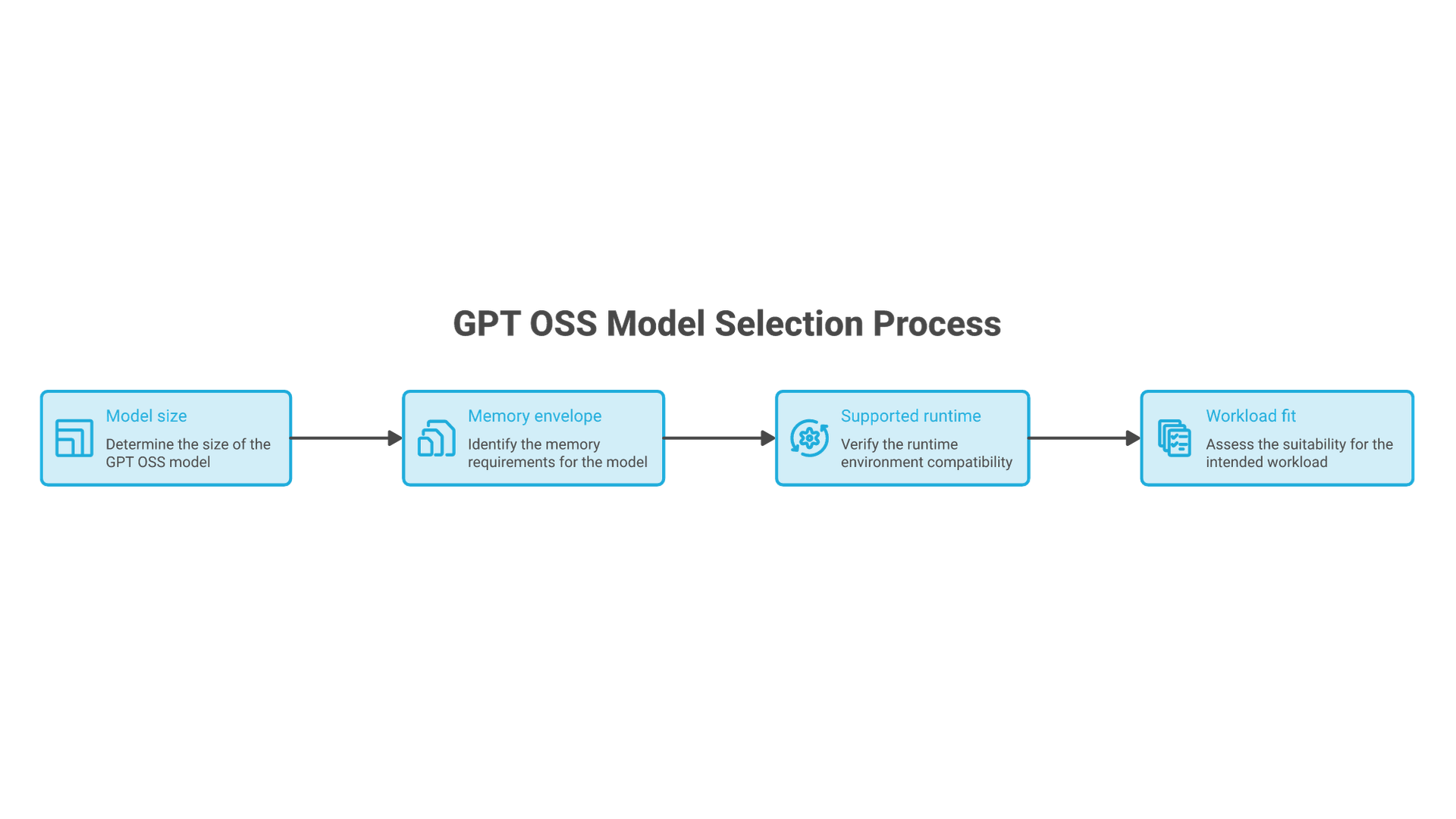
20B or 120B: Start with the Documented Memory Context
| Model | Documented example | Decision to test |
|---|---|---|
| GPT-OSS-20B | OpenAI Ollama guide: at least 16 GB VRAM or unified memory. | Does the smaller model meet the task and latency requirements? |
| GPT-OSS-120B | Ollama guide: at least 60 GB VRAM or unified memory; model card: an 80 GB GPU example. | Does a measured quality benefit justify the additional capacity? |
Introduction to GPT OSS Models
OpenAI released gpt-oss-20b and gpt-oss-120b as open-weight text models. The model card describes their architecture, licensing and limitations. Local inference is possible with a supported runtime; any connected tools, document services or hosted fallback need their own data and permission review.
OpenAI GPT OSS 20B Overview
The smaller model has 20.91 billion total parameters, not 20.91 billion active parameters per token. Its published quantized representation makes local experimentation feasible on some consumer systems. Suitability for a particular task or device still requires testing; the model name does not establish a best balance of speed and quality.
GPT OSS 20b Hardware Requirements
The official Ollama walkthrough gives at least 16 GB of VRAM or unified memory as starting guidance for gpt-oss-20b and discusses slower CPU offload. This is not a promise that every 16 GB machine supports any context or concurrency. Confirm the exact runtime, accelerator support and free memory before downloading.
OSS 20B Model Architecture
The model card lists 24 layers for gpt-oss-20b and 36 for gpt-oss-120b. They are mixture-of-experts models; using a subset of experts per token does not mean only that subset of weights needs to be stored. The published quantization applies MXFP4 to MoE weights, so multiplying every parameter by a single guessed precision is not an exact runtime-memory calculation.
GPT OSS 120B and Hardware Requirements
For gpt-oss-120b, distinguish a published fit example from a service sizing result. The model card describes a single 80 GB GPU example, while the Ollama-specific guide gives at least 60 GB of VRAM or unified memory. These are different contexts, not interchangeable guarantees. Neither establishes how many users your application can serve at its chosen context and latency target.
Write the Workload and Memory Budget
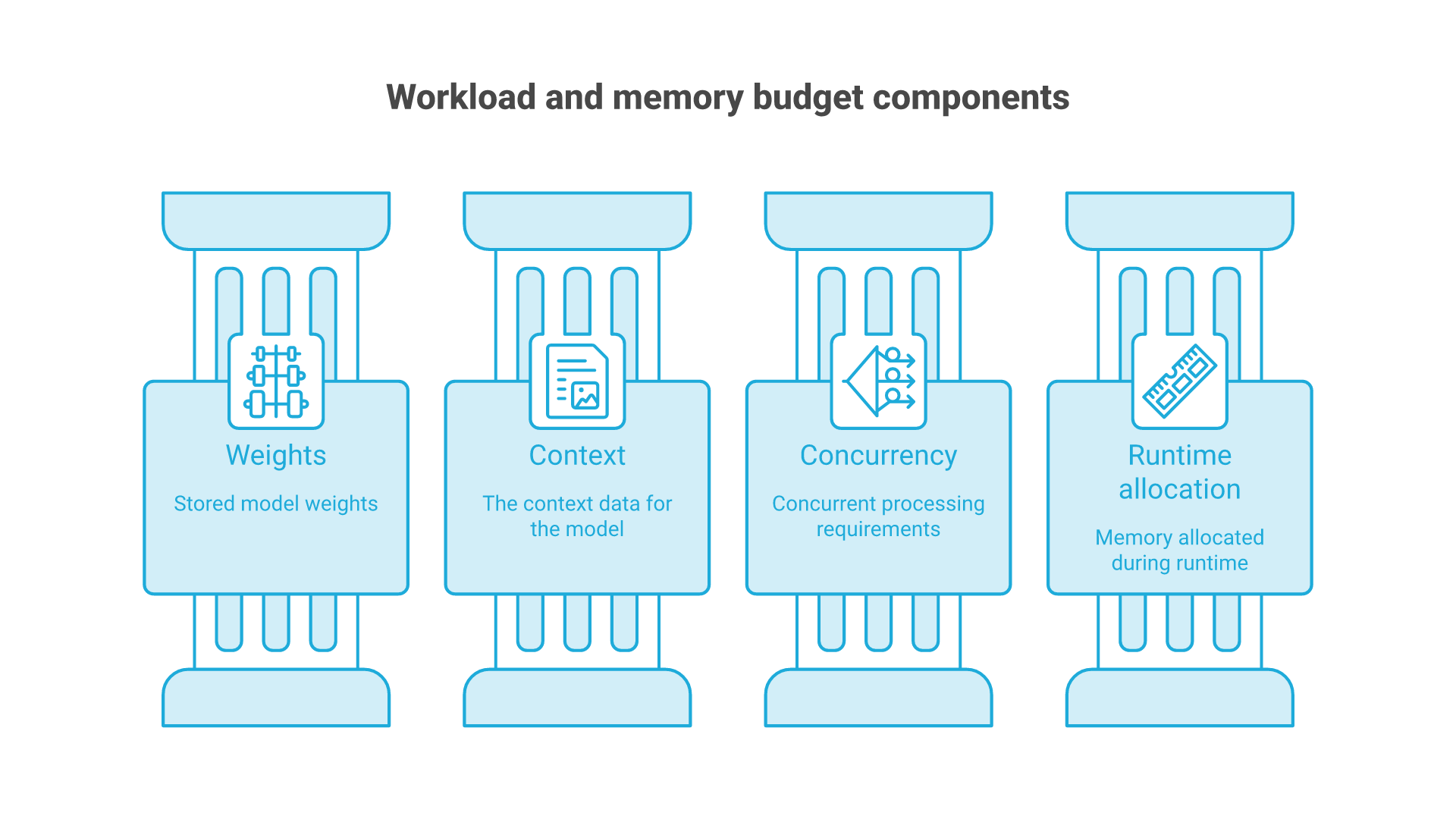
Budget separately for weights, context-related state, temporary computation and runtime overhead. Longer inputs, outputs and additional active requests can raise demand. Measure peak usage and failure behavior, and leave operating headroom based on the workload and other processes sharing the device.
Write the workload before selecting a workstation or server: input-length distribution, maximum output, concurrent active requests, arrival pattern and acceptable wait. Include the longest permitted request and a burst of short requests. A multi-GPU configuration needs a demonstrated capacity or performance requirement and a runtime that supports the topology.
Separate checkpoint loading from steady-state inference. Local storage may reduce restart time, but storage bandwidth is not automatically the bottleneck during generation. Multi-device and multi-node deployments introduce communication overhead and additional failure modes. Confirm the engine's supported parallelism and measure the actual topology instead of assuming a fast interconnect guarantees scaling.
Suppose an internal assistant needs to answer questions from documents supplied with each request. This hypothetical workload has two classes: short questions with a small excerpt and longer questions with several sections. Define both classes explicitly. Do not evaluate only the short class and then promise the same latency for the long one.
Record the expected number of simultaneous active requests separately from the number of registered users. Fifty registered users do not necessarily generate fifty concurrent requests. Conversely, a batch job can produce a burst even when there are few people using the service. Capture the arrival pattern that matters to the business.
For each class, define the input cap, output cap, completion criteria and acceptable delay. Include queueing in user-visible time. Measure time to first token as well as completion: a quick first token can conceal a long wait for a usable answer. Retain error and cancellation counts instead of reporting only successful responses.
Run the bounded single-request case first, then increase concurrency while keeping the test inputs fixed. Stop at the first unacceptable memory failure, response-time threshold or quality regression. The resulting boundary is specific to that configuration. It is not a transferable benchmark for every machine carrying the same GPU name.
For an illustrative arithmetic check, 20.91 billion parameters represented uniformly at two bytes each would require about 41.82 decimal GB for weights alone. This is not the shipped quantized checkpoint size and excludes runtime state. It explains why a claim that the entire BF16 model simply fits in 24 GB is not a sound planning assumption.
Use a decision table with columns for configuration, task acceptance, peak memory, request timing, errors and operating cost. Leave unmeasured cells blank. If the smaller model meets the task and response requirements, a larger one needs a specific demonstrated benefit to justify its additional resources. If neither meets the task, buying more memory may not address the actual quality problem.
Finish with an operating decision: the approved workload envelope, who monitors it, when requests are rejected and what triggers re-evaluation. This worksheet is proposed methodology, not a report of a completed hardware trial.
Choose and Verify One Runtime Path
A desktop interface can simplify a pilot, but it does not remove runtime compatibility checks. Select a build that explicitly supports the exact model. LM Studio's offline-operation guide distinguishes local use of downloaded models from network-dependent features. Do not infer that an agent builder, MCP connection or another runtime is present simply because a chat interface works.
Choose one documented runtime path first, such as the supported Ollama walkthrough, rather than mixing installation instructions from several engines. Record the runtime release, device backend, model tag or revision and representation. A successful load proves less than a complete request with correct message parsing and controlled shutdown.
Installing the toolchain
Before installing anything, create an environment record and compare it with the selected runtime's current support requirements. The following is a planning record, not an installation command or tested configuration:
model: gpt-oss-20b
model_revision: record-the-resolved-revision
runtime_version: record-before-evaluation
representation: record-the-downloaded-format
device_and_memory: record-the-actual-machine
network_policy: no-unapproved-remote-fallback
context_and_output_limits: define-before-load-test
Follow the chosen runtime's documented installation and model-format support. Harmony is a message format, not a substitute for JSON-schema validation or an authorization system. Keep tokenizer and template versions aligned with the model.
A Minimal Evaluation Before Serving
Start with a non-sensitive prompt, one request and bounded output. Confirm that the response is complete, final-answer handling is correct and cancellation returns resources. Then record the result using a simple test log rather than treating a copied loader as production-ready code.
case: short-nonsensitive-question
concurrent_requests: 1
input_tokens: measure
output_tokens: measure
load_time: measure-separately
time_to_first_token: measure
total_response_time: measure
peak_memory: measure
result_and_errors: record
shutdown_and_cancellation: verify
This record is an evaluation template. No inference run, hardware benchmark or installation was performed for this article. Increase workload only after the initial behavior and resource use are understood.
Chat template
Use the exact model's supported chat template and parser. Preserve roles, channels and tool-call boundaries instead of concatenating strings that resemble another model's special tokens. Test final answers and tool requests separately, and treat generated tool arguments as untrusted input.
Use official installation instructions for the exact platform and pin the evaluated versions. Capture the resolved model artifact rather than relying only on a mutable friendly name. If a tool requires downloads or a new dependency, treat that as a separate approved setup step. Do not mix package commands from unrelated runtimes.
Control the Shared Service Boundary
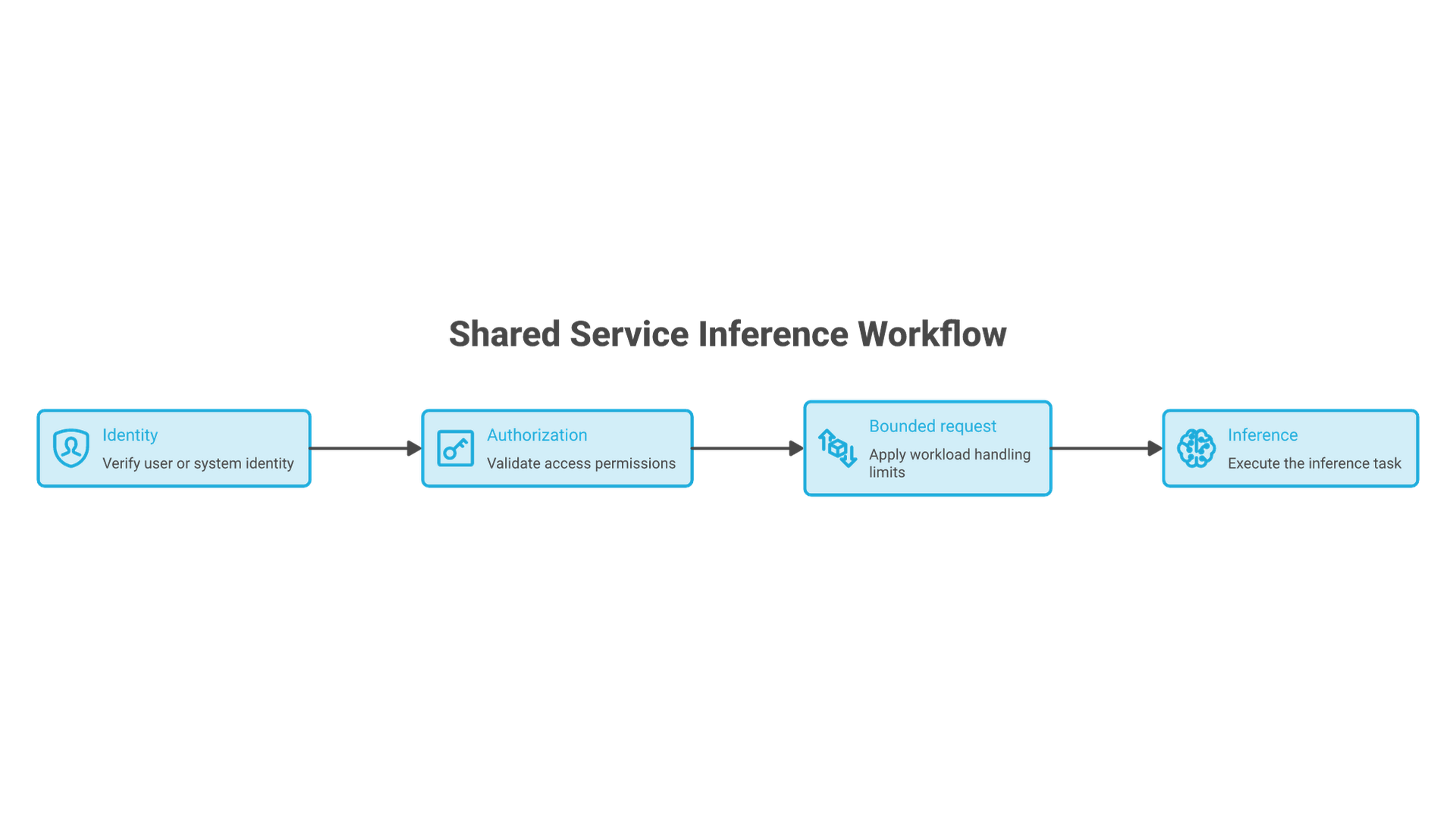
Tool use is an application responsibility around the model. Validate requested operations and arguments against an allowlist, limit resources and require approval for consequential changes. Keep secrets and broad filesystem access out of the model's default environment. Streaming a partial answer must not imply that a pending external operation succeeded.
Treat message formatting as a versioned interface. Record the tokenizer, template and parser with the runtime configuration, and test upgrades against the same examples. A generated rationale is not proof of correctness, and exposing internal reasoning is not a requirement for checking the final answer or tool request.
Move from a single-user pilot to a service only after defining authentication, request-size limits, timeouts, queue capacity, cancellation and shutdown. Add health and capacity checks that distinguish a running process from a model able to accept work. A service should reject excess work predictably instead of silently falling back to a remote provider.
Local inference does not eliminate exfiltration or misuse risks. Review downloads, plugins, logs, network egress and connected tools. Run with least privilege and protect model and document directories appropriately. Treat untrusted prompt and document content as data, not permission to execute commands. Regulated information requires a separate qualified assessment.
A minimal public HTTP server is not an adequate deployment guide. Use the selected runtime's supported service path, start with local-only access and apply the following checks before making it available to other users:
Access: authenticated and limited to intended users
Network: local-only unless explicitly approved
Input: bounded size and validated message structure
Resources: context, output, queue and concurrency limits
Cancellation: releases work and capacity
Tools: separately authorized and bounded
Logs: sensitive content minimized and access controlled
Failure: explicit error, no silent remote fallback
Recovery: tested restart and known-working configuration
A local bind address is a useful initial boundary, not a complete security control. Before any shared access, review the service and network configuration together.
Initial review target: 127.0.0.1 only
Shared access: pending authentication and network review
Production deployment: pending capacity and recovery tests
These are acceptance conditions, not executable server code. Before shared use, verify the selected runtime's authentication, network exposure and resource controls. A demonstration server is not a substitute for that review.
Measure Performance and Diagnose Failures
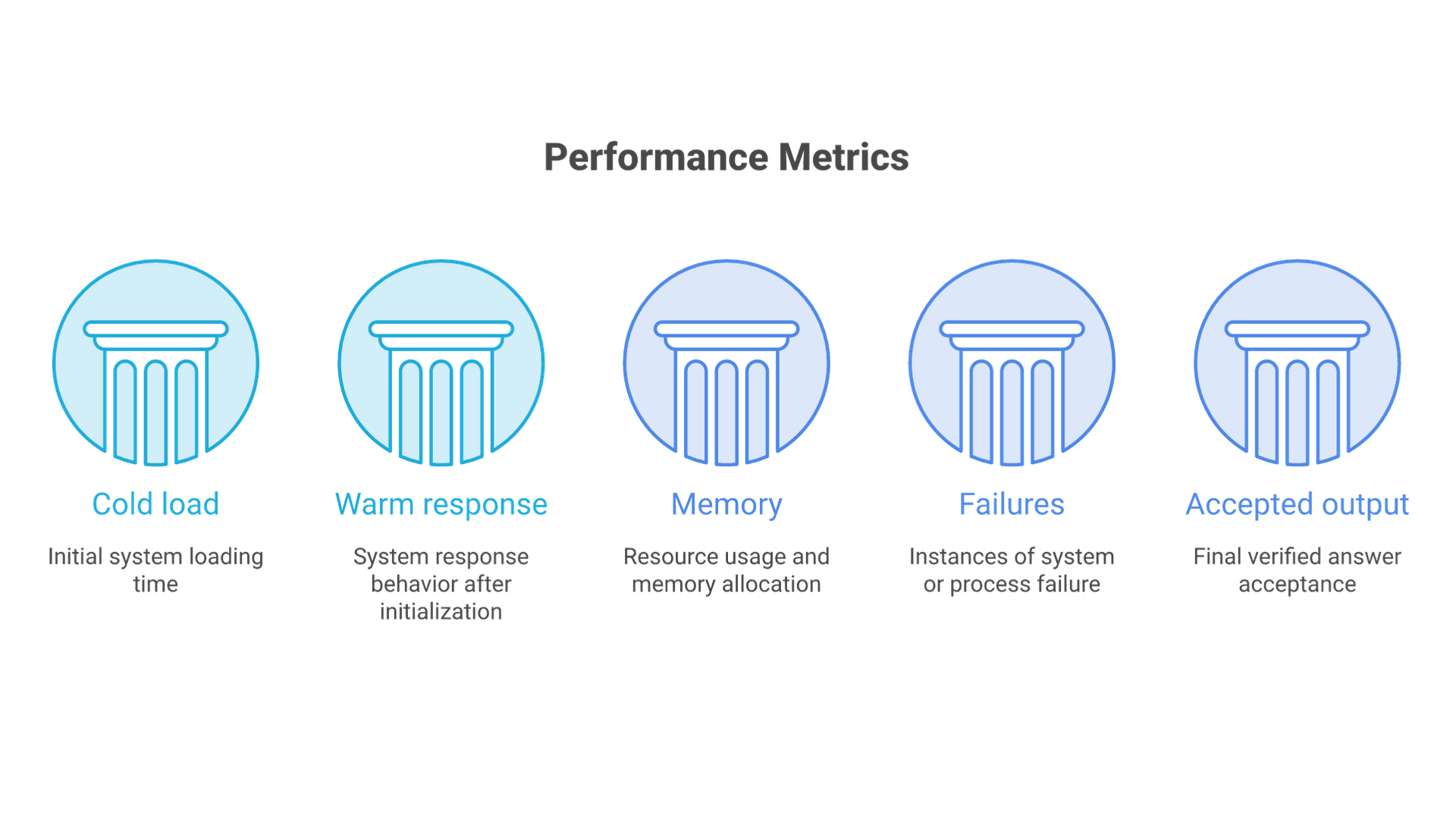
Change one supported setting at a time and retain the baseline. Compare prompt-processing time with generation time, and report quality alongside throughput. Batching can improve aggregate utilization while increasing an individual request's wait. Evaluate kernel or cache changes on that same workload before assigning them a performance benefit.
Compare cost per accepted task under explicit assumptions, including hardware allocation, power, administration and utilization. A tiered model choice can be worth testing, but escalation changes latency and resource use and must preserve the approved data boundary. Set response targets from the service requirement and verify them with measurements.
For memory failures, first confirm the representation and context/concurrency settings. For slow responses, separate loading, queueing, prompt processing and generation. For inconsistent output, compare the full template and configuration. Preserve sanitized diagnostics and reproduce with non-sensitive input before changing several components together.
Make the Operating Decision
Start with a supported configuration and a bounded workload. Decide whether the limiting factor is quality, memory, latency or concurrency before spending on larger hardware. For business deployment, Cognativ's AI implementation services provide the broader integration context; a model fitting in memory is not the same as a production service being ready.
Quick Reference
- Record the exact model artifact, representation, tokenizer and runtime.
- Validate single-request behavior before exposing a shared interface.
- Size from context, concurrency and measured response targets, not a generic GPU list.
- Measure peak memory and queue behavior at the permitted workload limits.
- Re-run the same quality and resource checks after changing kernels, hardware or quantization.
- Keep publication claims limited to documented specifications and measurements actually performed.