

Mac mini Local AI Server: Install, Test, Restart and Stop
An Apple Silicon Mac mini can host a local inference endpoint, but a working chat window is not the same as an unattended service. Verify the API, memory behavior, sleep policy, restart path and stop procedure before relying on it.
An Apple Silicon Mac mini can host a local inference endpoint, but a working chat window is not the same as an unattended service. Verify the API, memory behavior, sleep policy, restart path and stop procedure before relying on it.
This walkthrough defines a local-only pilot using the Ollama macOS application and a small downloaded model. It is documentation-based, not a measured Mac mini benchmark. It does not expose the endpoint to a network, configure remote access or claim high availability.
Check the Mac and Choose a Small First Workload
The Ollama macOS documentation specifies macOS Sonoma 14 or newer and supports CPU/GPU execution on Apple M-series machines; its x86 path is CPU-only. Confirm the requirements of the release you install rather than assuming an older Intel Mac mini behaves like Apple Silicon.
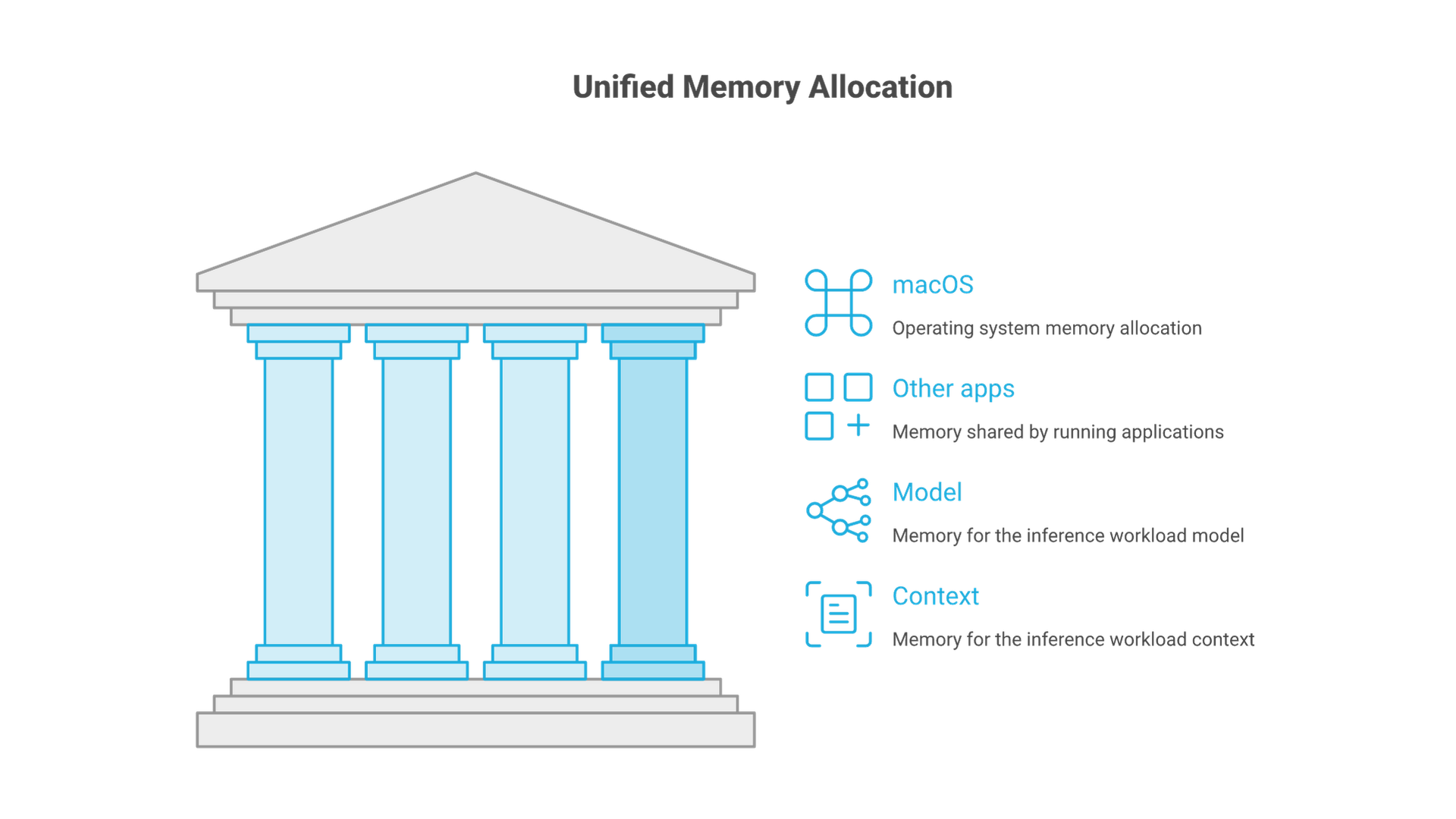
Unified memory is shared with macOS and other applications. Do not allocate the entire installed capacity to model weights. Context, runtime buffers and concurrent work also consume memory. Check Activity Monitor's memory pressure during representative use, and treat sustained swapping as a reason to revisit the workload.
| Item | Why it matters |
|---|---|
| Chip, memory and macOS version | Determines the supported execution path and available capacity. |
| Free storage | Model artifacts and updates need disk space in addition to memory. |
| Runtime version and model tag | Makes behavior and later changes traceable. |
| Intended availability | Interactive desktop use and unattended service require different operating decisions. |
| Data policy | Use synthetic input first; local execution does not make every extension or tool local. |
Install and Verify the Local API
- Download the macOS application from Ollama's official download page.
- Open the disk image, move the application to Applications and launch it. Review any request to make its CLI available.
- Open Terminal and check
ollama --version. If the command is unavailable, resolve the application/CLI setup before continuing. - Check the local endpoint with the request below. An empty model list can be normal before any download.
curl --noproxy '*' --fail --show-error --max-time 10 http://127.0.0.1:11434/api/tagsIf the connection is refused, confirm that the application is running. Do not start a second server process merely to work around an unknown failure. If another service already owns the port, identify it before changing configuration.
Download the Qwen2.5 1.5B local artifact for this bounded fixture. It is chosen as a small starting exercise, not as the best or newest model. Downloading requires network access and storage.
ollama pull qwen2.5:1.5b
ollama show qwen2.5:1.5b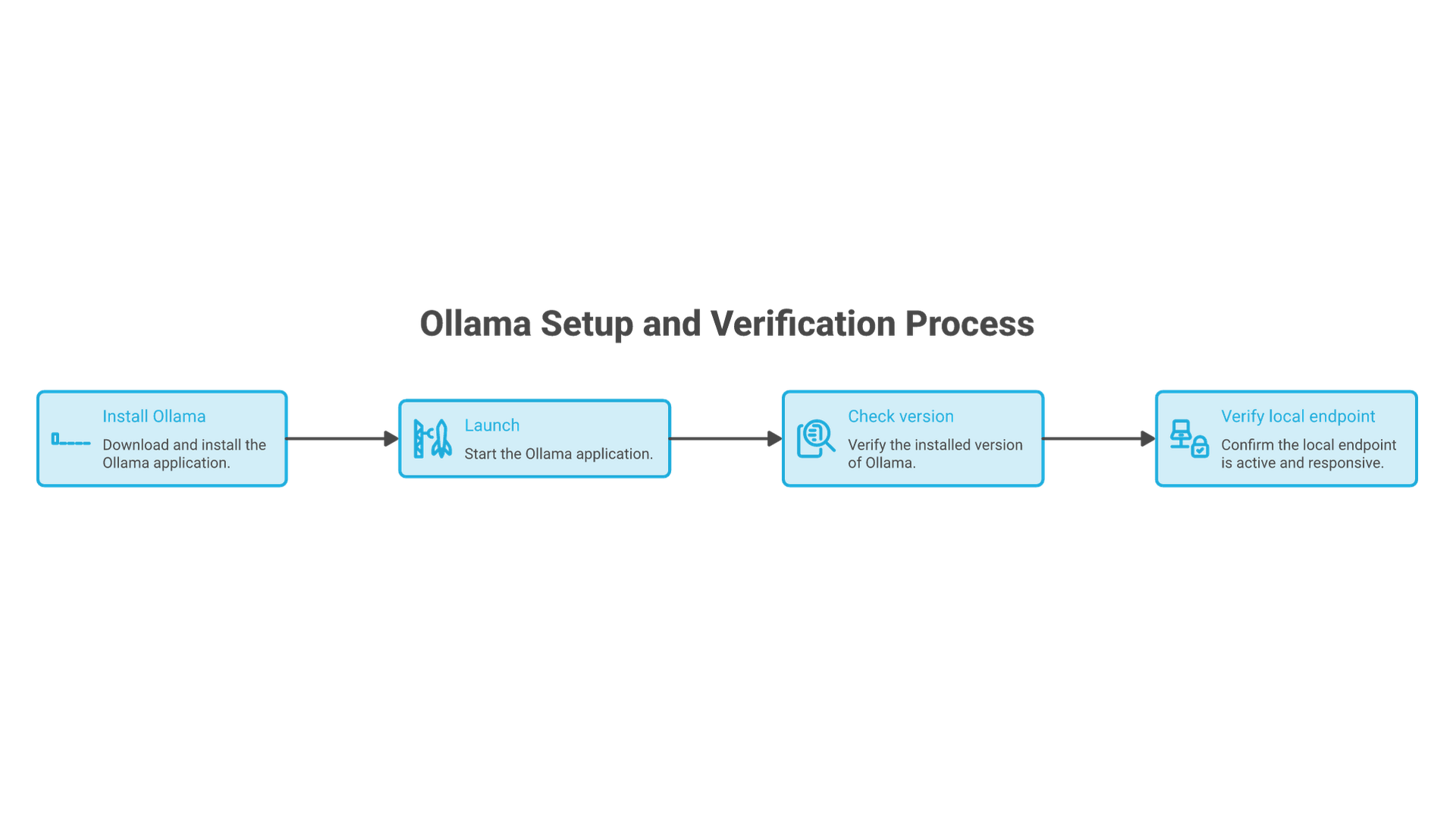
Send One Known-Answer Request
The following uses the documented chat endpoint, disables streaming for a single JSON response and sets a bounded exercise context. It has not been executed here against a model.
curl --noproxy '*' --fail --show-error --max-time 120   http://127.0.0.1:11434/api/chat   -H 'Content-Type: application/json'   -d '{
    "model": "qwen2.5:1.5b",
    "messages": [{"role":"user","content":"Use only this note: The review is Friday. Morgan owns it. Return the day and owner. If asked for a budget, say unknown."}],
    "stream": false,
    "options": {"num_ctx": 2048, "temperature": 0},
    "keep_alive": "5m"
  }'
Inspect the answer inside message.content. The expected facts are Friday and Morgan. No budget is supplied. A successful HTTP response establishes that the endpoint answered, not that the model followed the evidence correctly.
Run ollama ps while the model remains loaded and inspect memory pressure. Record the model identity and actual response, including failures. Changing temperature to zero does not make every runtime or model perfectly deterministic.
Decide How Sleep, Login and Restart Should Behave
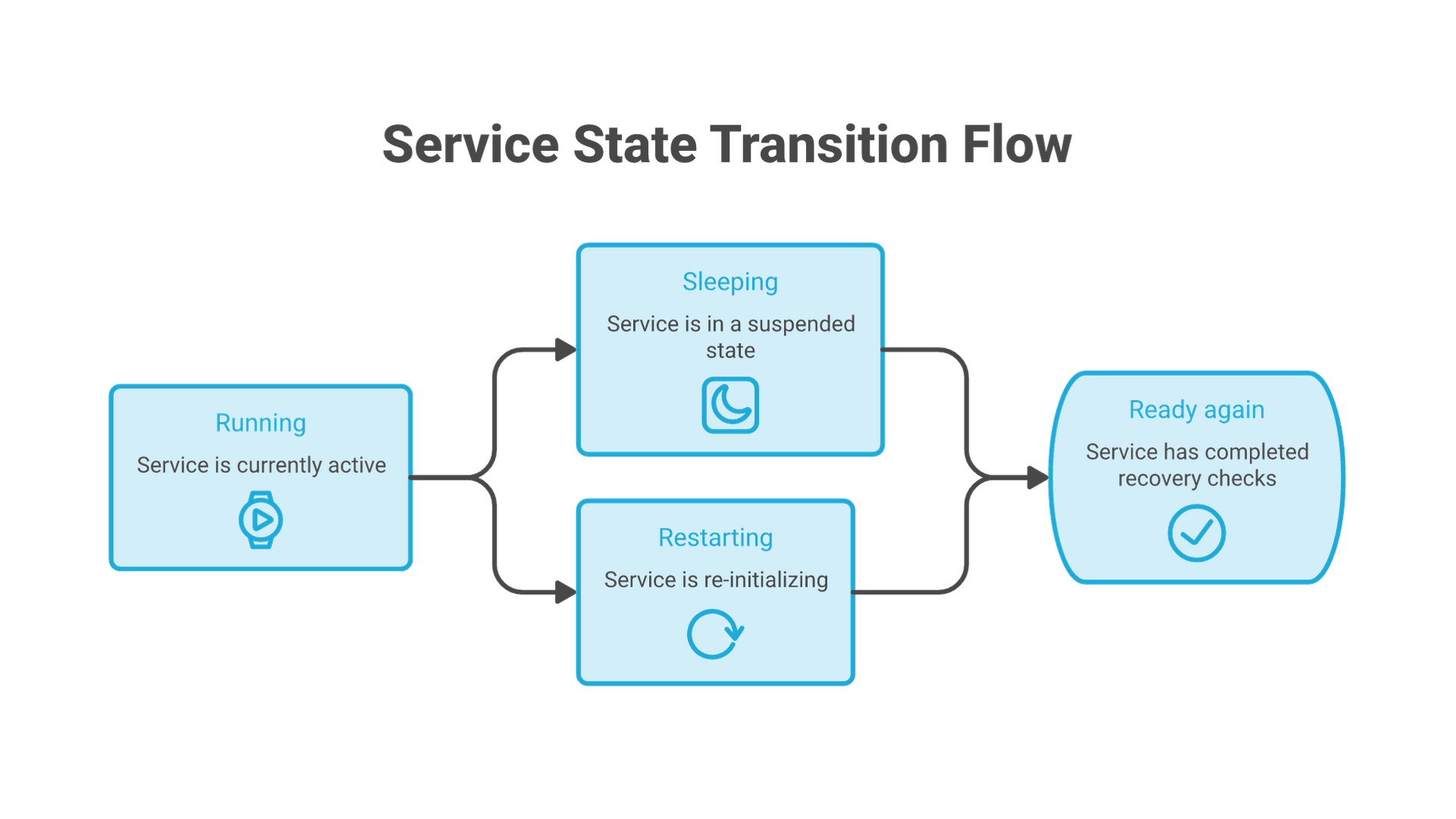
A sleeping Mac is not a dependable always-on inference service. Review Apple's sleep and wake settings for your macOS version and hardware. Display sleep, system sleep and network wake are different controls; do not assume that a dark display means the computer is unavailable.
For a desktop pilot, explicitly starting the application after login is a reasonable operating choice. If you configure a login item, document it and test what happens after a restart. A login item does not prove that the service is available before user login. Disk encryption and authentication requirements can also affect unattended recovery.
Perform a planned restart with no active work, then check the endpoint and repeat the fixture. Record whether manual login or application launch was required. Do not claim 24/7 operation until power loss, updates, sleep and recovery have been evaluated for the actual deployment.
Unload the Model or Stop the Service Deliberately
ollama stop qwen2.5:1.5b
ollama ps
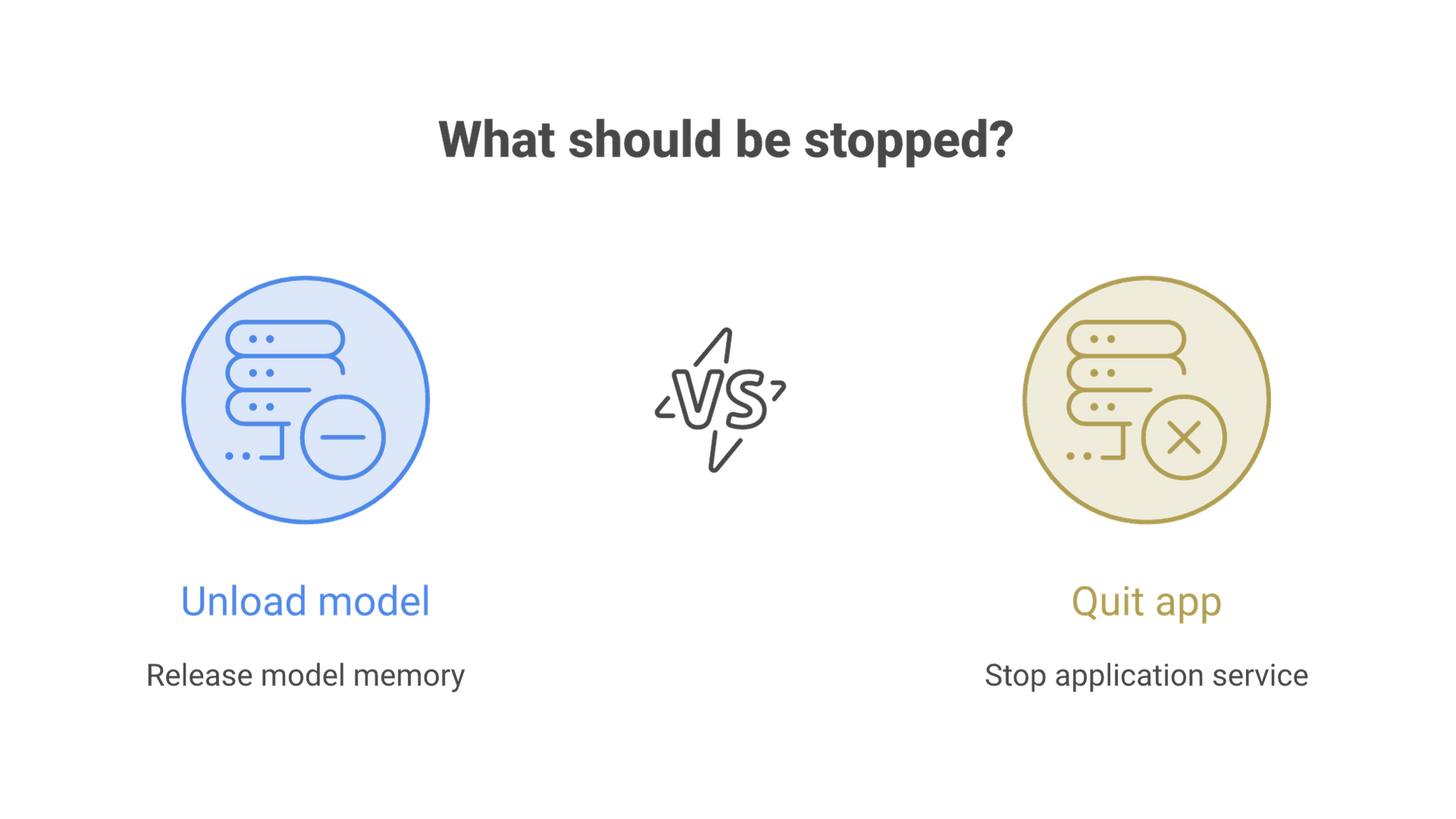
Unloading releases the model's runtime allocation but does not necessarily stop the Ollama application or API. To stop this application-based setup, use Quit Ollama from its menu. Recheck the local endpoint; a failed connection is expected when no server is running. Do not use forced process termination as the normal shutdown method.
If requests still succeed after quitting, another server process may exist. Identify its owner before stopping it. Keep model removal separate from shutdown: deleting an artifact is not required to stop serving it.
Move Beyond the Desktop Pilot Only with a Service Design
For team access, add an authenticated application boundary, resource authorization, bounded concurrency, logging policy and an operating owner. Do not change the bind address to all interfaces and call the result secure. The native endpoint is not a complete multiuser access-control system.
The pilot is complete when you can explain how it starts, which artifact it uses, what the fixture returns, how it behaves after restart and how it stops. Those observations are a stronger basis for a buying or architecture decision than an unsupported claim about how many parameters a Mac mini can run.