

OpenAI Agents API vs Agents SDK and Responses: An Enterprise Evaluation
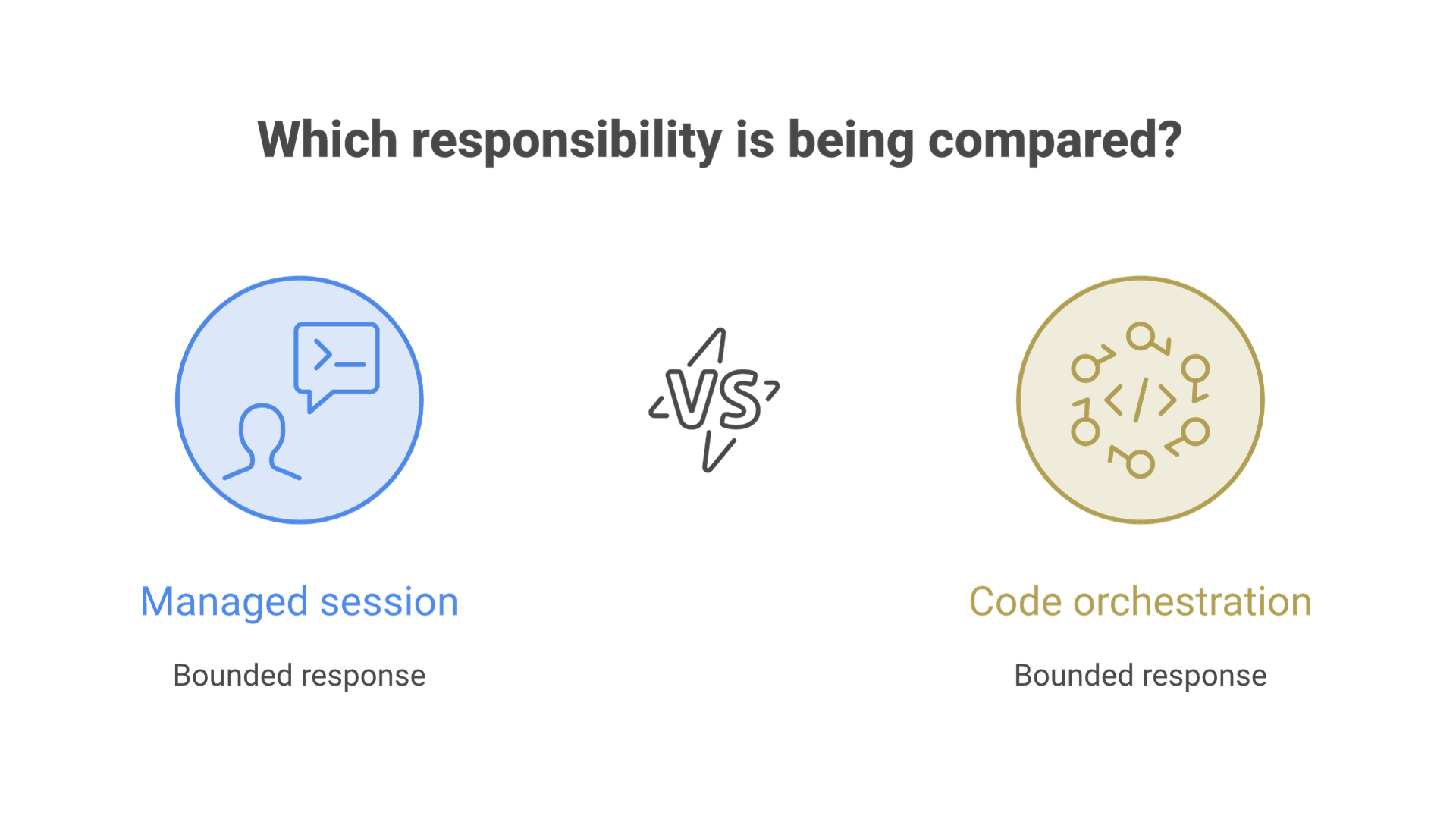
The OpenAI Agents API is a managed agent-session interface. The Agents SDK is an application framework for building agent behavior in code.
The OpenAI Agents API is a managed agent-session interface. The Agents SDK is an application framework for building agent behavior in code. The Responses API is a lower-level interface for model responses and supported tools. Choosing among them starts with which operating responsibilities you want to own.
This comparison is for teams evaluating a business workflow, not a replacement for the official quickstart. It is based on documentation checked October 23, 2026. No API account, paid run or production deployment was used to produce the example.
Compare the Operating Boundary, Not Just the Feature List
| Option | What you start with | Question for the team |
|---|---|---|
| Agents API | A managed harness with durable sessions and configurable execution environments. | Does its session and environment model fit our workflow and data constraints? |
| Agents SDK | Code-level agent orchestration with tools, handoffs and tracing capabilities. | Can we operate and maintain the application runtime and orchestration we build? |
| Responses API | A model-response interface with supported tool capabilities. | Is a bounded response/tool loop sufficient, or do we need a higher-level session system? |
The Agents API overview identifies agents, environments, sessions, and events/items as core concepts. It describes managed orchestration, context handling and recovery. These facilities do not decide your business permissions or acceptance policy.
The Agents SDK documentation and Responses guide describe different levels of application control. They can be parts of related systems, not mutually exclusive product categories. Compare the actual components required for your use case rather than assuming the most managed option is always simplest.
Trace a Read-Only Document Review from Input to Artifact
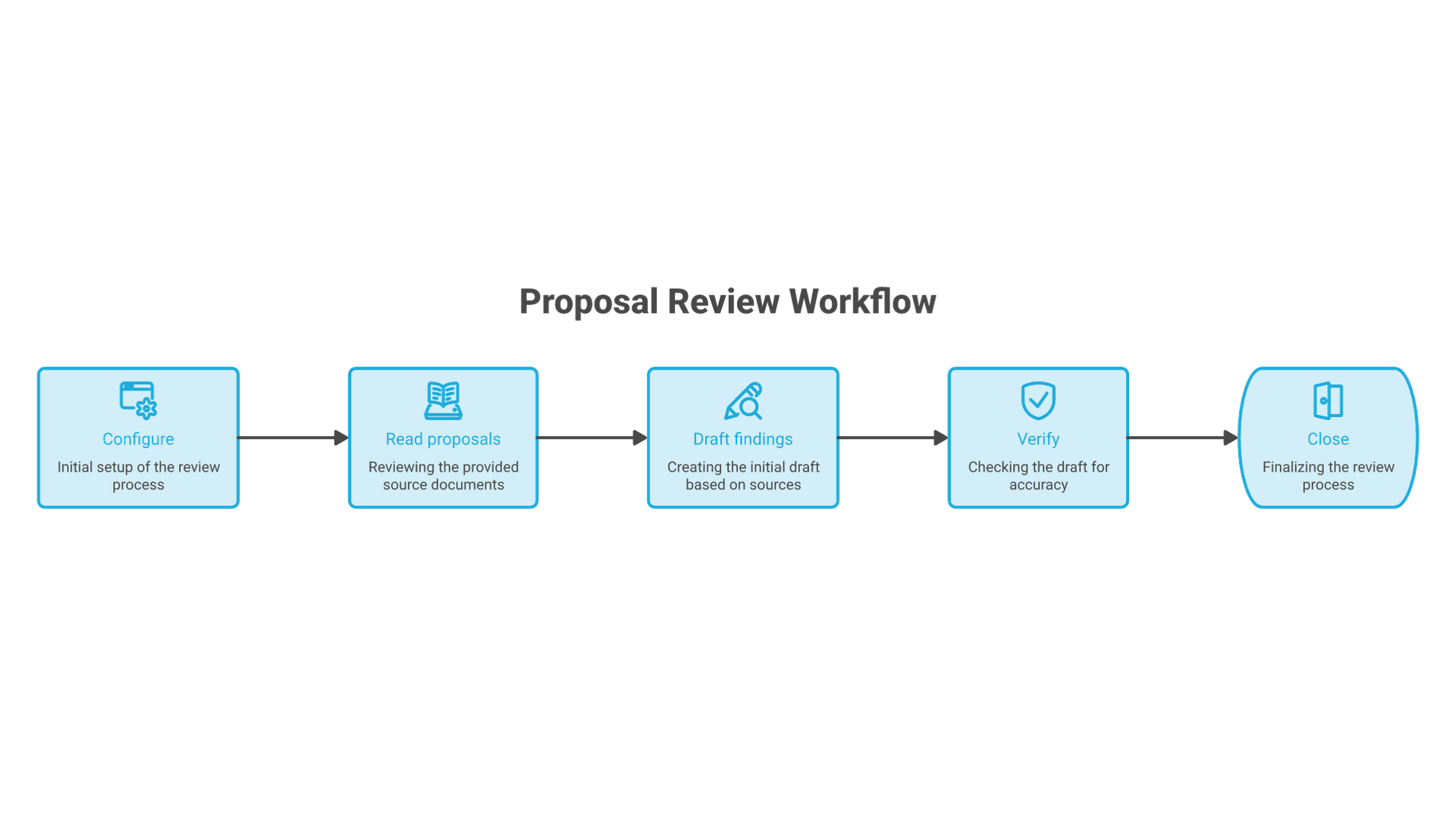
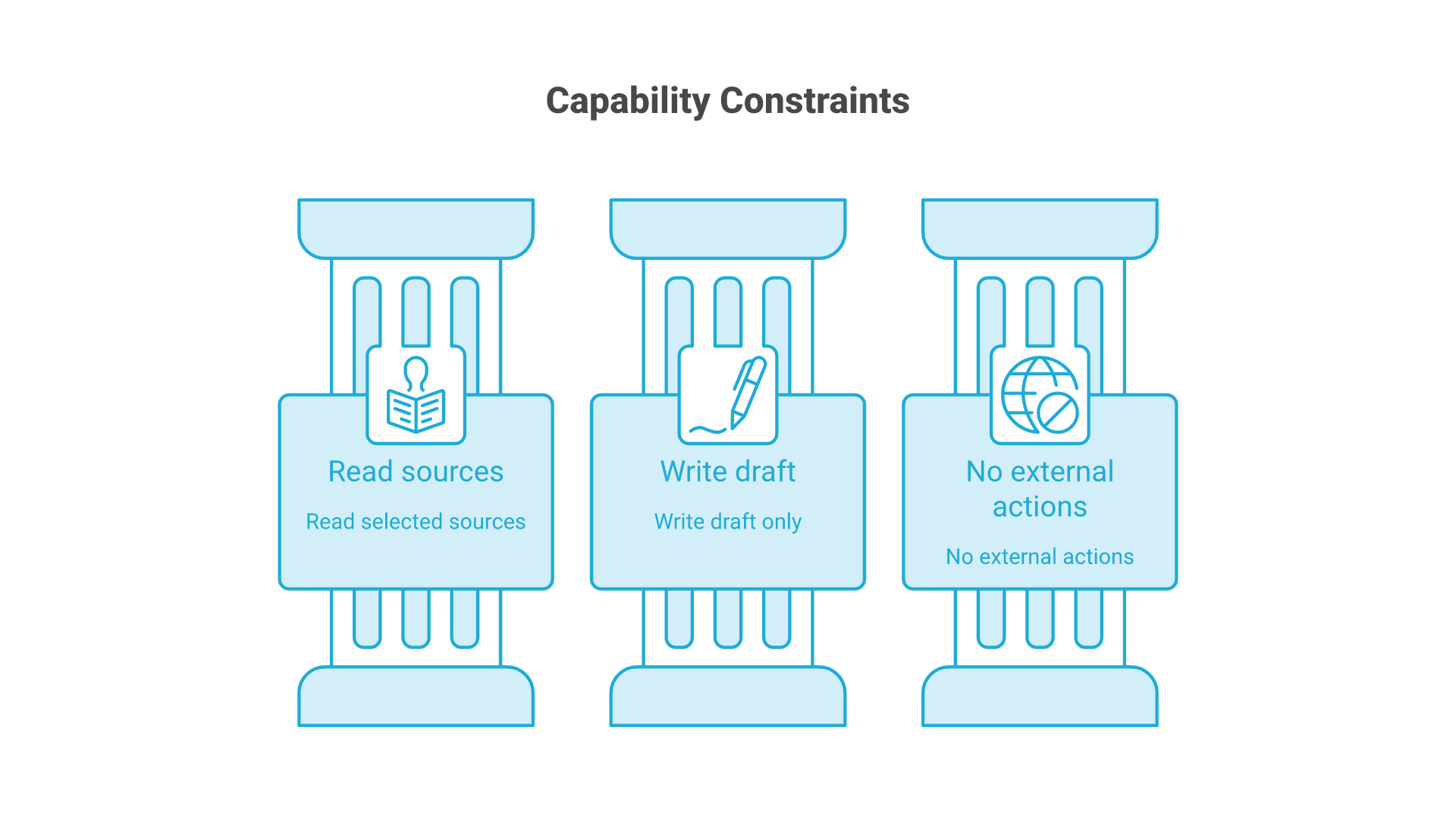
Consider an illustrative procurement task: compare two approved service proposals against a supplied checklist and prepare a discrepancy report. The agent may read the selected documents and write a draft artifact in its assigned environment. It may not contact suppliers, modify the source proposals, approve procurement or send the report.
- Configure: select the model, instructions, permitted tools, environment and resource limits. Record the proposal versions and checklist.
- Create the session: establish the managed work context using the current documented API contract.
- Submit the task: state the comparison questions, required citations and behavior for missing or conflicting information.
- Observe: follow progress and errors. A request for more access is a decision for the operator, not an automatic permission expansion.
- Inspect the artifact: verify that each material difference points to the correct proposal passage.
- Continue or close: request a correction within the same approved scope or end the work. Publishing requires a separate action and authorization.
An acceptable artifact might state that proposal A specifies a support window while proposal B does not. It must not infer that B offers no support at all. That distinction is a business-quality requirement independent of which API produced the text.
Map Each Capability to a Business Permission
| Capability | Allowed scope | Excluded action |
|---|---|---|
| Read documents | The two supplied versions and checklist. | Search unrelated confidential folders. |
| Write an artifact | A draft report in the assigned output location. | Overwrite source proposals or an approved report. |
| Use external tools | None in the initial pilot. | Contact suppliers or retrieve unapproved external data. |
| Request clarification | Ask the responsible human about a missing requirement. | Treat silence as approval. |
A sandbox constrains execution within its configured boundary; it does not establish that every mounted file is appropriate for the task. Review supplied files, network access, credentials and connected tools separately. A tool connection's existence is not evidence that all its operations should be enabled.
Keep the model's output distinct from an executed action. For any later write-enabled workflow, validate tool arguments and permissions outside the model. Require explicit approval for consequential actions and preserve the approved parameters so an altered request cannot reuse unrelated consent.
Plan for Failed and Interrupted Work
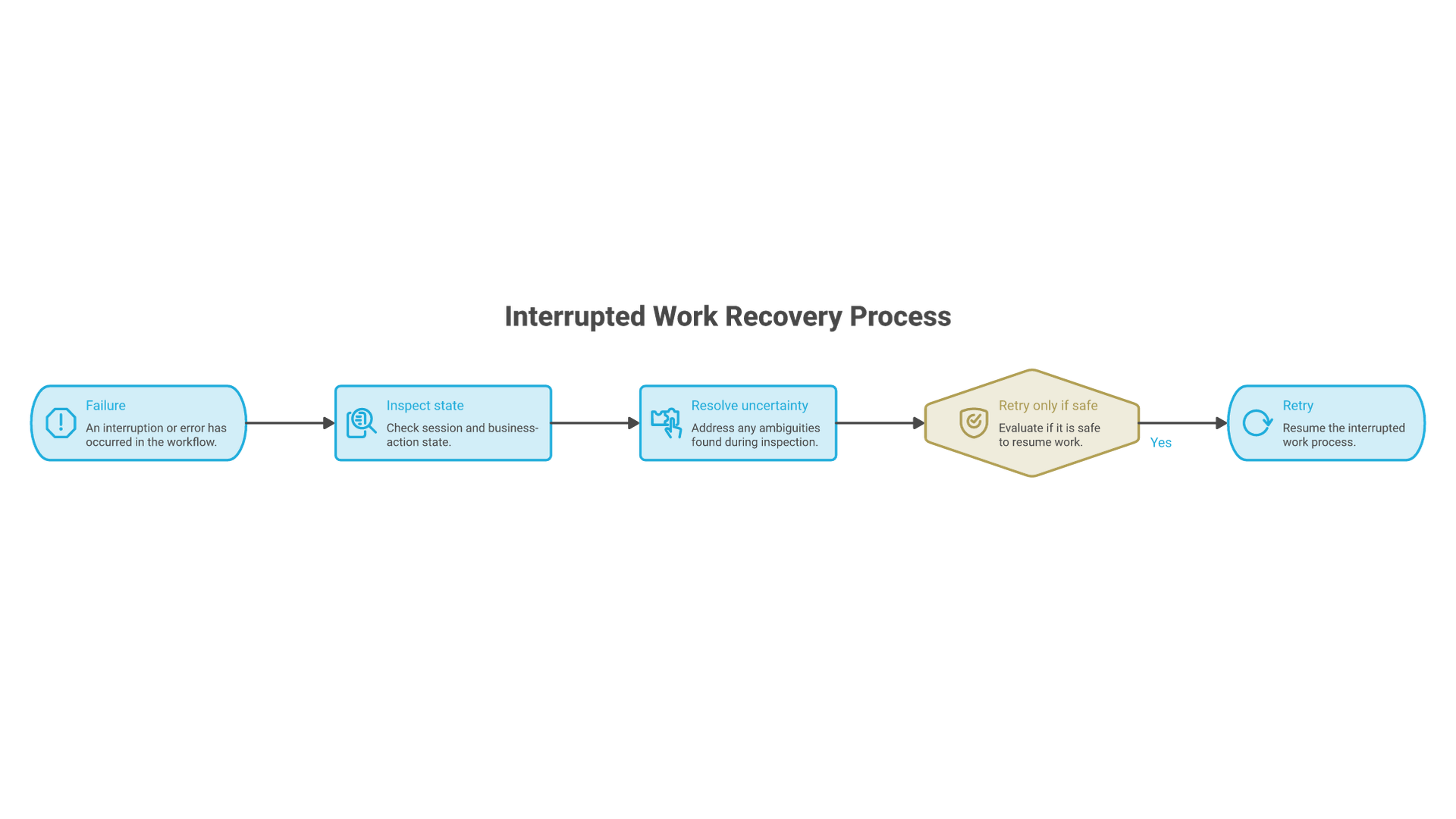
The official errors and recovery documentation is the implementation reference for current failure behavior. Application recovery should distinguish a failed request, an interrupted session and a business action whose outcome is uncertain.
In the read-only example, a failed report-generation attempt can usually be retried after checking its state. If a future workflow sends a supplier message, a timeout after submission may leave delivery uncertain. Blindly retrying could send it twice. Reconcile the external action using its identifier before deciding what to do next.
Preserve the source versions, task instructions, relevant events, error and any partial artifact. Label incomplete work as incomplete. A session that resumes successfully has not automatically recovered every external dependency or produced an accepted business result.
Evaluate Cost per Accepted Task
Build a small test set with complete proposals, missing clauses, contradictory amendments, unreadable input and an instruction embedded inside a document. The expected behavior for the last case is to treat that instruction as source content, not as authority to change the task.
Measure factual support, required findings, unauthorized-action attempts, reviewer corrections, elapsed time and total cost. Include retries and rejected artifacts. Report the sample and limitations; a pilot acceptance rate is not a universal quality score.
For a hypothetical batch costing $18 in model and tool usage, with 12 accepted reports, usage cost per accepted report is $1.50. Human review, integration, storage and operations are additional costs. If six reports are rejected, they still belong in the usage numerator; excluding them would understate the cost of useful work.
Choose the Smallest Operating Model That Meets the Need
Use a managed session when its lifecycle, recovery and environment model remove work you would otherwise need to build and operate. Use an SDK when application-level orchestration control matters and you can maintain it. Use a bounded response interface when a larger agent lifecycle adds complexity without solving a real requirement.
Before committing, verify account availability, current pricing, data-handling terms, regional requirements and tool permissions against the official documentation and your organization's review. No architecture choice substitutes for a well-defined task, evidence-based acceptance and an accountable operator.