


DreamHost Data Breach: What Happened, Who Is Affected and What Customers Should Do
A flaw in DreamHost's File Manager gave attackers weeks of access to FTP credentials and some webmail. See who is affected and the steps to take for your sites.
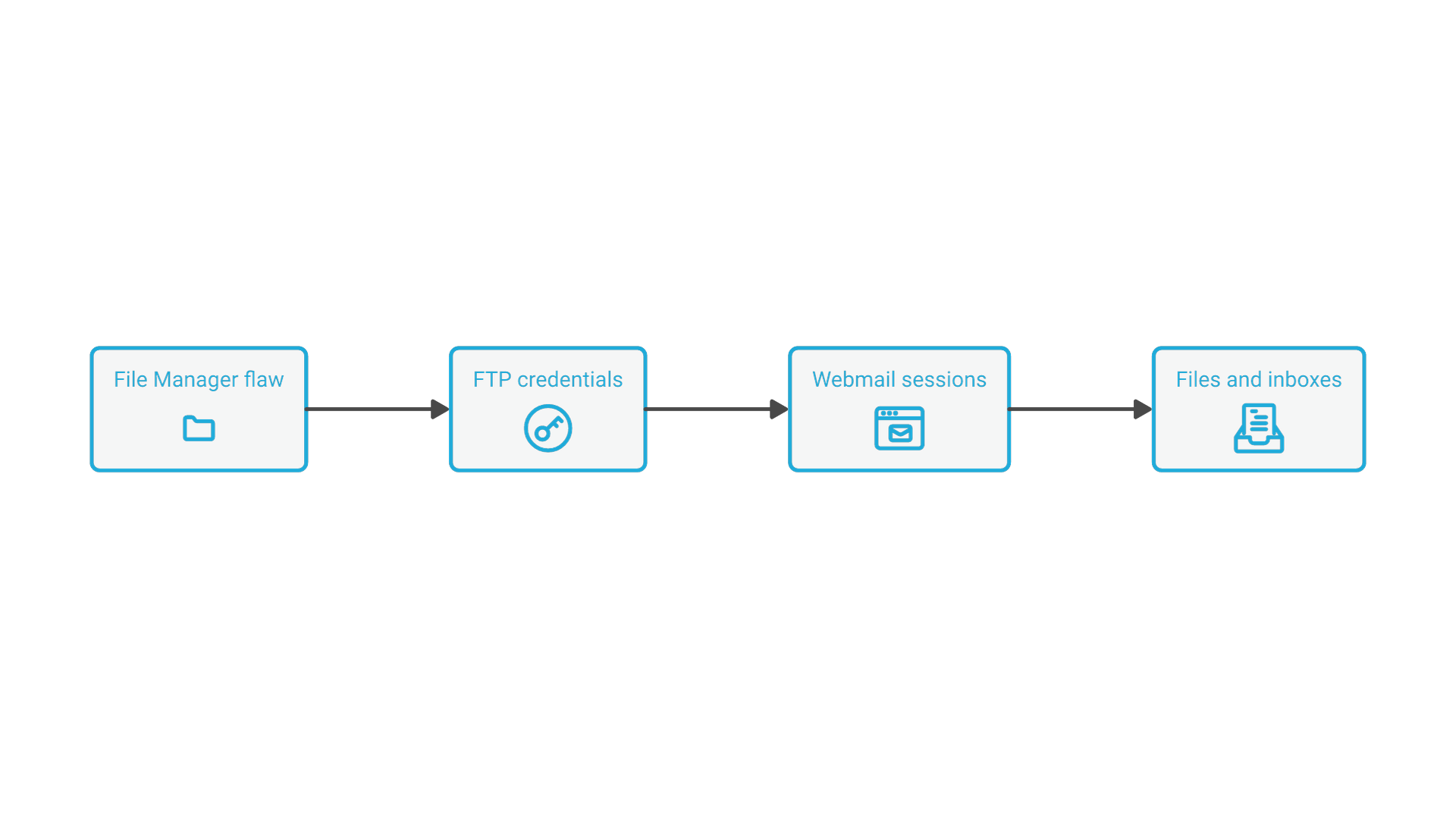
The DreamHost data breach went undetected for weeks. The web hosting company says an attacker exploited a flaw in the software behind its browser-based File Manager, collecting FTP and SFTP credentials and reaching some webmail systems, before DreamHost discovered the intrusion on October 23, 2026.
DreamHost disclosed the incident on October 29 and has since filed a breach notice with the California Attorney General. Here is what happened, who may be affected, the steps DreamHost recommends, and what the incident shows about protecting websites and email that a small or midsize business runs on shared hosting.
What Happened in the DreamHost Breach
According to DreamHost's incident notice, an unauthorized third party exploited a vulnerability in the third-party software that powers its web-based File Manager at files.dreamhost.com. That access exposed the FTP and SFTP usernames and passwords of customers who logged into the File Manager during the attack. The attacker also reached certain webmail systems and obtained login credentials or session information for a limited number of webmail users.
In its notice to customers, DreamHost says the access ran from approximately August 2026 until October 23, and the California Attorney General's breach listing records a start date of August 15, 2026. The notice says the contents of email and files stored on the FTP and SFTP server may also have been accessed. DreamHost says it found no evidence that control panel logins or billing details were taken, and that it does not store full payment card numbers.
After discovering the intrusion, DreamHost took the File Manager offline, fixed the vulnerability, reset passwords and ended active sessions for affected users, rotated internal credentials and retained outside forensic experts. The company says the incident is unrelated to the critical PHP vulnerabilities disclosed in October.
Who Is Affected by the DreamHost Breach
DreamHost says that, based on current analysis, well under about 10% of email and FTP or SFTP accounts were affected, fewer than it first suspected. A spokesperson gave TechCrunch a similar figure for customers but declined to explain why the attack went unnoticed for about two months, citing the ongoing investigation.
Two groups are most likely to be affected: anyone who logged into the File Manager between roughly August and October 23, 2026, and email users whose old passwords stopped working on or after October 23, when DreamHost reset them as a precaution. Customers who were affected should receive formal notices.
The webmail exposure deserves attention. A session token keeps a user signed in after login, so an attacker holding one can act as that user without knowing the password. That is why DreamHost ended sessions as well as resetting passwords, and why mailbox rules set during the attack window need review.
What DreamHost Customers Should Do Now
DreamHost recommends the following steps for affected accounts:
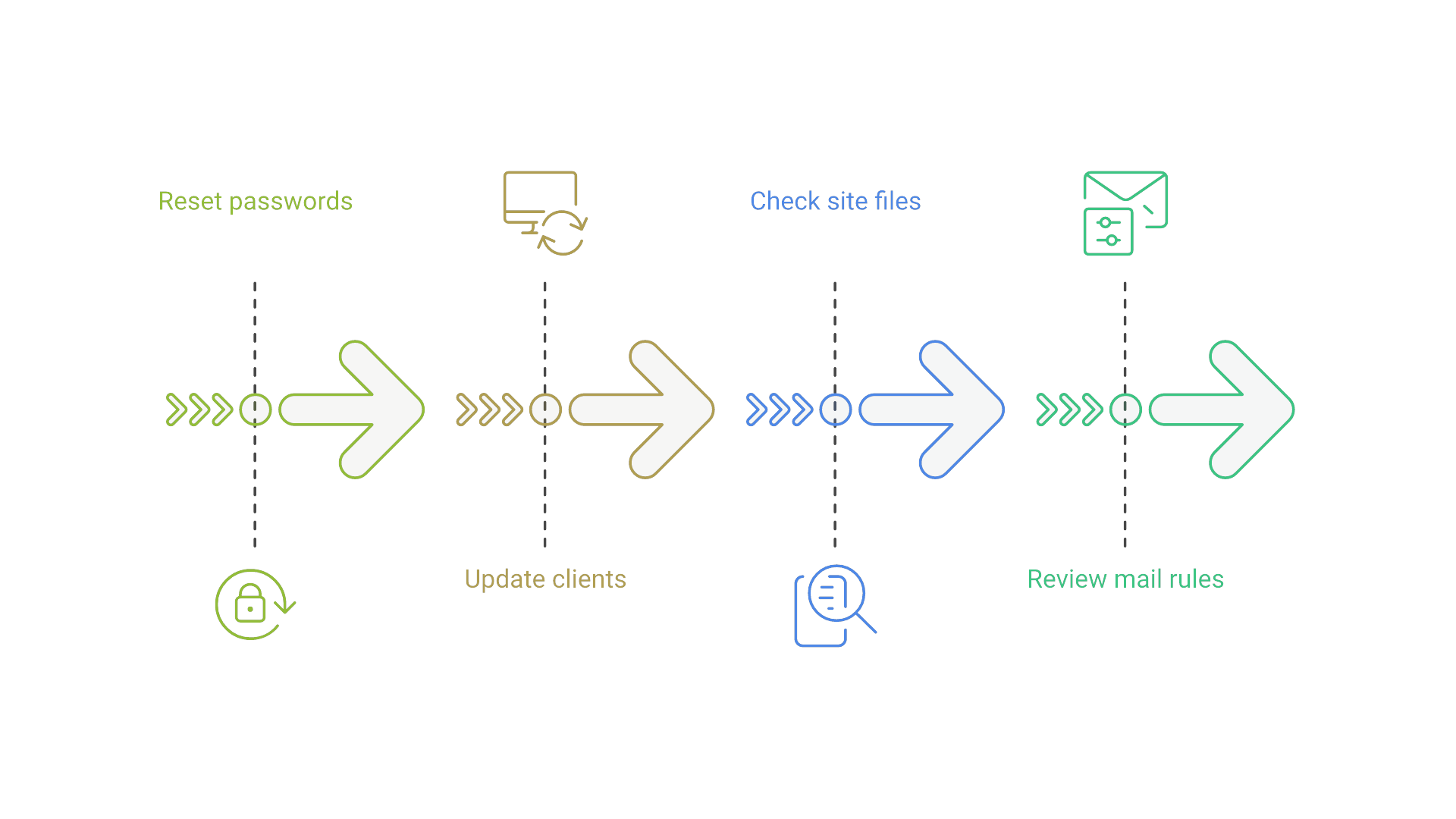
- Change passwords. The account owner must set new passwords for affected mail, FTP and SFTP users in the control panel; changes can take up to 15 minutes to apply.
- Use unique passwords. Replace any reused password everywhere else it appears.
- Update saved credentials. Email, FTP and SFTP clients that stored old passwords will fail until updated.
- Check website files. Look for changes you do not recognize.
- Review mail rules. Remove forwarding rules or filters you did not create.
- Check your obligations. If your site or mailboxes hold data about your own customers, ask legal counsel whether you must notify anyone.
Be careful with follow-up messages. DreamHost says it will never email you asking for your password, and recommends going straight to its control panel rather than clicking links. Beyond the immediate reset, it is worth confirming where every company site, domain and mailbox is hosted and who holds the credentials; an infrastructure assessment can turn that list into a plan for consolidating or moving what no longer fits.
What the Breach Teaches Businesses About Hosted Sites and Email
The most uncomfortable detail is dwell time. A flaw in a convenience tool, a browser file manager built on third-party code, gave an attacker weeks of quiet access to credentials. Small businesses often rely on exactly this kind of shared hosting and rarely monitor it.
Several practices limit the damage when a provider is compromised:
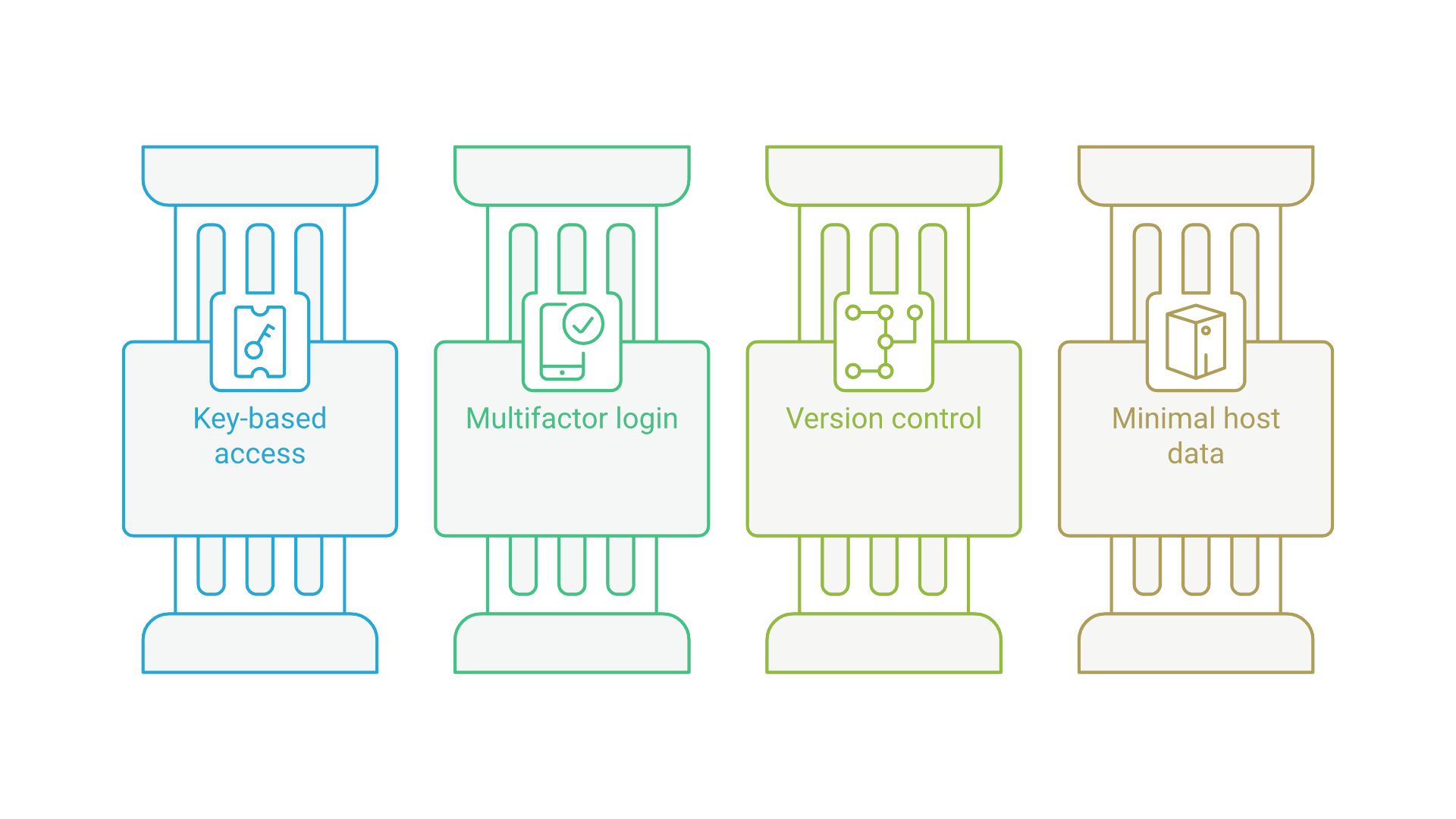
- Prefer key-based access. Where possible, use SFTP or SSH keys instead of reusable passwords for file transfer.
- Turn on multifactor authentication for hosting control panels and email.
- Keep site code in version control so unexpected file changes are easy to spot and roll back.
- Limit what lives on the host. Do not store customer records or secrets in web directories or old mailboxes.
For companies that build their own web applications, the broader lesson is to treat third-party components, credentials and deployment as part of the development process. DevSecOps practices such as dependency scanning, secrets management and automated checks in the pipeline catch many of these weaknesses before they reach production.
Frequently Asked Questions
Was DreamHost hacked?
Yes. DreamHost says an attacker exploited a vulnerability in the software behind its File Manager from about August 2026 until it discovered the intrusion on October 23, 2026, exposing FTP and SFTP credentials and some webmail sessions.
Was my DreamHost payment information stolen?
DreamHost says it found no evidence that billing details or control panel logins were accessed, and that it does not store full payment card numbers.
How do I know if my DreamHost account was affected?
You are more likely affected if you used the File Manager between August and October 23, 2026, or if your email password stopped working on or after October 23. DreamHost is sending formal notices.
What should I do after the DreamHost breach?
Set new unique passwords for mail, FTP and SFTP users, update saved credentials, check site files for changes, review mail forwarding rules and filters, and ignore emails asking for your password.
Conclusion: Reset Now, Then Reduce Your Exposure
The DreamHost breach is a reminder that a hosting provider's tools are part of your attack surface. Affected customers should reset credentials and review their sites and mailboxes now, then use the moment to move toward key-based access, multifactor authentication and a clear record of what runs where.
If you want help reviewing how your sites and applications are hosted and built, talk with the Cognativ team.