
Support for Software Your Business Depends On
An application does not stand still after launch. Dependencies change, integrations need attention, users report issues, and business priorities evolve. For a small or midsize business, even a narrow software problem can interrupt an important customer or operational workflow.
Cognativ provides ongoing software support and maintenance for organizations that need a clear approach to issues, updates, and improvements. An engagement starts with the application and the people responsible for it, then defines the work, access, priorities, and support arrangements appropriate to the business.
Whether you need help with a custom application, an existing integration, or a platform that has grown harder to maintain, the goal is to make operating responsibilities visible and give your team a practical way to decide what happens next.
Business impact
The workflows and users affected when an application has a problem.
System evidence
Current architecture, dependencies, incidents, and available operating information.
Service ownership
The people, access, decisions, and providers needed to keep work moving.
Where Ongoing Maintenance Helps
A support plan should reflect how the software is used, not just a list of technical tasks. Start with the operational effects that matter to your business and the information available to investigate them.
Recurring Issues and Unclear Ownership
- Issue Triage
- Ownership
A problem that appears in several applications may move between vendors, internal staff, and support queues without a clear owner. Repeated workarounds can make the same issue harder to diagnose over time.
Define where requests are recorded, who triages them, and when another team or provider needs to be involved. A shared incident history gives the people investigating an issue useful context.
Aging Dependencies and Integrations
- Dependencies
- Integrations
Applications rely on operating environments, libraries, APIs, and external services that change. A version update or integration change can affect a workflow even when the application itself has not been rewritten.
Inventory the dependencies in scope, identify responsible owners, and plan review and testing around changes. For each critical connection, clarify the expected behavior when the other system is unavailable.
Limited Visibility Into System Health
- Monitoring
- Reporting
Teams may know that users are having trouble without knowing which component failed or whether the problem is recurring. Logs and alerts are useful only when someone can interpret and act on them.
Determine which signals are available, where they are recorded, and who should receive them. Reporting can connect the technical information to the business process affected and the next decision.
Improvements Competing With Urgent Work
- Priorities
- Backlog
New requests, security updates, and unresolved defects all compete for the same time and budget. Without a shared view of priorities, important maintenance can be postponed indefinitely.
Maintain a visible backlog and assess work by business impact, risk, dependencies, and effort. The team can then agree which tasks belong in the current support scope and which need a separate project.
Software Support and Maintenance Services
An engagement can combine routine maintenance, issue handling, and targeted improvement. The exact activities depend on your applications, existing providers, access, and agreed responsibilities.
Application Maintenance and Defect Resolution
- Applications
- Defects
Investigate reported defects, reproduce the issue where practical, and define the change needed to address it. Maintenance may also include version updates, configuration review, and attention to recurring application problems.
A change should be tested against the affected workflow and documented for the people who operate it. Prioritization and timing depend on impact, dependencies, and the agreed support scope.
Security Updates and Dependency Review
- Updates
- Security
Review the software components and dependencies included in the engagement, then coordinate appropriate updates or remediation. Access controls, patch history, and the handling of sensitive data are part of the planning conversation.
Security work should align with the organization’s policies and the actual environment. The client and its advisors determine applicable obligations; maintenance activities alone do not establish compliance or eliminate security risk.
Monitoring, Alerts, and Reporting
- System Health
- Escalation
Where monitoring is included, define the applications and signals to observe, the tools available, and who receives an alert. Useful signals might include an integration failure, an application error, or an operational condition relevant to a business workflow.
Agree how issues are recorded, escalated, and reviewed with the responsible teams. Reports can help identify patterns and outstanding decisions, but their usefulness depends on the data and coverage available.
Database and Integration Maintenance
- Data
- Interfaces
A workflow may depend on data moving between an application, a database, and third-party platforms. Maintenance can include reviewing a failed exchange, planning an interface change, or addressing a data issue within the agreed scope.
Identify the authoritative record and the teams responsible for each boundary. Test error handling and reconciliation with the systems involved, including access and vendor constraints.
Performance and Reliability Improvements
- Performance
- Testing
Investigate performance concerns against an agreed symptom and the information available. A slow process may involve application code, data, infrastructure, or a dependency outside the application.
Identify a practical change, test its effect, and consider how it will be monitored after release. Any improvement depends on the starting conditions and the scope of the work.
Enhancements and Technical Debt
- Enhancements
- Planning
Software often needs modest changes as a process, user role, or connected system evolves. A maintenance backlog can capture those needs alongside defects and update work.
Review technical debt in terms of the risks or delivery friction it creates. Larger features, migrations, or redesigns can be scoped separately when they exceed the agreed maintenance arrangement.
How an Ongoing Support Engagement Works
The retained Cognativ approach connects an initial assessment with implementation, maintenance cycles, monitoring, and improvement. The sequence and deliverables are agreed for the specific engagement.
Assess the Current Environment
- Assessment
- Dependencies
Begin with the applications, business workflows, users, and dependencies that need support. Review available documentation, known issues, release practices, access, and existing service providers.
Identify gaps that affect the ability to investigate or safely change the system. The assessment creates a starting point for deciding what can be supported and what requires further discovery.
Agree on Scope and Responsibilities
- Coverage
- Accountability
Define the systems and activities included, the contacts for business and technical decisions, and how requests enter the support process. Establish escalation paths and the responsibilities retained by internal staff or other vendors.
Discuss coverage hours, severity definitions, response expectations, reporting, and any service levels before work begins. Specific commitments belong in the agreement and depend on the service selected.
Plan and Make Controlled Changes
- Change Control
- Testing
Prioritize defects, updates, and improvements with the people who understand their business impact. Plan testing, approvals, maintenance windows where needed, and an appropriate way to recover from a failed change.
Document what was changed and who needs to know. The level of formality should fit the application and its risks, including any client or regulatory review requirements.
Review Signals and Improve
- Service Review
- Next Decisions
Review incidents, completed work, outstanding risks, and user feedback at a cadence suited to the engagement. Use the findings to adjust the backlog and clarify whether an issue needs a fix, a broader investigation, or a separate project.
Cognativ’s RAPID method connects research, analysis, planning, implementation, and decisions. Applied to support, it helps teams keep day-to-day work connected to the operational priorities behind it.
Choose Support That Fits Your Business
A small business with one critical application may need a different arrangement from an organization coordinating several systems and providers. The important decision is who owns each part of the work and how that ownership will operate in practice.
Application-Focused Support
- Application
- Defined Scope
An application-focused engagement can concentrate on an identified product or workflow. Define the supported components, known issues, change process, and the people who can authorize work.
This can be a useful starting point when the business needs help maintaining an existing system but is not ready to replace it.
Coordinated Support Across Systems
- Multiple Systems
- Coordination
A broader scope may include interfaces and operational handoffs across more than one application. Agree which provider owns each system and how shared incidents are investigated.
A coordination model can make dependencies and escalation paths clearer without assuming one team controls every vendor or platform.
Maintenance and Planned Improvement
- Backlog
- Budget
Some businesses need both issue handling and a way to plan improvements. A shared backlog can distinguish maintenance, security updates, and enhancement requests.
Discuss priorities, available capacity, approval points, and when a larger change warrants a separate proposal. Budget and service terms should reflect the work actually agreed.
Transition From a Previous Provider
- Handoff
- Access
When an existing team or vendor is handing over support, identify the documentation, environments, deployment process, and access required for the transition. List the unresolved issues and dependencies before responsibilities change.
Confirm what the prior provider will transfer and who retains ownership of accounts and infrastructure. A phased handoff and verification plan can help the incoming team understand the application.
Software Operations in Practice
These Cognativ case studies illustrate work on operational visibility and connected applications. Their details belong to the individual engagements and do not establish the scope or outcomes of a new support agreement. Two further cases, fintech platform stabilization and a subscription platform rebuild, show related work in other settings.
In each example, the useful question is how teams identified failures, made information available, and coordinated the work around an existing platform. Review the underlying case when considering a similar operating problem.
Telecom Platform Stabilization and Observability
Software Reliability
Platform Modernization
Release Management
Virtual CTO
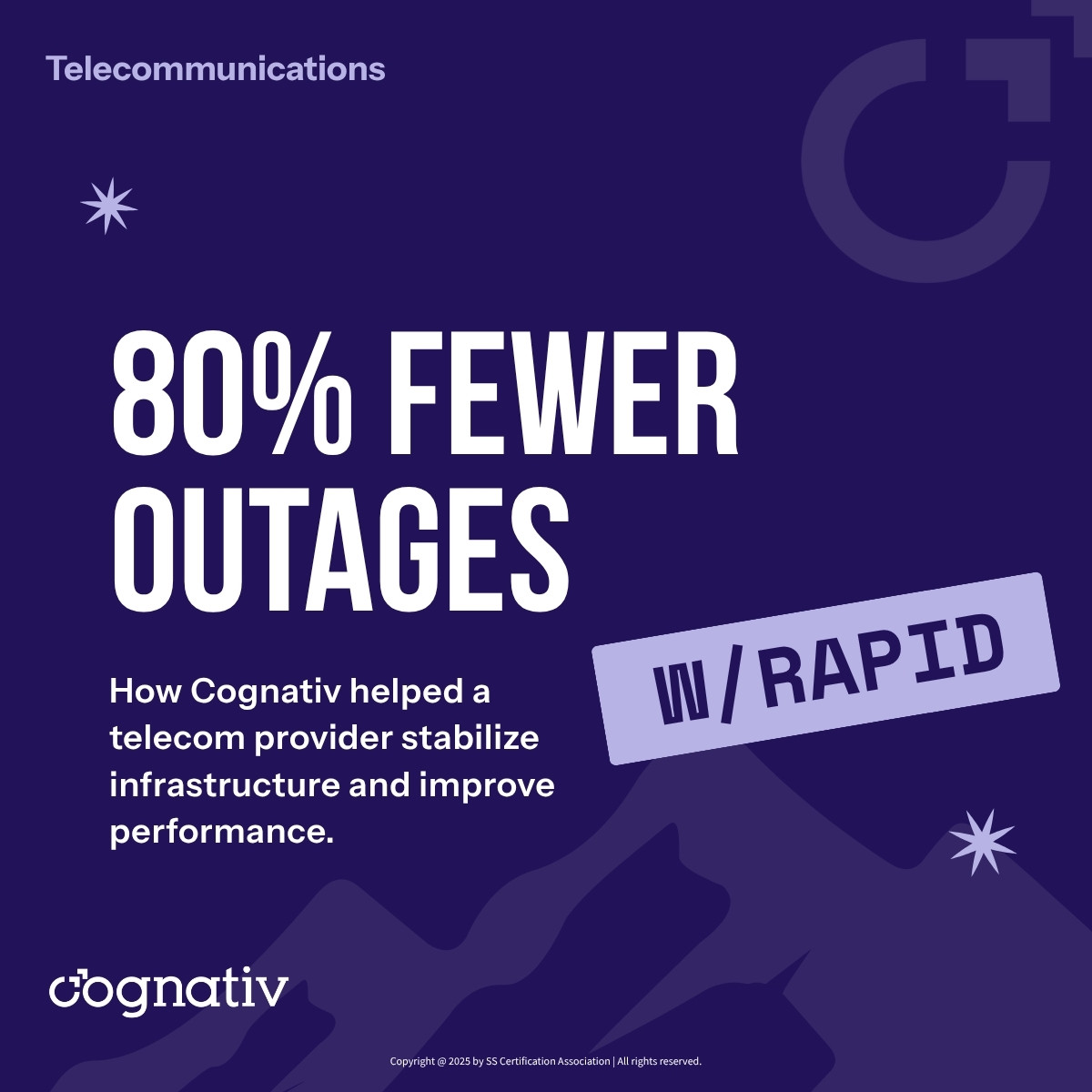
Telecom Platform Stabilization and Observability
Cognativ worked with a telecom infrastructure provider on platform stabilization, observability, and incident ownership under a Virtual CTO model.
The retained case describes architecture assessment, dashboards, alerts, and shared incident workflows, followed by continuing advisory on scalability and release discipline. The case reports that outages dropped by more than 80% within months.
Explore the Telecom Case Study
Ecommerce Order Visibility and Integration
Systems Integration
Workflow Automation
Order Management
Observability
Ecommerce Order Visibility and Integration
Cognativ worked with an omnichannel retailer on order integration and observability across fulfillment, customer experience, and technical operations.
The retained case describes a shared view of order status and exceptions and continuing support for performance tuning, monitoring, and roadmap planning.
Explore the Ecommerce Case Study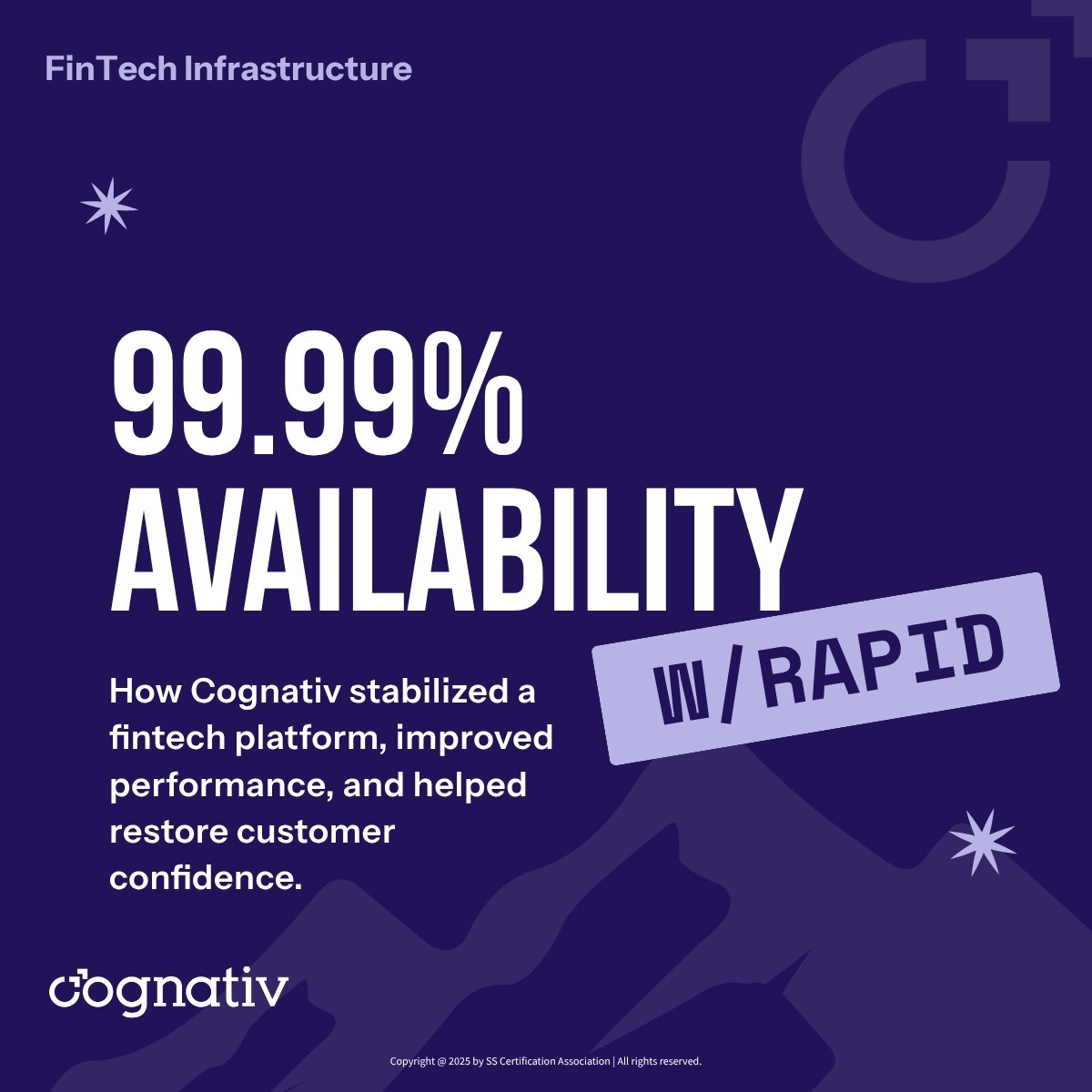
Fintech: Prioritize Stability Before Expanding the Roadmap
Platform Modernization
Elastic Scaling
Observability
Virtual CTO
Fintech: Prioritize Stability Before Expanding the Roadmap
A growing fintech platform faced outages, transaction failures and technical debt that pulled engineers away from product work. Cognativ's Virtual CTO engagement investigated those failure points, mapped dependencies and prioritized changes to the core platform.
The case reports 99.99% availability for core services over a trailing 12-month period. The decision was not simply whether to rewrite the application. It was which components needed attention, which behavior had to be preserved and how leadership would evaluate the next release.
Read the fintech platform stability case study.
Subscription Businesses: Connect Signup, Billing and Service
Subscription Software
Billing Systems
Platform Modernization
Billing Integration
Subscription Businesses: Connect Signup, Billing and Service
A digital subscription business had demand but an unstable MVP. Customers could not reliably sign up, pay and activate their service. Cognativ rebuilt the subscription platform around onboarding, billing and operational reporting.
A subscription journey continues after the first payment. Plan changes, trials, cancellations and support access need clear behavior and ownership. Reviewing those transitions together exposes problems that a successful checkout test alone can miss.
Explore the subscription platform rebuild.Prepare for a Support Conversation
Bring the application or workflow you want to support, the people who use it, and the issues that matter most. Existing documentation, recent incidents, and a list of connected systems help establish a useful starting point.
We can discuss the current environment, the boundaries of the work, and what needs to be confirmed before proposing an arrangement. If another provider or internal team retains responsibility for part of the system, include that handoff in the discussion.
Explore software development services

Discuss Your Software Support Needs
Tell us which applications and workflows your business depends on, and where you need support.
Share the systems, providers, priorities, and constraints so we can discuss the right scope and next step.
Software Support and Maintenance Questions
Explore common questions about coverage, scope, and operating responsibilities.
What does software maintenance include?
Depending on the agreement, maintenance can include defect investigation, updates, dependency review, monitoring, integration maintenance, and targeted enhancements. Define the applications and activities in scope before work begins.
Can Cognativ support software built by another provider?
An engagement can begin with an assessment of the existing application and the information available. Access, documentation, ownership, dependencies, and the previous provider’s handoff affect what can be supported and how the work is scoped.
How are support hours and response expectations determined?
Discuss the business impact of incidents, desired coverage, escalation contacts, and the services required. Any service levels, response targets, and exclusions are agreed for the specific engagement; they should not be assumed from a general service description.
Does maintenance include security updates?
Security updates and dependency review can be included when agreed. Identify the components in scope, who approves and applies changes, and how updates are tested and recorded. Your organization remains responsible for determining applicable security and compliance obligations.
Can you monitor our application and integrations?
Monitoring can be part of the support scope when the relevant systems, tools, and access are available. Agree which signals matter, who receives alerts, and how an issue is escalated across providers.
How do you prioritize defects and enhancements?
Review requests against business impact, risk, dependencies, and available capacity. A shared backlog and named decision owners help distinguish routine maintenance from a larger change that needs a separate scope.
How much does ongoing software support cost?
Cost depends on the applications, service coverage, complexity, dependencies, and activities included. A useful proposal begins with an understanding of the environment and the responsibilities your team wants to retain or delegate.
What should we prepare before a support assessment?
Share the application’s purpose, key users, current providers, known issues, and available architecture or operating documentation. Examples of recent incidents, deployment practices, and integration dependencies can help identify the work and access needed.