
Cognition Devin Bots: Which Plans Include Them, Who Pays and What Sharing a Bot Hands Over
Devin Bots skip the $20 Pro plan, charge sessions to the creator by default, and lend their connected accounts to anyone they're shared with. How to start one.
Cognition's Devin Bots, launched November 17, 2026, are persistent agents that take ownership of an engineering goal and start as many Devin sessions as the work needs. Launch-day coverage focused on the Android app a Bot built and the race with OpenAI and Anthropic; several reports called pricing undisclosed.
By the next day, Cognition's pricing page and documentation answered most of what a buyer asks first. Bots sit on the Max, Teams and Enterprise plans, every Bot bills to its creator by default, and a shared Bot lends its creator's connected accounts to everyone it is shared with. Those three rules decide whether a small software company can try one safely.
Devin Bots Own an Outcome and Run Their Own Devin Sessions
The product changes the unit of work handed to the agent, from a single ticket to an ongoing responsibility. The launch facts below come from Cognition's post and its documentation.
In the Devin Bots launch post, Cognition describes a Bot as a persistent agent with its own memory and tools that leads several Devins in parallel, keeps context across sessions and "brings you only the decisions that need your judgment." Those decisions collect in a Needs You inbox, and the Bot can be reached in the Devin app, in Slack or by iMessage. Each piece of work runs in its own child session on its own machine. Cognition's main example is an Android Bot that, over 44 days, merged 1,134 pull requests and closed 1,217 tickets while its engineer sent it 183 messages.
Fortune, which had the launch as an exclusive, placed Bots against OpenAI's Dots and Anthropic's Duet and reported Cognition's claim that Bot usage grew tenfold in two weeks across early-access customers such as Decagon, Fireworks AI and Reducto. Chief executive Scott Wu told the magazine: "Self-driving software is, I think, the direction that it's going." Cognition's official X account also posted a product clip on launch day.
Devin Bots go beyond personal agents to focus on professional software engineering. With its cloud computer, Devin Bot handles every step from planning, to code review, and automated testing. The decisions that need you show up in one place. pic.twitter.com/zOjE2uBIa6
Devin Bots Come With Max, Teams and Enterprise, Not the $20 Pro Plan
Pricing was the most common open question in launch coverage. Cognition's pricing page, read on November 18, answers it with a plan gate rather than a separate fee for each Bot.
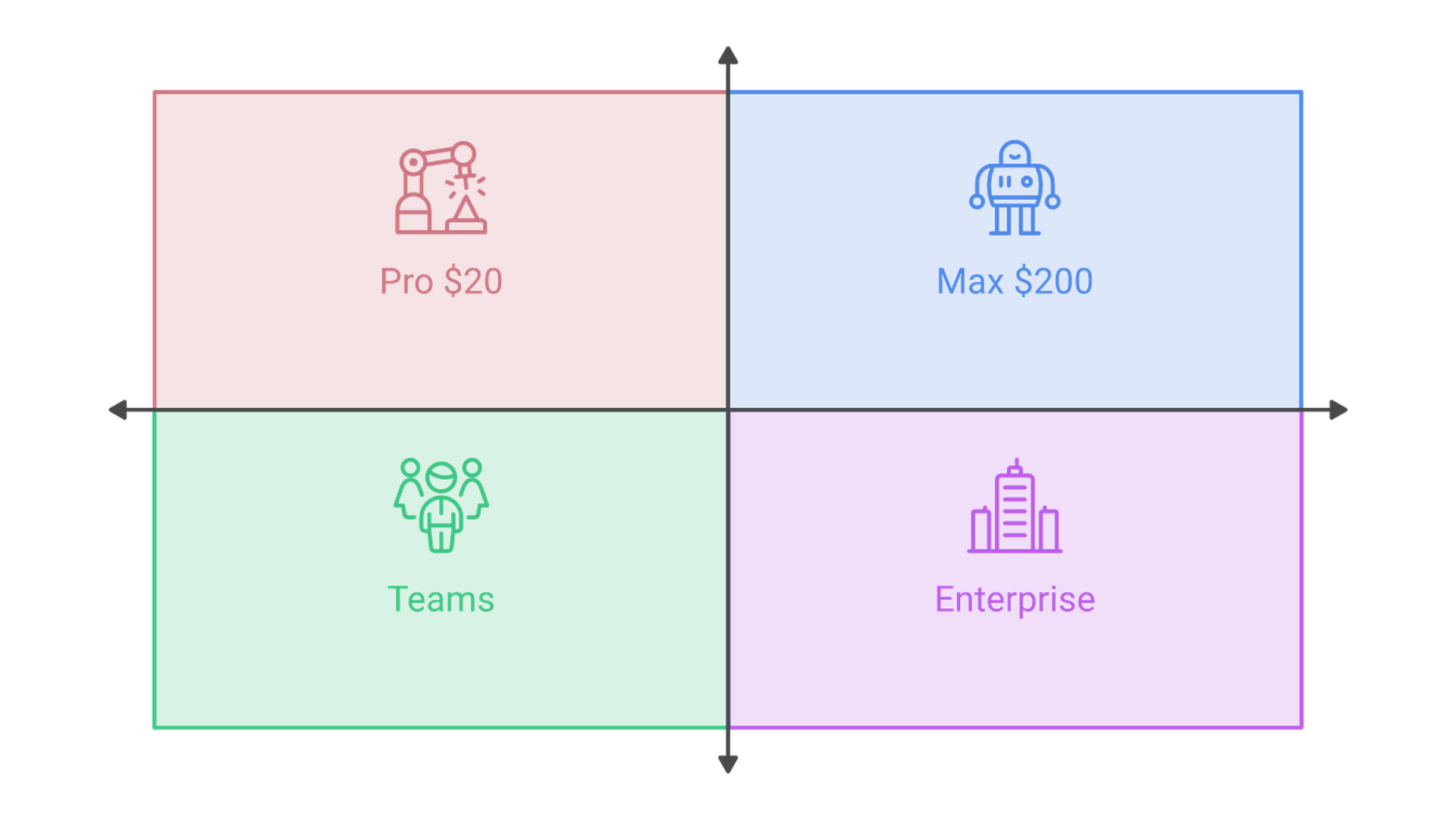
The individual Pro plan at $20 a month lists cloud agents but not Bots. Max, a new individual plan at $200 a month, lists "Access to Devin Bots" with much higher usage quotas. Teams, shown at $80 a month (the plan card does not say whether per user) and open to up to 100 users, also includes Bots, along with SAML or OIDC single sign-on and cost controls with three usage tiers. Enterprise lists Bots next to SCIM provisioning, role-based access control and a dedicated deployment option, priced by quote.
For a solo developer on Pro, trying one Bot means a tenfold jump in the monthly bill. For a small team, Teams is the entry point and the first plan with the cost controls below.
A Devin Bot Bills to Its Creator, and Each Plan Caps It Differently
A Bot's usage is its own chat plus every session it starts. Cognition's usage-limits page says the creator pays, and how far that spending can run depends on the plan.
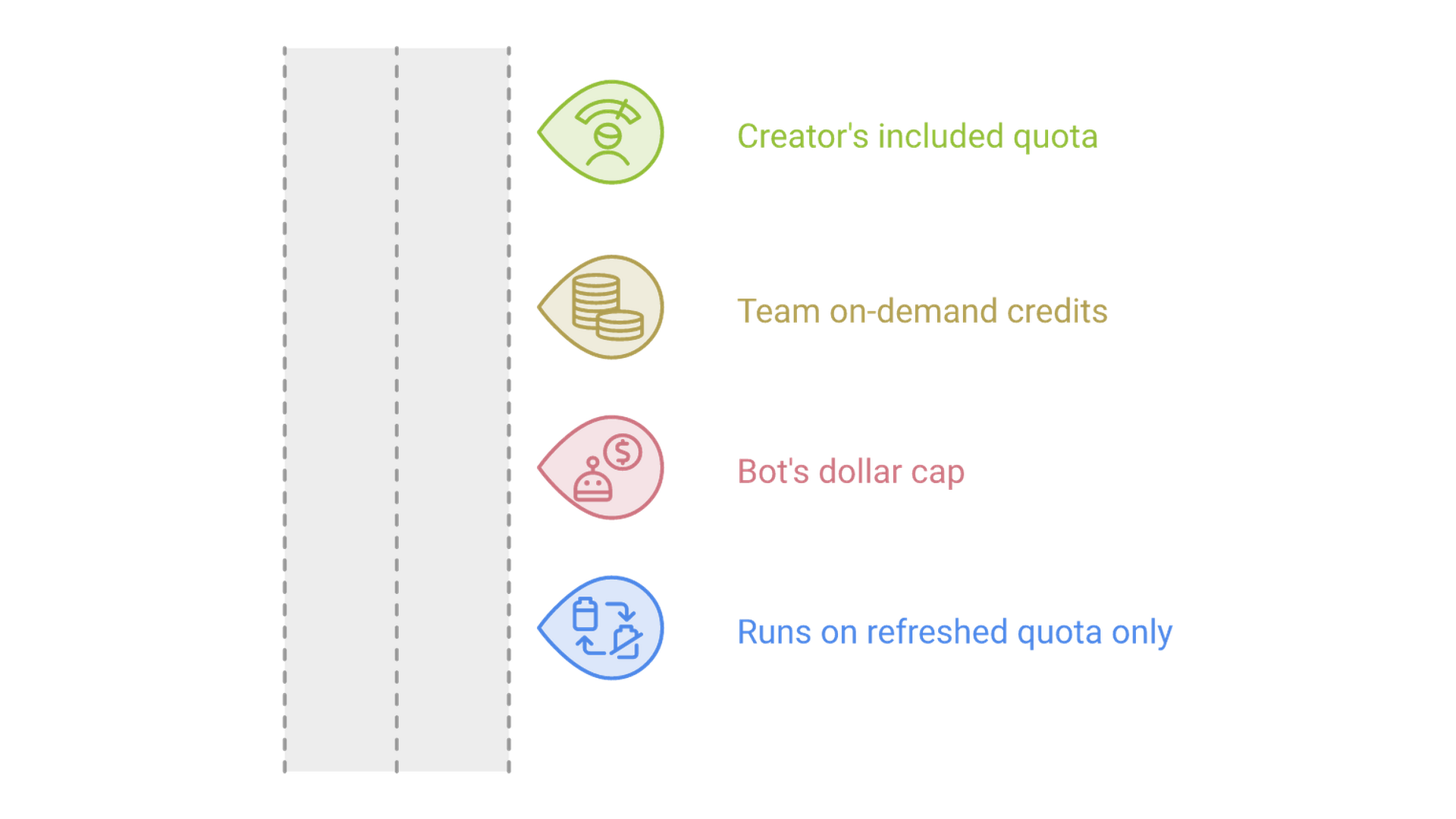
On Max, a Bot draws on the owner's included quota and then on-demand credits, with no separate limit for the Bot. On Teams, it uses the creator's included quota first and then the team's on-demand credits. The creator or an admin can set an on-demand cap in dollars; once it is reached, the Bot keeps running only while the creator still has included quota. A creator on a flex seat has no included quota, so every dollar the Bot spends is on-demand. An admin can also move a Bot to its own limit, which takes it off the creator's quota entirely.
Enterprise caps a Bot with an ACU or dollar limit tied to the contract, but the documentation adds a condition: a Bot's limit only stops it when budgets and user limits are enabled for the enterprise, which takes a request to the account team. On Teams and Enterprise, admins get a Bots page listing every Bot with its creator, usage and limit, and each Bot's own usage page projects spending to the end of the billing cycle.
Sharing a Devin Bot Shares Its Sign-Ins, Secrets and Memory
The access model is the detail most likely to surprise a team lead. A Bot acts with access it was given, not with the access of whoever happens to be messaging it at the time.
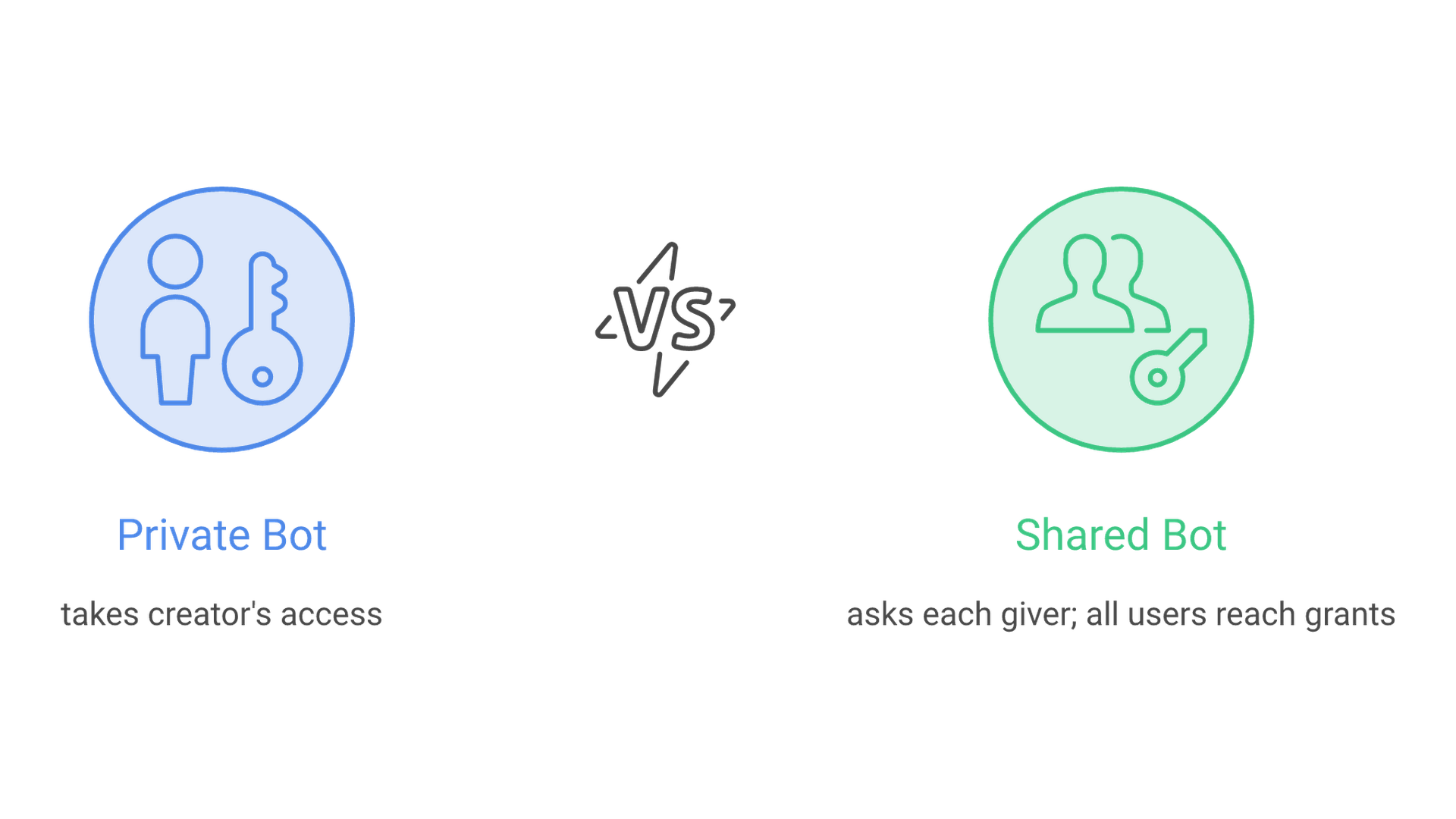
Cognition's access and security guide says everyone added to a Bot can use every sign-in, secret and session the Bot already holds, read its conversation and read what it remembers. A private Bot takes its creator's secrets, sign-ins and plugins without asking, though each one is recorded as a grant. Once the Bot is shared, each new piece of access needs approval from the person giving it. Connecting two Bots can expose one Bot's work to people it was never shared with, and the guide suggests a fresh Bot from a template when a conversation holds anything private.
Some limits help: a grant never exceeds what its giver holds, and a sign-in disappears when that employee leaves or loses access. Access comes in three separate levels, Can use, Can configure and Can share. For any tool the whole team will use through a Bot, the guide advises giving the Bot its own account in place of a personal sign-in, which matters most where an engineer's own accounts carry admin rights. Writing down which accounts each Bot holds, who may use it and who reviews its grants is the kind of work an AI governance program formalizes before agents spread across teams.
Devin Bots vs. Kiro Bots: Cognition's Cloud Machines or Your Own Host
AWS made Kiro bots generally available twelve days before Cognition's launch, so many teams will compare the two. The biggest differences sit in hosting, defaults and plan access.
| Question | Devin Bots | Kiro bots |
|---|---|---|
| Release | Launched November 17, 2026 | Generally available November 5, 2026 |
| Where the work runs | A cloud machine for each session | Kiro Crew on a laptop, Mac Mini or EC2 instance |
| Starting permissions | Private to the creator; asks before new access once shared | Trust mode, without per-action approval |
| Plan access | Max, $200 a month | Any Kiro plan runs Kiro Crew; no bot-specific tier |
| Who pays | The Bot's creator, by default | Credits from the plan, including scheduled runs |
The trade is plain: Kiro is cheaper to start but leaves the host, its uptime and its file access to the team, while Devin moves execution to Cognition's machines and charges more for entry. On both, the quality bar is the team's job: Cognition's post says engineers still have to define success and build the tests and benchmarks a Bot uses to judge its own work, which is ordinary software engineering discipline applied to a new kind of contributor.
FAQs About Devin Bots
Short answers to setup questions that buyers are asking about Devin Bots this week, each checked against Cognition's documentation and its public Bot marketplace on November 18.
What is the difference between Devin and a Devin Bot?
A Devin session handles one request. A Bot keeps one chat, memory and automations for an outcome it owns, and starts Devin sessions for each piece of work.
What Devin Bot templates are available?
Cognition's Bots page features Software Factory, Android Engineer, Chief of Staff, Latency Optimizer, Product Engineer and QA Engineer, and teams can share their own Bot's instructions as a template.
Can a Devin Bot merge pull requests by itself?
Yes. Cognition's Android Bot merged pull requests that passed CI and Devin Review, and teams choose which changes still need a person, who handles them in the Needs You inbox.
How do you delete a Devin Bot?
Archive stops a Bot and can be undone. Delete permanently removes its settings, sessions, memory and automations. Only the creator and roles with Manage Bots see both options.
One Private Bot, a Dollar Cap and Its Own Accounts Come First
The plan, billing and access rules point to the same opening move for a small engineering team, made before a Bot is shared with anyone else or connected to another Bot.
Start one private Bot on a Teams plan with a goal that has a clear test, set an on-demand cap in dollars, and swap personal sign-ins for accounts the Bot owns before sharing it. Read its Needs You items and grant list for a few weeks, then decide whether a second Bot is worth its cost. If you want help scoping that first Bot, its accounts and its budget, tell us about your engineering setup.